Easy Remote for TiVo
Screenshots

ASO analysis
Good use of the title field.
Could go longer. The first 252 chars are above-the-fold; everything else still indexes.
Used by similar apps in your niche, but not in your title or description. Adding these (where genuinely relevant) can broaden your search reach.
Words you and your peers both use. Confirms positioning in this niche.
Keyword rankings
iTunes Search · top 200About
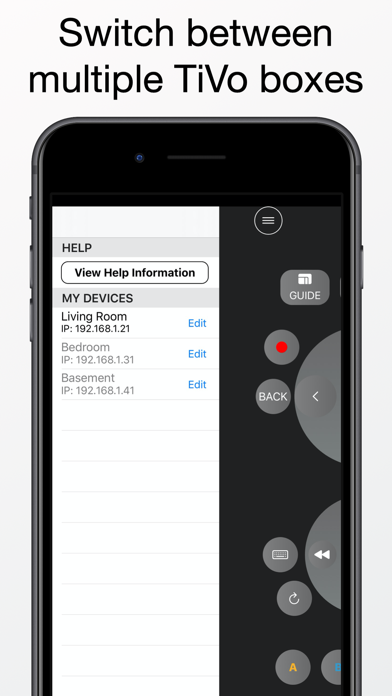
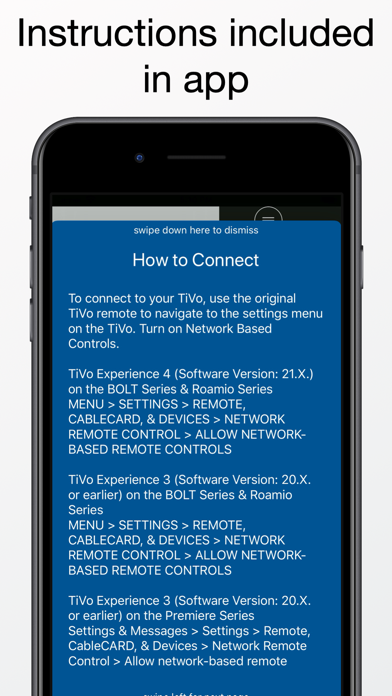
Easy Remote allows you to control your TiVo using your iPhone. You can navigate the guide, setup recordings, and play your stored shows. To get started, press the menu button (3 horizontal lines icon) at the top left of the screen. Please note that you must be connected to the same network as your TiVo box. Features - An easy to use and convenient button layout - QWERTY input by pressing the keyboard button - Automatic DVR device discovery A TiVo Series 3 or later is required. To connect, you will need to enable Network Remote Control. To enable Network Remote Control, go to MENU->SETTINGS->REMOTE & DEVICES -> NETWORK REMOTE CONTROL. From this menu, enable network-based remote controls. You will also need your IP address. The app is able to automatically detect the IP address when adding a new device. The IP address can also be obtained by going to MENU->SETTINGS->NETWORK SETTINGS. The IP address will be shown on the right side of the screen.