

EasyType Keyboard for Watch
Screenshots
ASO analysis
Good use of the title field.
Could go longer. The first 252 chars are above-the-fold; everything else still indexes.
Used by similar apps in your niche, but not in your title or description. Adding these (where genuinely relevant) can broaden your search reach.
Words you and your peers both use. Confirms positioning in this niche.
Keyword rankings
iTunes Search · top 200About
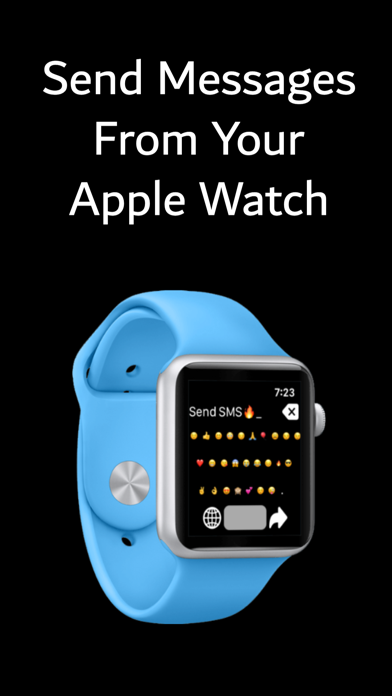
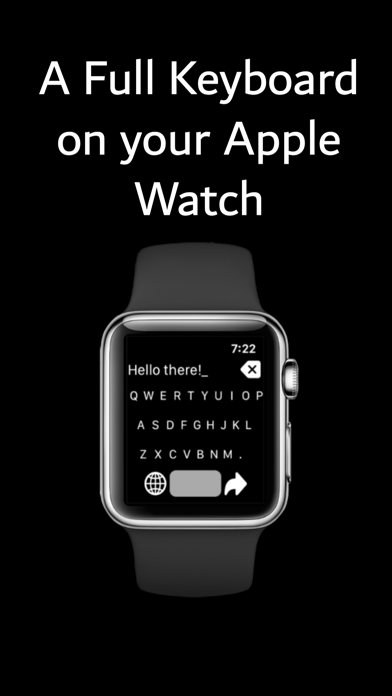
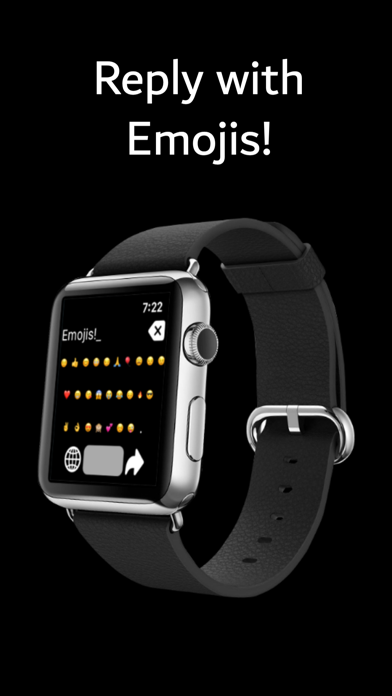
EasyType is an easy to use QWERY style keyboard for the Apple Watch. It allows you to type up messages and send them via the messages app on the Apple Watch. EasyType includes swiping shortcuts to make typing faster on the Apple Watch. To delete a character, just swipe left over the text. To add a space, just swipe right. EasyType now has an autocorrect feature for the English language. Autocorrect is disabled by default. To enable autocorrect, go into the settings menu by deep pressing on the screen (3D press). When you type a misspelled word and press space, autocorrect will attempt to fix the mistake. To select from correction options, spin the Digital Crown. To input a space without making a correction, swipe right on the message text area. Our users find that having a QWERTY keyboard is faster and easier to compose text messages than voice dictation or scribble. EasyType also includes easy to access special characters and emojis with their own keyboards. To access these characters and emojis, press the bottom-left key on the keyboard. Easytype includes a menu to access additional function. To access the menu, long press on the screen. From the menu, you can preview your complete message, change settings, and clear your messages. Please note that EasyType currently only supports the English language keyboard. If you don't see the app on your Apple Watch, please open the App Store on your Apple Watch, search for the app by name, and click the download button.


