

eufy Clean (EufyHome)
Screenshots


ASO analysis
Good use of the title field.
Could go longer. The first 252 chars are above-the-fold; everything else still indexes.
Used by similar apps in your niche, but not in your title or description. Adding these (where genuinely relevant) can broaden your search reach.
Words you and your peers both use. Confirms positioning in this niche.
Keyword rankings
iTunes Search · top 200About
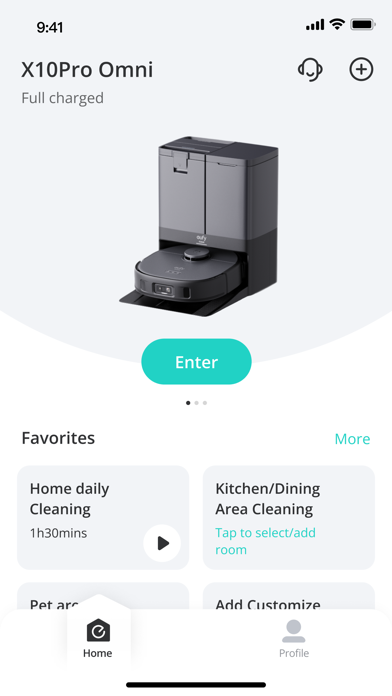
eufy Clean - Live Well. Live Smart. Control your eufy smart home devices from anywhere. You can also share eufy smart home devices with family members, so everyone can set their own personal preferences for each device. How to use eufy Clean: -Note: For new products released after 2026 (such as C28, S2, etc.), please use the eufy app. - Registering your account: After downloading the app, create and register an account with your Email address. (Or directly log in with your EufyLife account) - Adding devices: Open the eufy Clean app and follow the intuitive setup procedure to pair new devices with your smartphone. If a device has already been setup by another family member, you can request control access to operate that device from that family member. - Using devices: After successfully pairing the new device, it will show up in the device list. Simply tap the icon you wish to use and start enjoying the Eufy smart home experience. Contact Us: • Email: support@eufylife.com • Website: eufylife.com • Facebook: @EufyOfficial


