Evernote Scannable
Screenshots


Estimates
low confidenceASO analysis
Good use of the title field.
Could go longer. The first 252 chars are above-the-fold; everything else still indexes.
Used by similar apps in your niche, but not in your title or description. Adding these (where genuinely relevant) can broaden your search reach.
Words you and your peers both use. Confirms positioning in this niche.
Keyword rankings
iTunes Search · top 200- evernote scannable2 data points#1
About
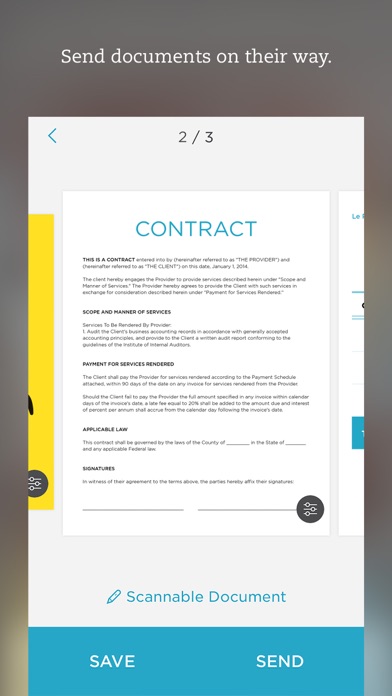
Scannable moves paper forward. Scan contracts, receipts, business cards, and any paper that comes your way. Save or share documents instantly and move on. Automatically capture high-quality scans anywhere - Scan fast: Point your camera at documents, expense receipts, or whiteboards. Scannable immediately captures them. - Save time: Scannable automatically rotates, crops, and adjusts images so your scans are clear and easy to read. - Share or save: Send documents to colleagues via email or text, or export them as PDF and JPG files to Evernote and other apps. Deal with paper professionally - Turn business cards into contacts: Pull information from business cards and save it all to your contacts list. - Go paperless: Scannable works seamlessly with the ScanSnap Evernote Edition Scanner to get multi-page documents where they need to go. - A scanner for everyone: With Scannable, your whole team can control a ScanSnap Evernote Edition Scanner from their own devices and send paper on its way. Scannable is free to download and use.