EXIF Viewer by Fluntro
Screenshots

Estimates
low confidenceASO analysis
Good use of the title field.
Solid length. Make sure the first 252 chars hook the reader.
Keyword rankings
iTunes Search · top 200About
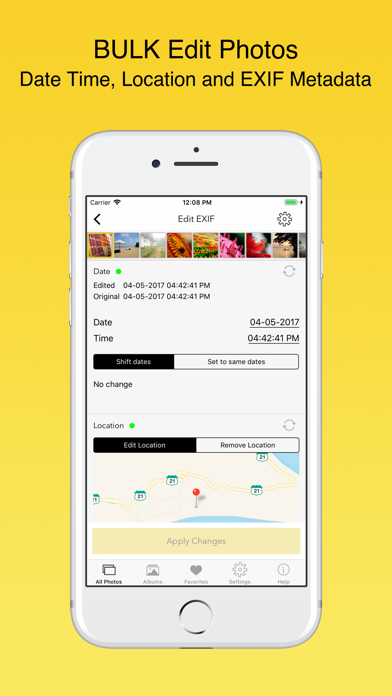
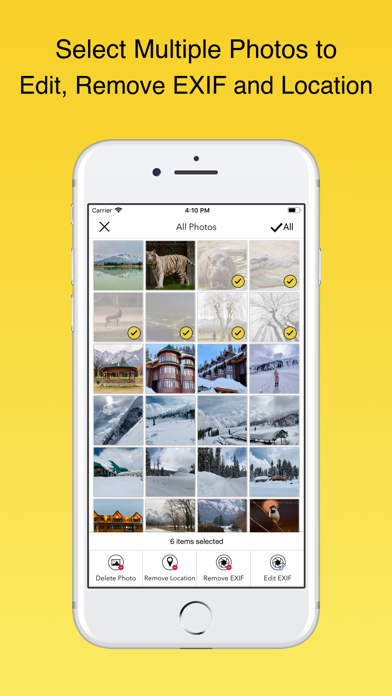
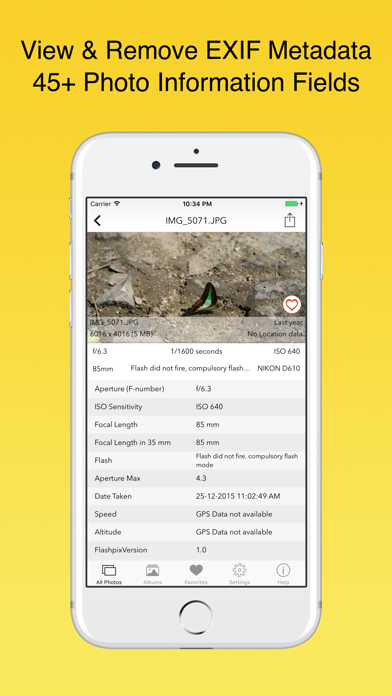
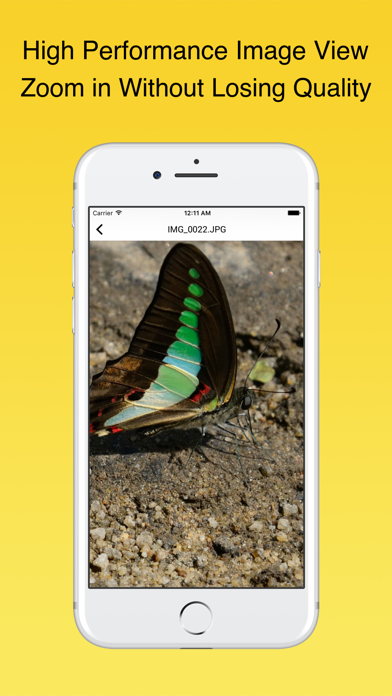
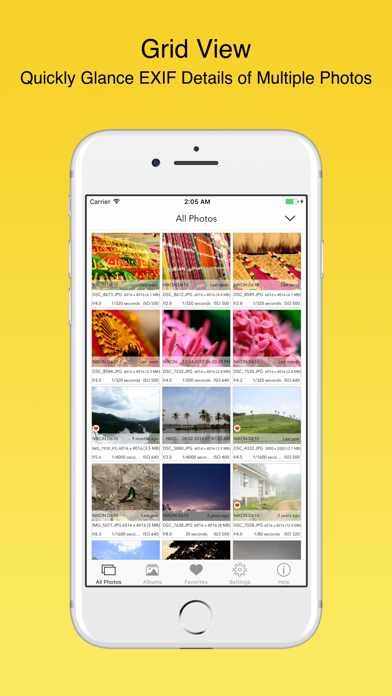
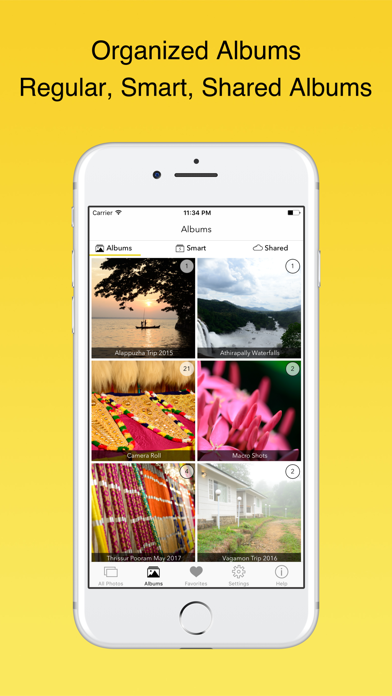
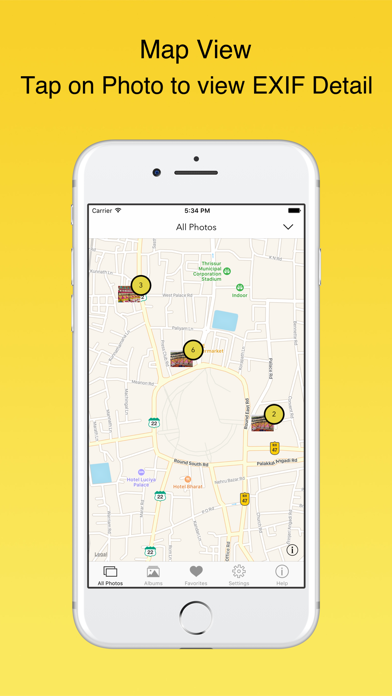
Featured by Apple on the US and Canada App Store. Enjoy a one-time purchase with lifetime access—no subscription required. EXIF Viewer by Fluntro is the ultimate tool for professional photographers and iPhone enthusiasts to view, manage, and edit EXIF metadata. With a sleek design and seamless functionality, this app offers a harmonious experience across all your iOS devices (iPhone, iPad, iPod Touch). Key Features: • Remove EXIF Metadata and Geotagging: Safeguard your privacy by effortlessly deleting EXIF data, including GPS location. • View Detailed EXIF Data: Easily access essential metadata such as ISO, Shutter Speed, Focal Length, Camera Model, Lens Model, Timestamp and more from any photo on your device, iCloud, or Photo Stream. • Zoom in on Large Photos: Enjoy high-resolution images (up to 80 MB) with crystal clarity. • Customize Your EXIF Tags: Personalize your viewing experience by reordering EXIF tags, hiding unwanted tags, and selecting your preferred date format. • Quick Navigation: Smoothly swipe left or right to navigate between photos in the EXIF detail screen. • Map View: Visualize your photos on a map with detailed EXIF information accessible by tapping on each photo. • Bulk Edit EXIF Data: Efficiently modify EXIF metadata for multiple photos, including date and location changes. • Share Photos with or without EXIF: Seamlessly share photos via email, AirDrop, or other methods, with or without EXIF metadata. • Copy EXIF Data: Copy and share metadata across apps with ease. • Retain EXIF Metadata: Photos sent via Mail, AirDrop, or SD Card readers retain EXIF metadata, unlike most messaging and social networking apps. Additional Features: • 3D Touch Support: Quickly access actions like Favorites, Albums, or All Photos on supported iPhones. • Optimized for All iOS Devices: Compatible with iPad Pro, iPhone SE, iPhone 8, and newer models in both landscape and portrait modes. • Multiple Viewing Options: Choose from EXIF Cards List View, Grid View, or Map View to suit your preference. • Photos Extension: Access EXIF data directly within the native Photos app or third-party apps by selecting the photo and tapping the Share button to choose the EXIF Viewer extension. • iMessage App Support: Effortlessly view and share EXIF data in your messages. Editing and Removing EXIF Metadata: • Bulk Edit EXIF Data: Select multiple photos, tap “Edit EXIF,” and update metadata such as date and location. • Remove EXIF Metadata: 1. Overwrite the original photo to eliminate EXIF metadata. 2. Create a duplicate photo without EXIF data, with an option to delete the original photo. FAQ What is EXIF Metadata? EXIF stands for EXchangeable Image File Format. When you take pictures with your digital camera or phone, a considerable amount of EXIF data is recorded and stored within each image. This data includes information about your camera settings (ISO, focal length, image size, shutter speed, camera model, lens model, GPS), date, time, location, and more. Viewing EXIF metadata tags is crucial for both beginners and professional photographers to understand and review the camera settings or software used to create and edit a photo. Why Choose EXIF Viewer by Fluntro? • No In-App Purchases: Enjoy all current and future features with the initial purchase—no hidden costs. • Designed for Professional Photographers: Gain deep insights into your photography work and protect your privacy by removing sensitive metadata. • Privacy First: Your photos are securely stored locally on your phone and never uploaded to our servers. Learn more in our Privacy Policy. User Reviews: If you’re satisfied with the app, please consider leaving a 5-star review. Your feedback helps us improve and ensures the best experience for all users.