

Videoshop - Video Editor
Screenshots
ASO analysis
Good use of the title field.
Solid length. Make sure the first 252 chars hook the reader.
Used by similar apps in your niche, but not in your title or description. Adding these (where genuinely relevant) can broaden your search reach.
Words you and your peers both use. Confirms positioning in this niche.
Keyword rankings
iTunes Search · top 200About
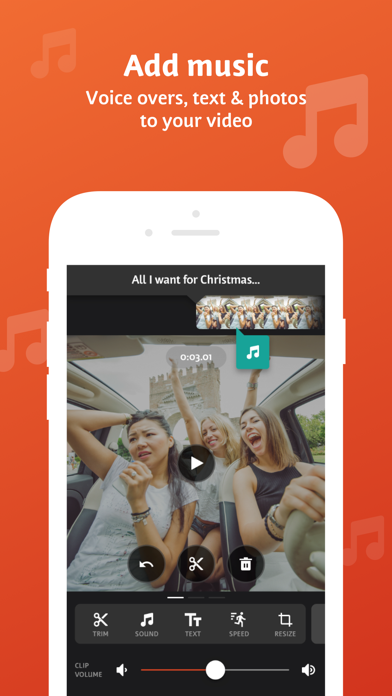
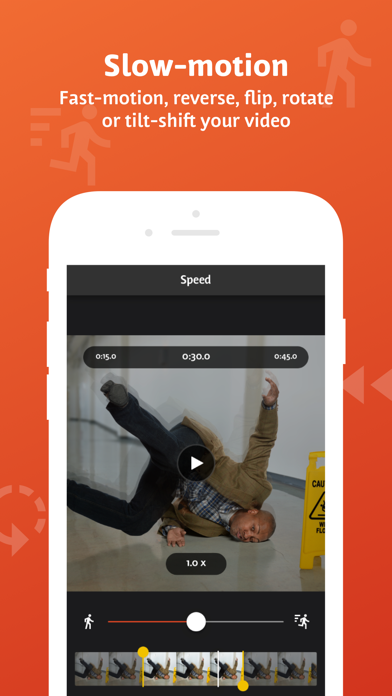
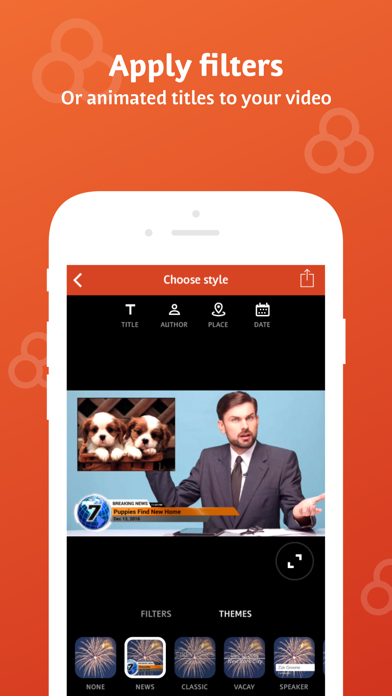
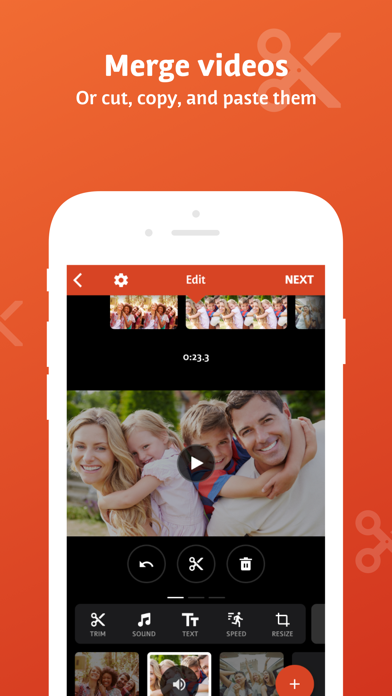
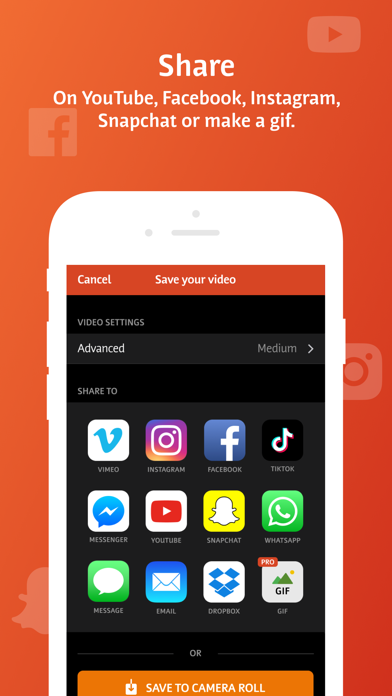
Videoshop is a FREE and easy video editor with fast editing tools, filters and many other effects for personalizing your videos. FEATURES 1. Trim: Cut out any unwanted moments. You can also split your videos into multiple clips. 2. Music: Add from your iPod library or Buy Clips from the Videomall. 3. Sound effects: Choose from audience noises, ambience, laughter, etc. 4. Slow motion (or fast motion): Adjust video or audio speed to slow or fast. 5. Adjust Display: Change Brightness, Contrast, Saturation, etc. 6. Merger: Combine multiple clips into one. 7. Text: Type your own text with color and various fonts. 8. Voice overs: Record your own voice over the video. 9. Animated titles: Introduce your videos with animated titles. 10. Filters: Select from several filters to enhance your videos. 11. Transitions: Choose from many transitions to animate between video clips. 12. Photos: Create slideshows easily. 13. Stop Motion: Create claymation videos with stop motion recording. 14. Resize: Rescale your video within the video frame. 15. Reverse: Playback videos in reverse. 16. Copy: Create duplicate video clips. 17. Tilt Shift: Add depth to your videos. 18. Rotate: Rotate your videos in 90 degree angles. 19. Undo: Undo any slippery editing mistakes. 20. Stickers: Pin stickers to your videos for added fun! 21. Impose: Add video over video for layered effect! Picture in picture! Pip! 22. Ken Burns: Add movement and focus to your photos and videos 23. Freeze: Screen capture any moment in the video 24. Distort: Apply illusionary effects to your video 25. Lip Sync: Sing and dub to your favorite songs. Lip sync for your life! 26. Flip: Flip and rotate your videos for legibility. 27. Share directly to Snapchat, Instagram, Facebook, YouTube, Vimeo, Dropbox, Whatsapp or by E-mail. 28. Snippets: Bite-sized video clips to expression emotions 29. Chroma: Green screen features and fun backgrounds for your selfies! Note: Videoshop is compatible with iPhone and iPad videos only. Using videos from other platforms may cause instability or crashes. Also, adding an enormous amount of content and effects may overwork your phone's processing power so be modest! Publishers and Business Development can reach us at joe@videoshop.net Marketing and Advertising can reach us at marketing@videoshop.net Unlimited Access Subscription -You can subscribe for unlimited access to all features and content offered for purchase within Videoshop. -Subscriptions are billed monthly or annually at the rate selected depending on the subscription plan. Alternatively, a one time payment plan is available (this is not a subscription). -Payment will be charged to iTunes Account at confirmation of purchase. -Subscription automatically renews unless auto-renew is turned off at least 24-hours before the end of the current period -Account will be charged for renewal within 24-hours prior to the end of the current period, and cost depends on your chosen package. -Subscriptions may be managed by the user and auto-renewal may be turned off by going to the user's Account Settings after purchase. -Any unused portion of a free trial period, if offered, will be forfeited when the user purchases a subscription to that publication, where applicable -Terms of use: https://videoshop.net/terms-of-use -Privacy policy: https://videoshop.net/privacy-policy -Apple Terms: https://www.apple.com/legal/internet-services/itunes/dev/stdeula/


