FlashAir Image Share
Screenshots




ASO analysis
Good use of the title field.
Could go longer. The first 252 chars are above-the-fold; everything else still indexes.
Used by similar apps in your niche, but not in your title or description. Adding these (where genuinely relevant) can broaden your search reach.
Words you and your peers both use. Confirms positioning in this niche.
Keyword rankings
iTunes Search · top 200About
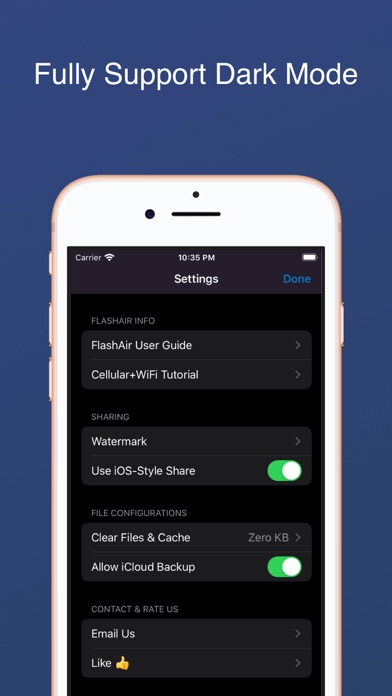
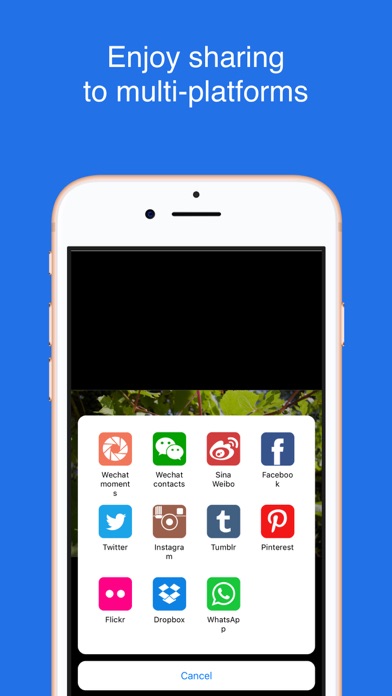
"An excellent tool to read and share photos, and quick response to customer voices. It's a good choice for FlashAir." 「FlashAir Image Share」 makes it easy to use the FlashAir SD card of each generation and manage the photos from the card. Besides, it can also let you share your photos to the social platform, like Facebook, Tumblr, etc. (If you don't know where to start with the FlashAir card, this app includes tutorial for you.) To make you easy to visit the FlashAir card, It can : 1. browser the folders and files grouped by Date in the FlashAir card ; 2. automatically download the original photos/videos when you see it; 3. export the photos/videos in the card to your iPhone; 4. support most RAW images; 5. add watermark and share to your favorite social platform like: Facebook/Twitter/Tumblr/Pinterest/Dropbox/Whatsapp/Instagram, and so on. 「FlashAir Image Share」 also makes it convenience to manage the FlashAir card: 1. notify you connect/disconnect to the FlashAir wi-fi and provide different interfaces; 2. configure FlashAir wi-fi ssid name and password; 3. change FlashAir mode; 4. delete cache and downloaded files to save your disk; 5. backup your favorite photos to iCloud; Moreover, you can see the statistical data like download numbers and speed in the widget. There are many other functions waiting for you! If you need other functions or you don't know how to start, feel free to let us know: iosfeedback@163.com Statement: 「FlashAir Image Share」 is a **3rd-party** iOS client for FlashAir SD card; 「FlashAir Image Share」 has no relation to KIOXIA(named Toshiba previously).