Flirtist - AI Dating Assistant
Screenshots


ASO analysis
Tight against the limit — verify it doesn't truncate on small screens.
Could go longer. The first 252 chars are above-the-fold; everything else still indexes.
Used by similar apps in your niche, but not in your title or description. Adding these (where genuinely relevant) can broaden your search reach.
Words you and your peers both use. Confirms positioning in this niche.
Keyword rankings
iTunes Search · top 200About
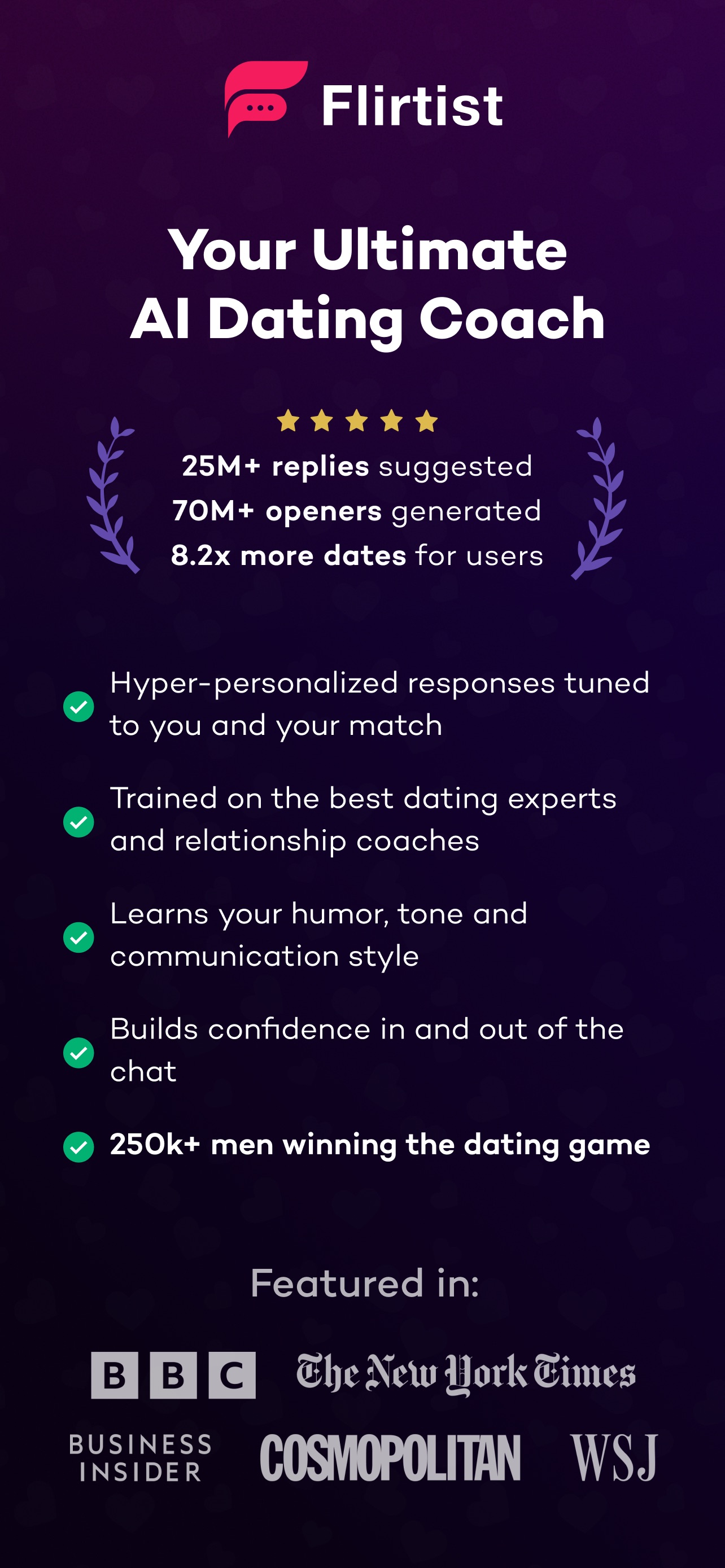
Cut the Cringe. Rule the Chat. Want smoother conversations and more dates? Meet Flirtist — your ultimate AI dating assistant for sharp pickup lines, witty comebacks and flirty replies, so you always know what to say! - No more awkward texts or missed chances. Whether you're looking for a next-level pickup line, a smooth reply or a way out of a tricky situation, we got you covered. - Multi-screenshot support, profile analysis and advanced, personalized AI responses KEY FEATURES 1. AI-Powered Pickup Lines – Never struggle with kicking off a chat ever again. 2. Smart Reply Generator – Upload one or multiple chat screenshots & get the best response. 3. Multiple Chat Modes – Be cool, funny, flirty, or whatever the moment calls for. 4. Works with All Dating Apps – Tinder, Hinge, Bumble & more. 5. AI Texting Coach – Get personalized insights and level up your game as you chat. 6. Continuous Chat History – AI remembers previous messages for better context & flow. 7. 50+ Languages – Flirt with señoritas, chiquitas, and mademoiselles with ease. HOW IT WORKS: - Open Flirtist & select what you need: pickup lines or reply suggestions. - Upload a chat screenshot (or start fresh). - Choose your preferred tone: funny, cool & flirty, funny, bold or sarcastic. - Let AI generate the perfect message—just copy, paste and win her over! Loved by 100K+ Users and Counting! From fun conversation starters to confident replies, Flirtist has helped its users get up to 10x more dates! Download Flirtist now and start dating smarter with AI! Support: hello@flirtist.ai Terms of Use: https://www.apple.com/legal/internet-services/itunes/dev/stdeula/