

Forms+
Screenshots


ASO analysis
Short title. You're leaving keyword space on the table.
Solid length. Make sure the first 252 chars hook the reader.
Keyword rankings
iTunes Search · top 200About
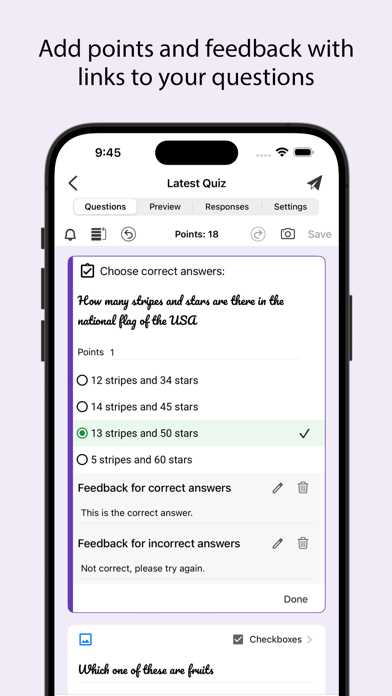
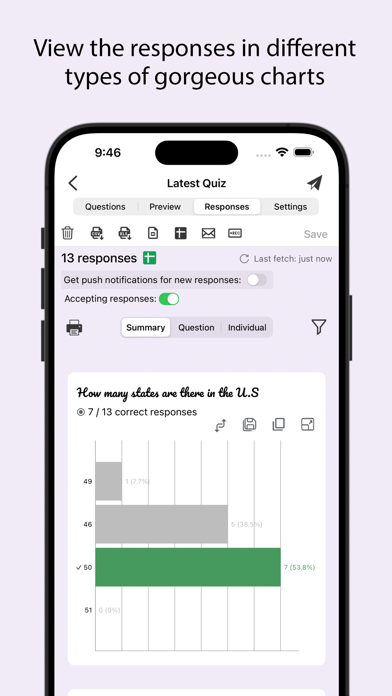
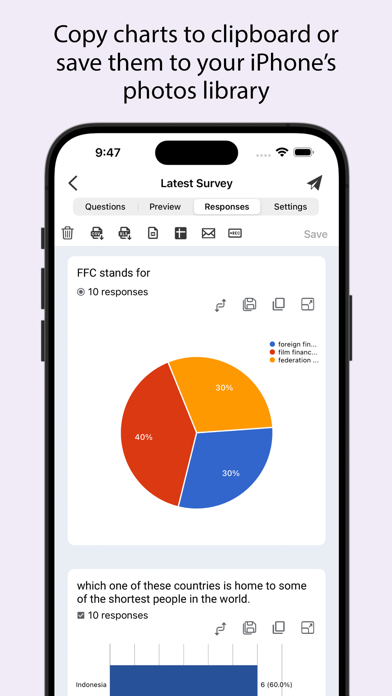
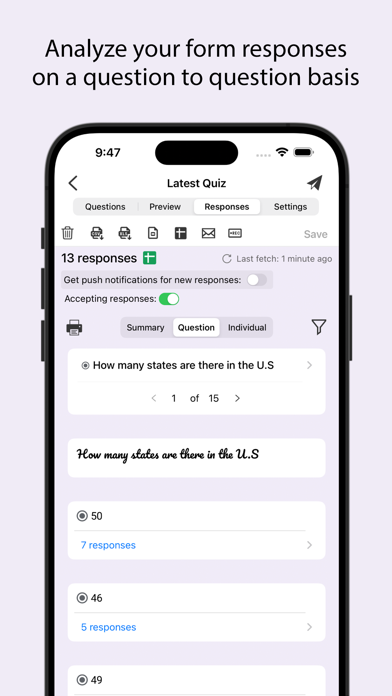
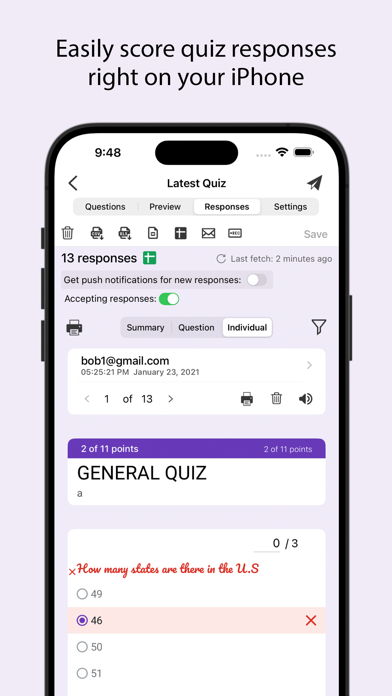
Create, edit, and manage all your Google forms on your iOS, iPhone, iPod or iPad with the free FormApp. With this app you can: Create new forms: • Create new forms on your iOS device. • Tons of beautiful templates to choose from. • Import questions from existing forms. • Add collaborators / editors to your forms. Edit existing forms: • Open any form from your Google Drive on your iOS device. • Create or edit any question. • Undo / redo support. • Re-order questions. • Preview forms. • Add and remove sections. • Add response validation. • Add images and videos. • Ability to set points. • Ability to set correct answers. • Ability to add feedback with url links. Response notifications: • Get notified via notifications whenever some submits a new response. Scan questions: • Scan questions using camera. • Scan questions using images from photos library. • Scan questions using doc, pdf, ppt etc files from the Files app. • Scan questions using clipboard. View form responses: • View forms in three modes i.e. Summary, Questions and Individual responses mode on your iOS device. • Export responses in CSV or Excel file format. • Record responses in mp4 file format and share them in apps like Tiktok, Snapchat or Instagram etc. • Responses are shown in beautiful graphs in summary mode. • Ability to copy response charts to clipboard or save them to photos library. • View responses based on questions in Questions mode. • View responses from individual users in Individual mode. • Ability to delete a single response or all responses. • Ability to set individual feedback for responses to questions in quizzes. • View and set score for quiz responses. • Ability to filter form responses based on date, email, questions and score. Disclaimer: This is a third party app not associated with Google. All trademarks are property of their respective owners. Privacy Policy: https://www.byteflowapps.com/FormsPRO/policies/Privacy/ Terms of Use: https://www.byteflowapps.com/FormsPRO/policies/TermsOfUse/ GOT QUESTIONS? CAN'T FIGURE OUT HOW TO DO SOMETHING? Please email us at support.formspro@byteflowapps.com and we’ll help you figure it out.


