GoCoEdit - Code & Text Editor
Screenshots
ASO analysis
Tight against the limit — verify it doesn't truncate on small screens.
Solid length. Make sure the first 252 chars hook the reader.
Used by similar apps in your niche, but not in your title or description. Adding these (where genuinely relevant) can broaden your search reach.
Words you and your peers both use. Confirms positioning in this niche.
Keyword rankings
iTunes Search · top 200About
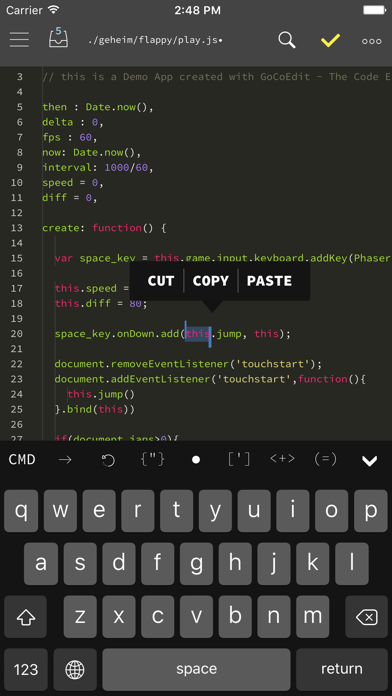
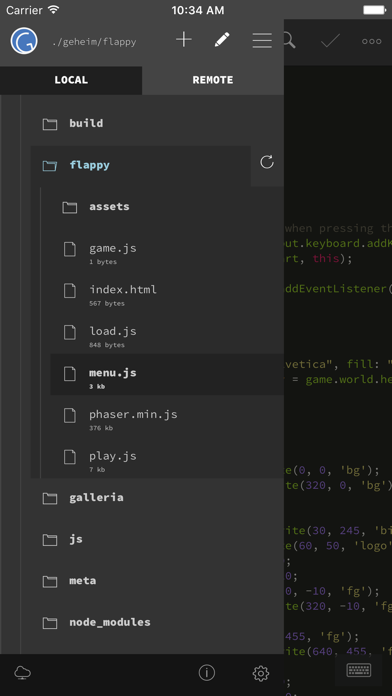
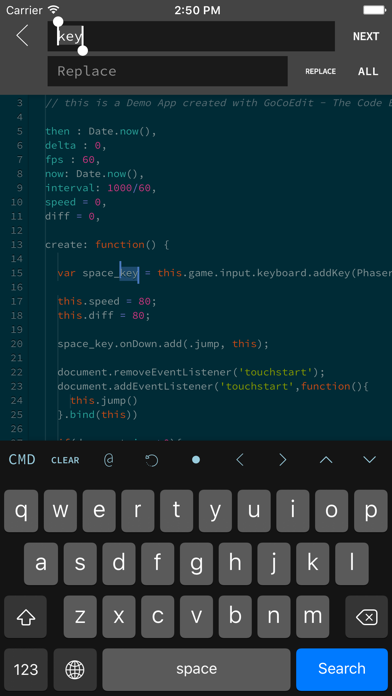
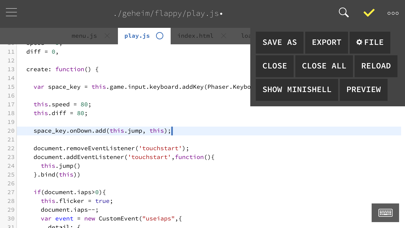
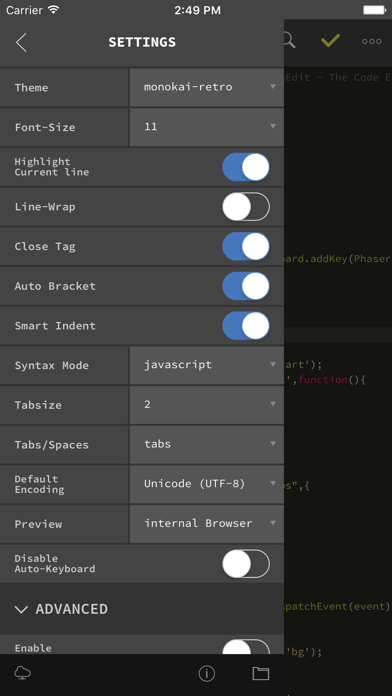
GoCodeEditor is a Code Editor optimized for fast opening and editing local and remote files (Dropbox, OneDrive, FTP, SFTP/SSH) on your iOS Device. FEATURES: ------------------------------ • Sublime like Code-Editor! • Universal App (use it on your iPad, iPhone & iPod Touch) • iPhone X (s/s Max) support • Full iPad Pro support (including smart keyboard support, shortcuts, split-screen multitasking) • iPadOS Mouse & Trackpad • NEW! Multi-caret Editing • NEW! Siri Shortcuts - create newfile / start shell / connect to shell / preview - more soon... • Drag & Drop Support - Support for Drag & Drop files from the Files App - Support for Drag & Drop files / repos and folders from Working Copy App - Support for Dragging local files from GoCoEdit to other Apps • Compatible with Apple Watch Start a ssh-shell from your wrist right now! Run your self defined scripts with one tap. • Extra keybar with swipe functions and trackball to precisely move the cursor and select text • Syntax highlighting for many coding languages like: (apache, arduino, asp/vb.net, c, c#, c++, ceylon, clojure, coffeescript, css, dart, dockerfile, elixir, erlang, fortran, go, handlebars, haskel, html, jade, java, javascript (es6 support), jsx, kotlin, latex/stex, less, lisp, livescript, lua, markdown, mathematica, nginx, objective-c, pascal, perl, php, plist, powershell, pug, puppet, python, r, rss, ruby, rust, sass, scala, shader, shell, sql, squirrel, stylus, svelte, swift, typescript, verilog, vue(js), xml, yaml) • Some comfort features: code folding, code hinting, auto indent, auto close brackets, line wrapping, smart indent, tag and bracket matching, find by regular expression, replace, replace all, symbolic/function search for many syntax modes • Quick CMD-mode (keep your hands on the On-Screen-Keyboard) - p.e. press cmd+c, cmd+v to copy and paste selected text - over 15 shortcuts supported • Different themes ( include solarized, monokai and many more ) and font-sizes • Import / export / open files from icloud drive and other file providers • Open entire folders or repositories from the Git client Working Copy or the Files App using the iOS document picker • Extendable - Custom Syntax Modes -- create your own Syntax highlighting modes now you can write own modes and use it for your own file types - Custom Themes -- create your own editor themes - Snippets -- use short fragments of text again and again ( with filed and placeholders support ) • Preview Browser with Javascript console ( in iPad version resizeable for preview iPad or iPhone layouts ) • Markdown Preview & HTML Export • Connect to your servers via SFTP, FTP, DRIVE, ONEDRIVE or DROPBOX NEW! with OneDrive 365 and OneDrive for Business support • NEW! File has changed detection ( GCE is now able to detect external file changes on local and remote files ) • Upload and Download files/folders or edit files directly on your server/dropbox/drive/onedrive without download • Very fast reconnect and recover of open files after restart • Edit your files directly on your server without download. • Integrated Shell (ssh) to perform background tasks like a Grunt, Gulp, npm or another shell job ( type direct or define scripts and run it with a single tap ) • Supporting advanced features like textselection by cursor, Splitview, Slide-Over and Drag & Drop • 3D Touch support - Show/move cursor by 3D touch the keyboard - Quick Actions (new file, start shell, connect shell to last server, show preview of last file) • External/Bluetooth keyboard support ( all iOS shot-cut keys are supported + lots of shortcuts available ) ------------------------------ If you want to support the project and increase the development speed become a patreon. ------------------------------