Writemator - Plain Text Editor
Screenshots
ASO analysis
Tight against the limit — verify it doesn't truncate on small screens.
Solid length. Make sure the first 252 chars hook the reader.
Used by similar apps in your niche, but not in your title or description. Adding these (where genuinely relevant) can broaden your search reach.
Words you and your peers both use. Confirms positioning in this niche.
Keyword rankings
iTunes Search · top 200About
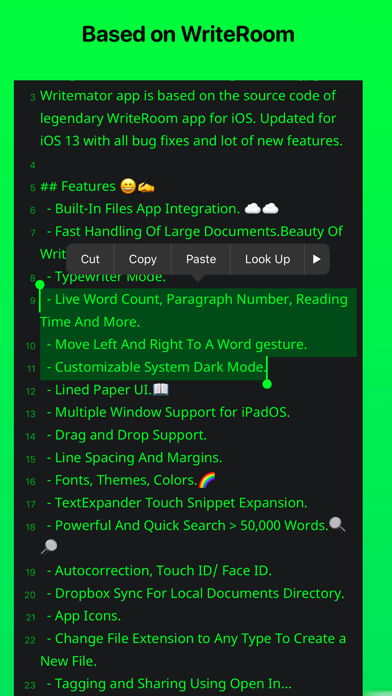
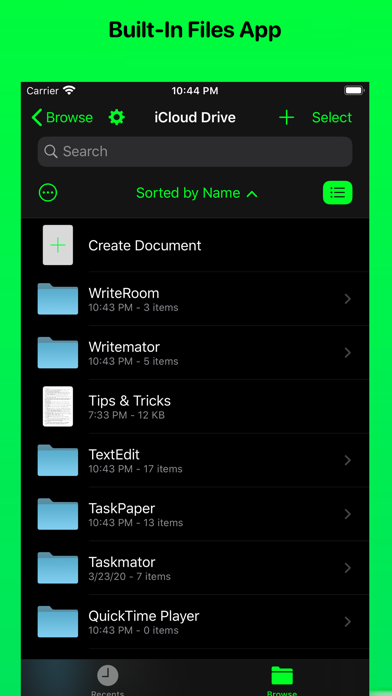
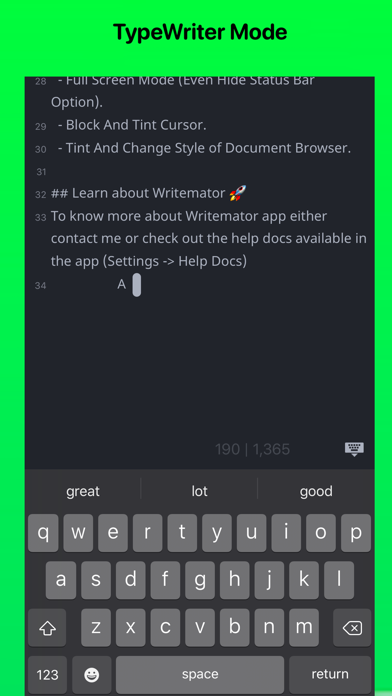
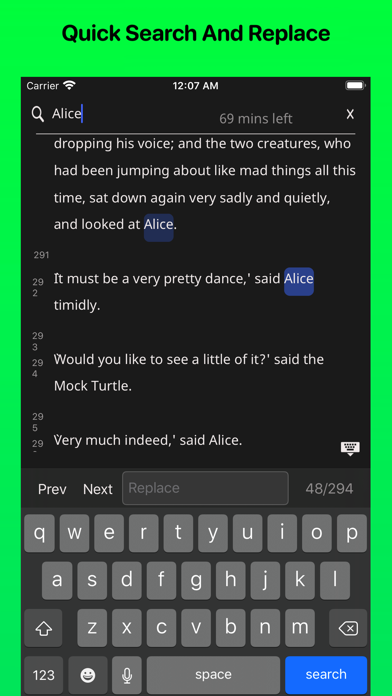
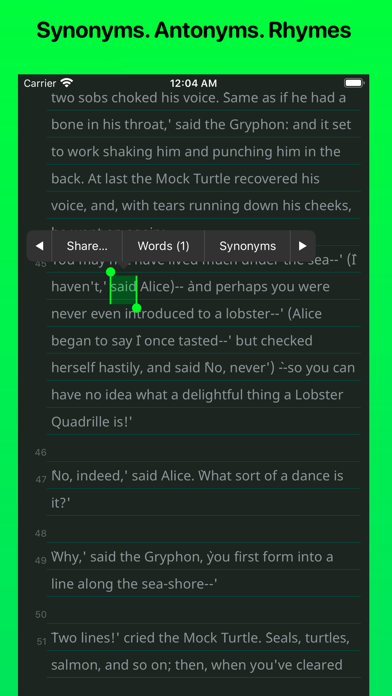
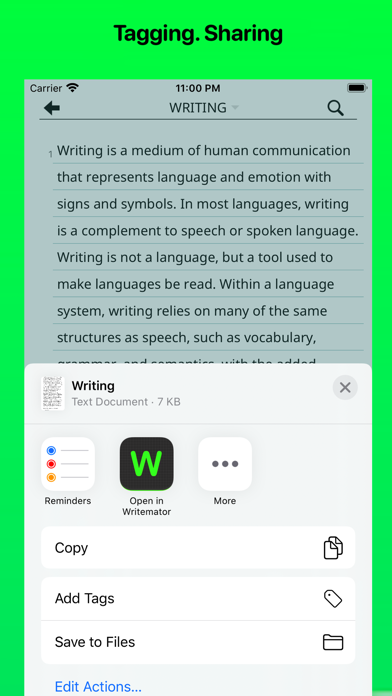
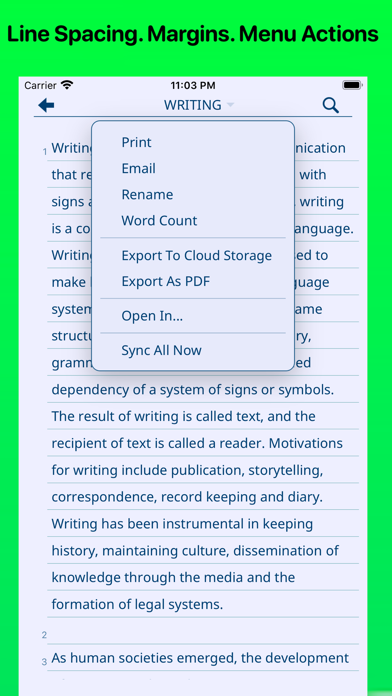
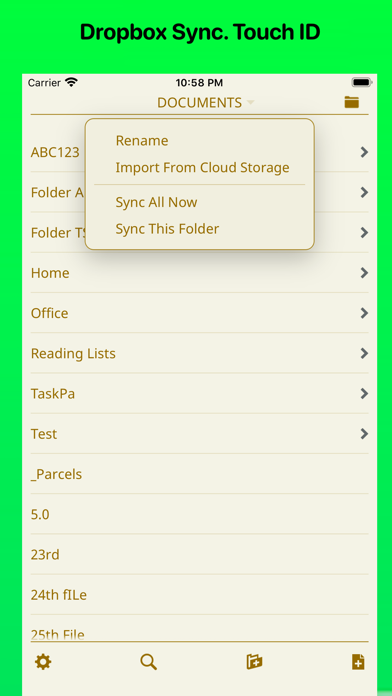
◉ "New Apps We Love" - Apple ◉ "A solid new alternative to text editors like iA Writer and 1Writer" - Federico Viticci ◉ "I like the program very much" - Michael D. Shear ◉ "Best New App for iPad and iPhone" - imore.com ◉ "The original distraction-free writing app" - idownloadblog.com ◉ "WriteRoom for iOS lives on as Writemator" - Jesse Grosjean, founder of Hog Bay Software Writemator is based on the source code of WriteRoom app for iOS & iPadOS with all bug fixes and new features. FEATURES: • Based on WriteRoom source code for iOS & iPadOS. Fast handling of large documents. • Updated for the latest iOS and iPadOS with all bug fixes and new features. • Built-in Files App Support. • Support Multiple Window feature for iPadOS. • Drag and Drop Support (for items like plain text, xml, html, URLs, etc.) of iPadOS (in Split View). • Touch ID/ Passcode/ Face ID support. • Search tool that lets you search for and find every document that contains your search text. • TypeWriter Mode. • Live Word Counter. • Customizable System Dark Mode. • Reading Time option available. • Lined Paper option available. • Dropbox Sync API V2. Support both "Sync Automatically" and "Manual Sync". • Writemator allows you to choose the folder with which you link in your Dropbox account. • Keyboard Shortcuts. Toal 58 keyboard shortcuts are available (excluding iPadOS system keyboard shortcuts). • Quick Search & Replace text feature available. Works great even for a document with more than 500,000 words. • Synonyms, Antonyms, Rhyming words for a selected word. • Drag-to-scroll scroll bar for quick navigation bigger documents. Just like desktop app scrolling. • In full-screen view, tap margins to move cursor toward margin (iPad only). • Many new fonts are added like iA Writer Duospace, IBM Plex, SF UI Text, etc. More than 150 fonts are available. • Extended keyboard row with customizable keys. • Dark Mode keyboard. • Support TextExpander Touch Expansion. Updated to the latest SDKs of TETouch. • Document Picker Support. Support "Import" and "Export" methods of document picker. • Access Writemator files in iOS Files app. • Extra app icons available to change the app icon. • Customize your text and background color to any color, line spacing, font size to make your own writing room. • Line spacing is improved from the older version of WriteRoom. Margin option is available. • Siri Shortcuts. • Tint color option. • Sort the folder list by name or date, descending. • Hide or unhide status bar. Dark mode status bar for dark background • Scroll headings during typing to hide headings. • Rename your document or folder. • Swipe to delete a document or a folder. • Detect links in a document. • Support text right to left (useful for writers for languages like in Arabic) • Powerful URLs scheme support • Export and share file in PDF format. • Hide or show file extensions ;html, css, plain text, ft, etc.