Google Keep - Notes and lists
Screenshots




Estimates
low confidenceASO analysis
Tight against the limit — verify it doesn't truncate on small screens.
Could go longer. The first 252 chars are above-the-fold; everything else still indexes.
Used by similar apps in your niche, but not in your title or description. Adding these (where genuinely relevant) can broaden your search reach.
Words you and your peers both use. Confirms positioning in this niche.
Keyword rankings
iTunes Search · top 200About
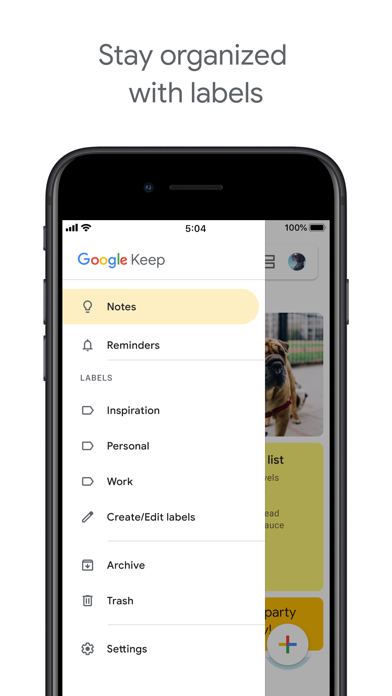
• Capture, edit, share, and collaborate on your notes on any device, anywhere. • Add notes, lists, photos, and audio to Keep. • Organize your notes with labels and colors. • Set and forget. Get reminded about a note at the right time or place. • Record a voice memo and have it automatically transcribed. • Grab the text from an image to help you quickly find that note again through search. WHEN AND WHERE YOU NEED IT Need to remember to pick up some groceries? Set a location-based reminder to pull up your grocery list right when you get to the store. Need to finish a to-do? Set a time-based reminder to make sure you never miss a thing. SHARE YOUR THOUGHTS WITH FAMILY AND FRIENDS Next time you go to the store, share your shopping list on Keep and watch as items get checked off in real time. No need for text messages back and forth. Get things done together, faster. FIND WHAT YOU NEED, FAST Quickly filter and search for notes by color and other attributes like lists with the label “To-dos”, audio notes with reminders or just see shared notes. Find what you're looking for even faster, and let Keep do the remembering for you. ALWAYS WITHIN REACH Keep works on your phone, tablet and computer. Everything you add to Keep syncs across your devices so your important stuff is always with you. Try Google Keep on the web at http://keep.google.com and find it in the Chrome Web Store at http://g.co/keepinchrome.