Google Tasks: Get Things Done
Screenshots
Estimates
low confidenceASO analysis
Tight against the limit — verify it doesn't truncate on small screens.
Could go longer. The first 252 chars are above-the-fold; everything else still indexes.
Used by similar apps in your niche, but not in your title or description. Adding these (where genuinely relevant) can broaden your search reach.
Words you and your peers both use. Confirms positioning in this niche.
Keyword rankings
iTunes Search · top 200About
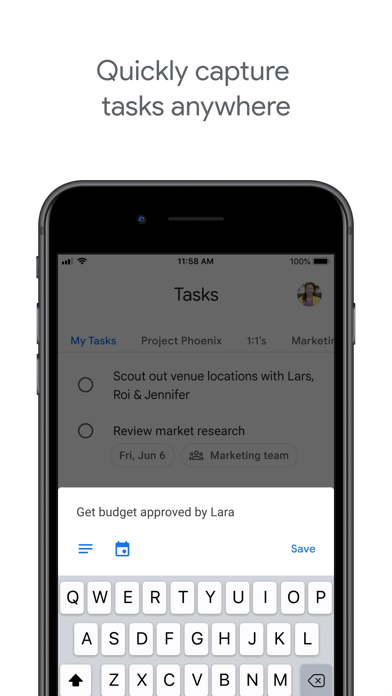
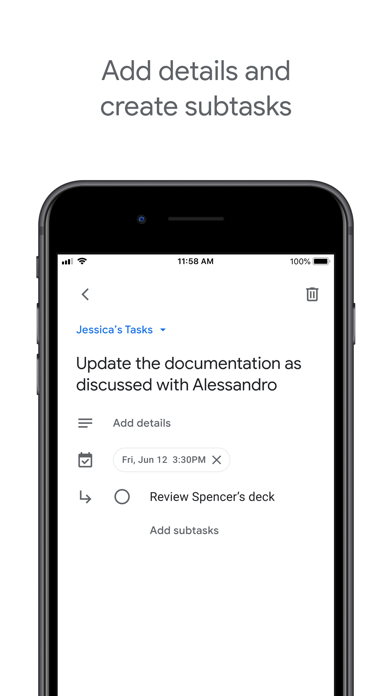
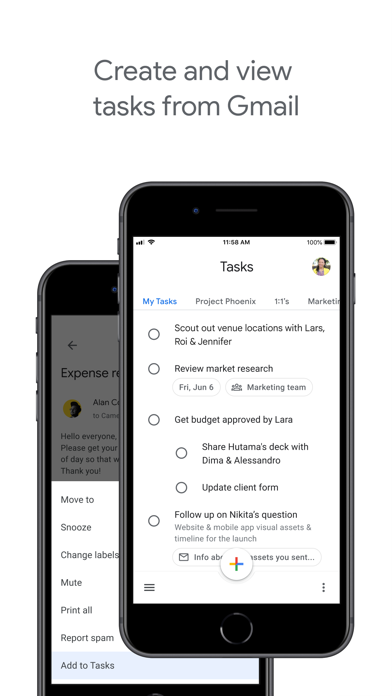
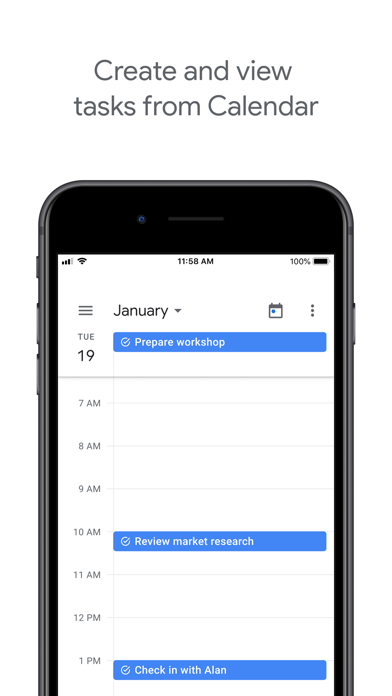
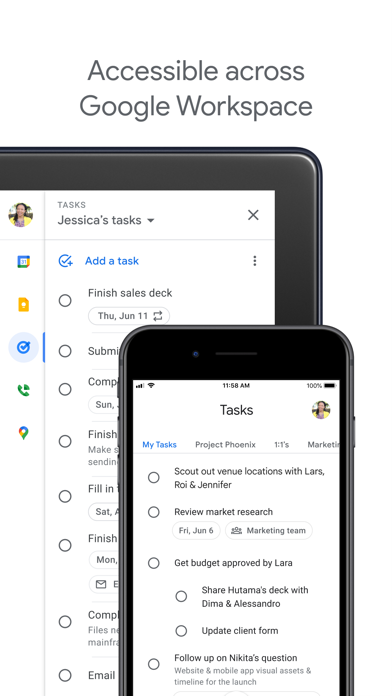
Get more done with Google Tasks. Manage, capture, and edit your tasks from anywhere, at anytime, with to-dos that sync across all your devices. Integrations with Gmail and Google Calendar help you get tasks done—faster. Quickly capture tasks anywhere • Create task lists with your most important to-dos • View, edit, and manage tasks on the go, from any device • Manage tasks created in Gmail or Calendar on the web from your mobile device Add details and create subtasks • Break down your tasks to subtasks • Add details about the work you need to focus on • Edit details about any task as your work progresses View tasks created from emails • Create a task directly from an email in Gmail • View your tasks in the side panel of Gmail • Trace a task back to its source email Stay on track with due dates and notifications • Set a due date for every task to help you achieve your goals • Organize your tasks by date or prioritize using drag-and-drop • Receive due date notification reminders to keep your tasks on track Part of Google Workspace • Bring Google's suite of powerful, intelligent apps to your business • Leverage Google’s AI to bring data insights and analysis to every employee • Connect with your team seamlessly using one suite: Gmail, Tasks, Calendar & more Take control of your task management and install Google Tasks. Start managing your to-do list on the go with the Tasks planner app from Google.