

HomeScan for HomeKit
Screenshots
ASO analysis
Good use of the title field.
Could go longer. The first 252 chars are above-the-fold; everything else still indexes.
Used by similar apps in your niche, but not in your title or description. Adding these (where genuinely relevant) can broaden your search reach.
Words you and your peers both use. Confirms positioning in this niche.
Keyword rankings
iTunes Search · top 200About
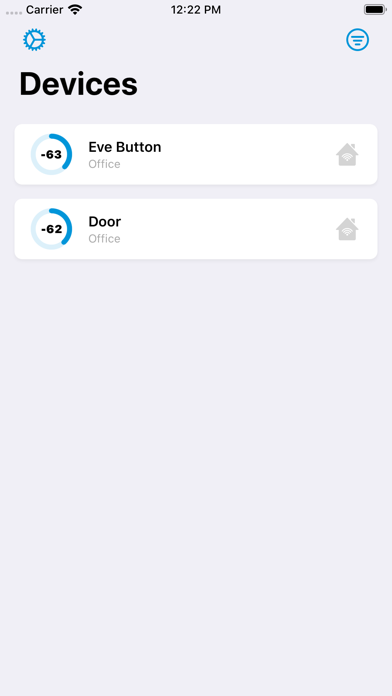
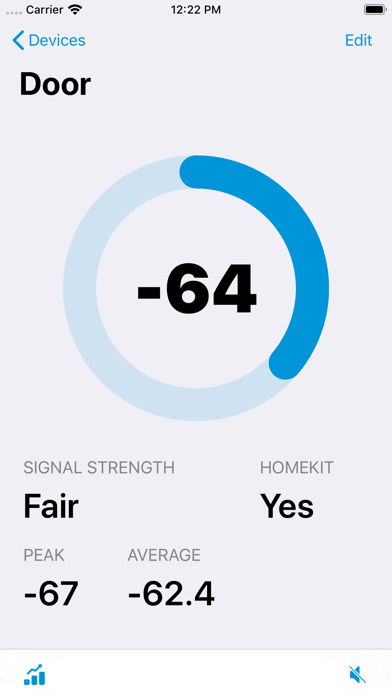
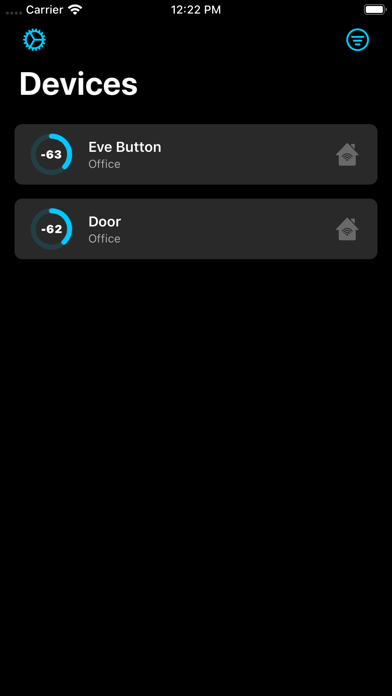
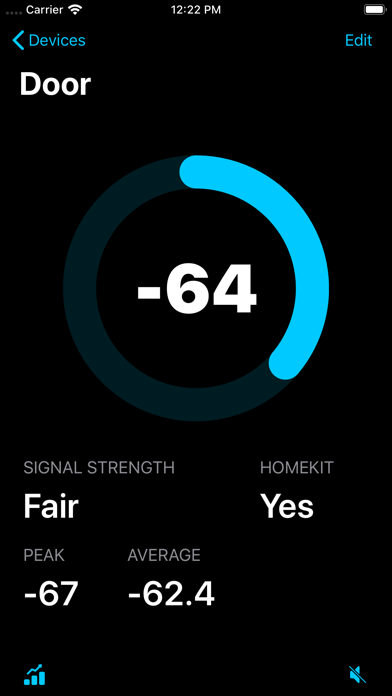
Diagnose signal issues and improve responsiveness of your Bluetooth based HomeKit devices with HomeScan. • Improve your HomeKit accessories signal strength Use HomeScan to optimally place your Bluetooth accessories within your home, reducing latency issues and signal interference. Peak and average signal strength allow you to diagnose existing devices, while the graph shows you signal strength over a set period of time. • Use it with your HomePod or Apple TV Simply place your device on your HomeKit Hub, choose the accessory you wish to diagnose then watch the signal strength shown on the display. • Take it on the go with the Apple Watch app Take the signal strength meter on the go with the included Apple Watch app to find the best location to put that door sensor. • Audible readouts for ease of use HomeScan can call out the current signal strength audibly to guide you through placing your device.


