iKanban
Screenshots

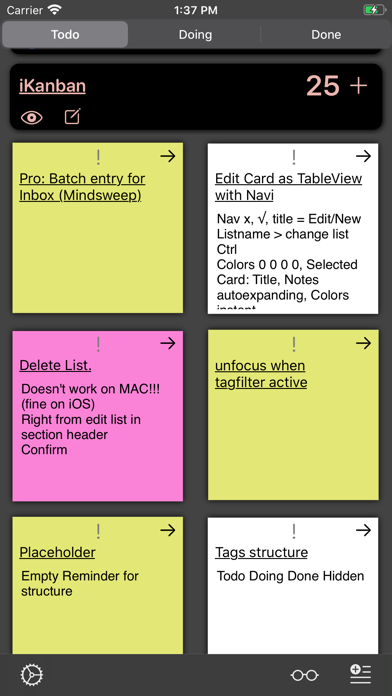
ASO analysis
Short title. You're leaving keyword space on the table.
Could go longer. The first 252 chars are above-the-fold; everything else still indexes.
Used by similar apps in your niche, but not in your title or description. Adding these (where genuinely relevant) can broaden your search reach.
Words you and your peers both use. Confirms positioning in this niche.
Keyword rankings
iTunes Search · top 200About
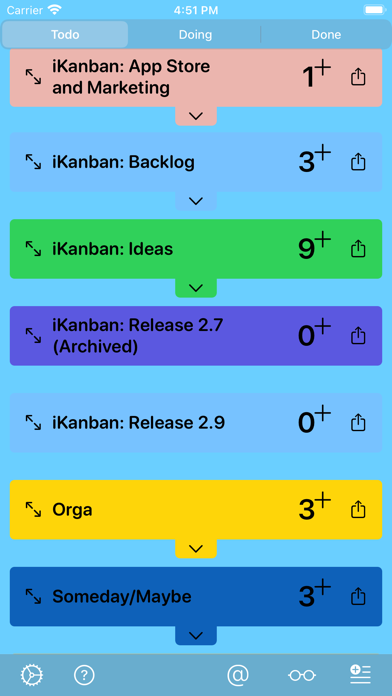
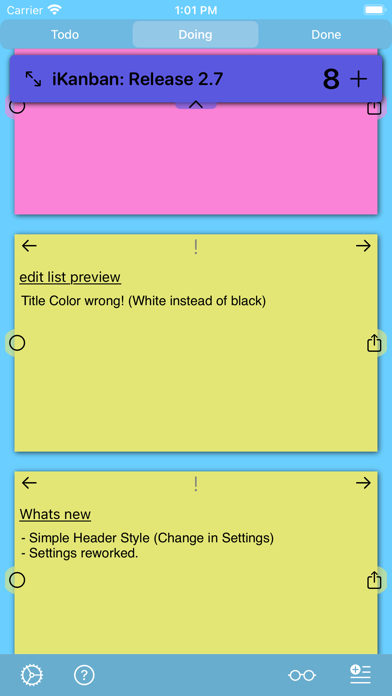
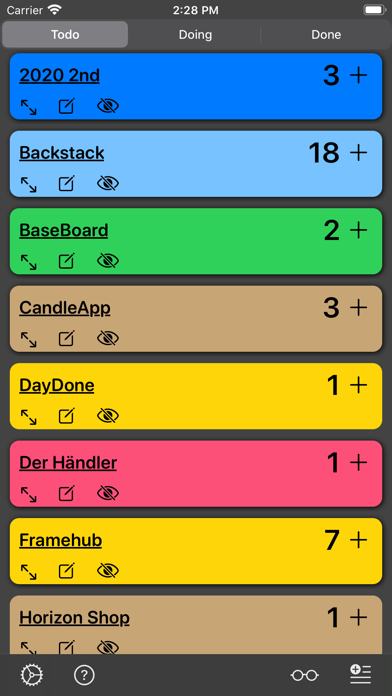
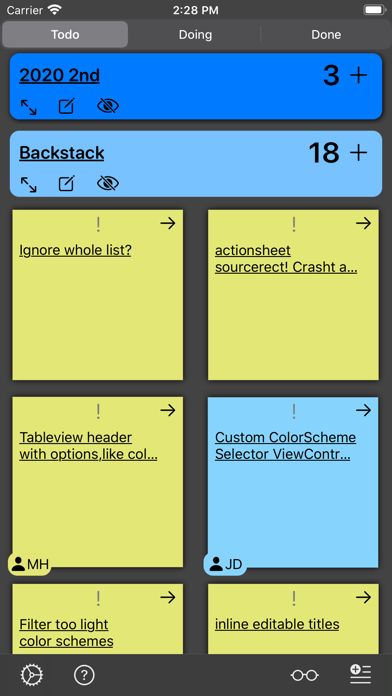
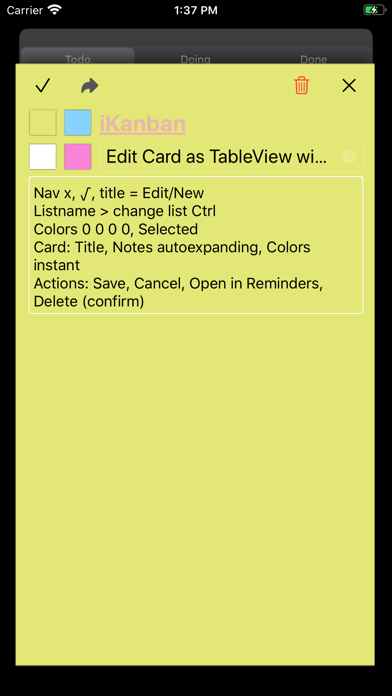
iKanban puts your reminders and todos on a three column board "Todo, Doing, Done". On Mac, iPad and iPhone. FREE TO USE. iKanban tells you what you were working on at each project and gives you a complete visual representation of your lists progresses on a single board. Problems, Issues, Requests, Ideas, Questions: Send me a mail: ikanban@hey.com IMPORTANT: OPEN YOUR REMINDERS APP AT LEAST ONCE, IF YOU HAVE NEVER USED IT BEFORE. Tasks, like reminders, traditionally have two states: Open and Done. The lists that contain such tasks can't tell you what you were working on. But what if you get interrupted? Or you have to jump between projects? Or pick up work on a list that you left weeks before? You can help yourself by sorting or flagging the current tasks. But there isn't always a natural order and flagging a task doesn't please everyone, at least not myself, as it looks more like prioritizing. If that sounds familiar, have a look at iKanban. It adds a third state: "DOING". While this is a simplification of the kanban principles, it is a "one little thing" that adds enormous value to the process. Its value is twofold: ONE: It answers the "What was i supposed to do right now, on this thing?"-question. TWO: It gives you a visual overview of all stuff you are working on. Features: - Single Board for all lists - Create and edit lists - Give reminders a color: yellow, blue, magenta, white - Open reminder in Reminders App - Powerfull keyboard shortcuts (Mac, iPad) - Control list visibility: Show and hide lists - Archive showing all reminders and attachments. Incl completed. Constraints: - Only one priority level - Lists can't be deleted Privacy Information: https://ikanbanapp.com/books/2/pages/15 EULA: https://www.apple.com/legal/internet-services/itunes/dev/stdeula/