

InfoSafe
Screenshots


ASO analysis
Short title. You're leaving keyword space on the table.
Could go longer. The first 252 chars are above-the-fold; everything else still indexes.
Used by similar apps in your niche, but not in your title or description. Adding these (where genuinely relevant) can broaden your search reach.
Words you and your peers both use. Confirms positioning in this niche.
Keyword rankings
iTunes Search · top 200About
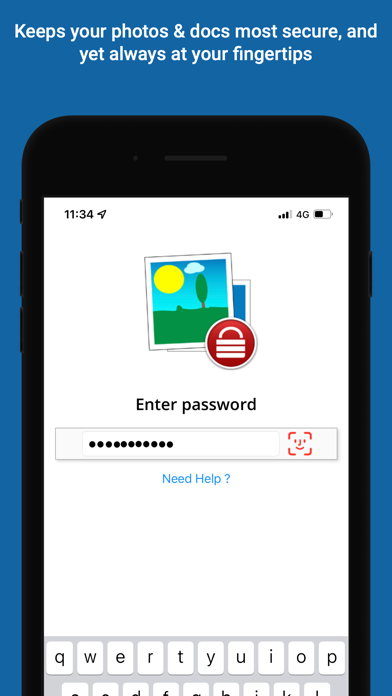
◆ InfoSafe Keeps your photos and docs secure ◆ > FEATURES ○ Photos (from Gallery/Camera) ○ Documents (PDF, Word Excel, PPT ...) ○ Import Document files/attachments using share menu option ○ Built-in search tool ○ Dynamic sorting option ○ Touch ID support ○ Designed for storage of photos and documents with rapid access > TOP SECURITY ○ Using iOS AES-256 encryption to automatically encrypt all your data as soon as it's stored in InfoSafe by a Master Password that only you know ○ All data stored on your device only (Cloud is optional) ○ Self destruct option after 10 tries ○ Logout timer when inactive ○ Lock timer when using other App ○ Delete clipboard (optional) > 5 SYNC OPTIONS ○ iCloud ○ FTP ○ AirDrop ○ Email > NOTES: 1. Remember Your Password ! without it , you will not be able to see your data. 2. Backup is not done automatically, the user is responsible for such a backup (IDBD file) using features (iCloud, email, FTP ...) exists in InfoSafe to avoid loss of data when device is lost , damaged or any other reason, furthermore InfoSafe is NOT providing any direct cloud service, password retrieval, or backup service for security reason (all data stored on your device only!), user need to decide where to do the backup (iCloud, user's private dropbox account, user's diskonkey using FTP, or user's email ...), the user is also responsible for this backup safety. 3. Sync is not merging data, you have to keep all updated data on one device and use sync option upload file, than load and activate with password on all your other devices


