

Instant Lines
Screenshots
ASO analysis
Good use of the title field.
Could go longer. The first 252 chars are above-the-fold; everything else still indexes.
Used by similar apps in your niche, but not in your title or description. Adding these (where genuinely relevant) can broaden your search reach.
Words you and your peers both use. Confirms positioning in this niche.
Keyword rankings
iTunes Search · top 200About
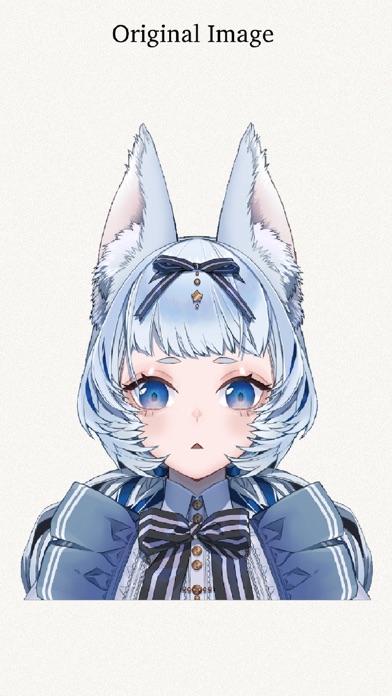
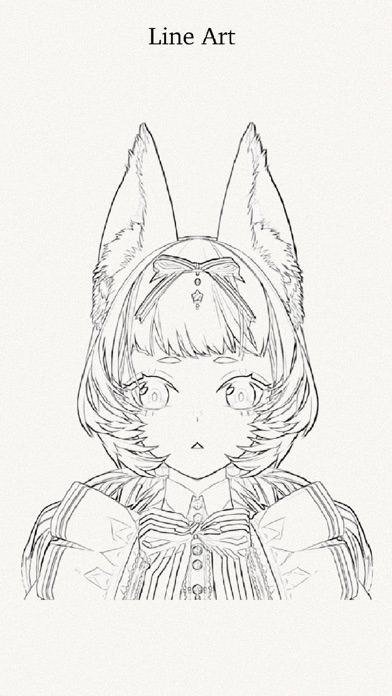
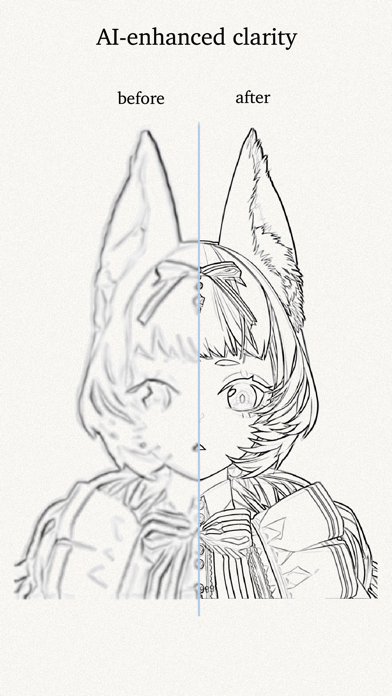
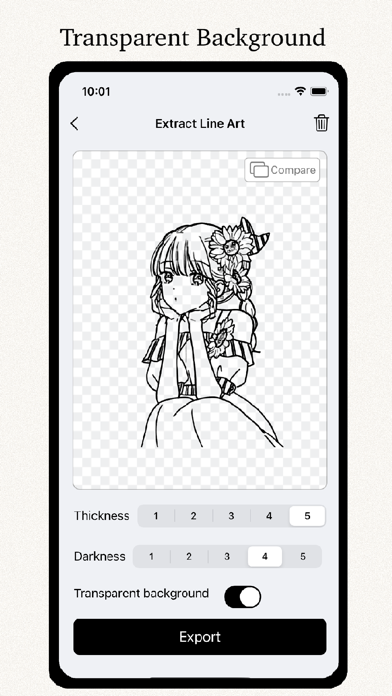
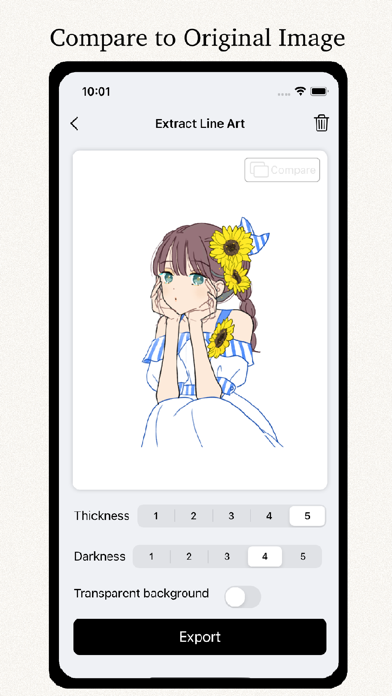
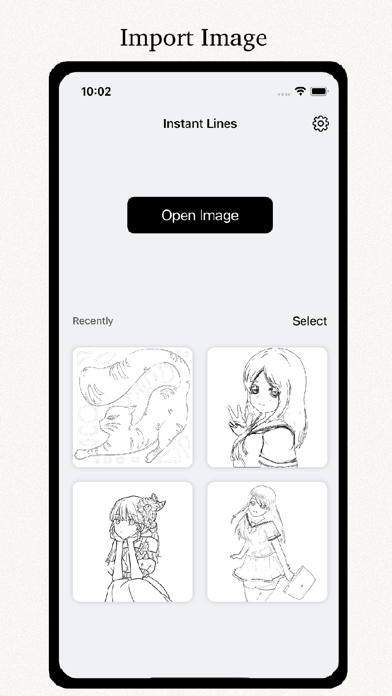
• One-click Image to line Art Whether the original image is flat or three-dimensional, the line draft can be completely recognized. • AI-enhanced clarity Using AI to enhance the clarity of blurry original images for a clearer line art. • Batch Extraction Import multiple pictures at one time to extract line draft, which is more efficient. • Transparent Background You can choose to save the pure white background, or remove the background and keep only the line art. • Adjustable Line Art Thickness Slide to adjust the thickness of the line draft, and the window can preview in real time until you select a satisfactory thickness. • Compare the Original Image When adjusting the line art, you can compare the original image with one click. • Multiple Uses of Line Art It can be exported to drawing software such as Procreate for the next drawing; Covering the line draft with translucent paper can effectively practice drawing lines. If you have any questions or suggestions, please contact the email: tommytang998@163.com Artwork credits @yuruyakazou @nazuna_higurasi


