

Just Sensors
Screenshots
ASO analysis
Good use of the title field.
Solid length. Make sure the first 252 chars hook the reader.
Keyword rankings
iTunes Search · top 200About
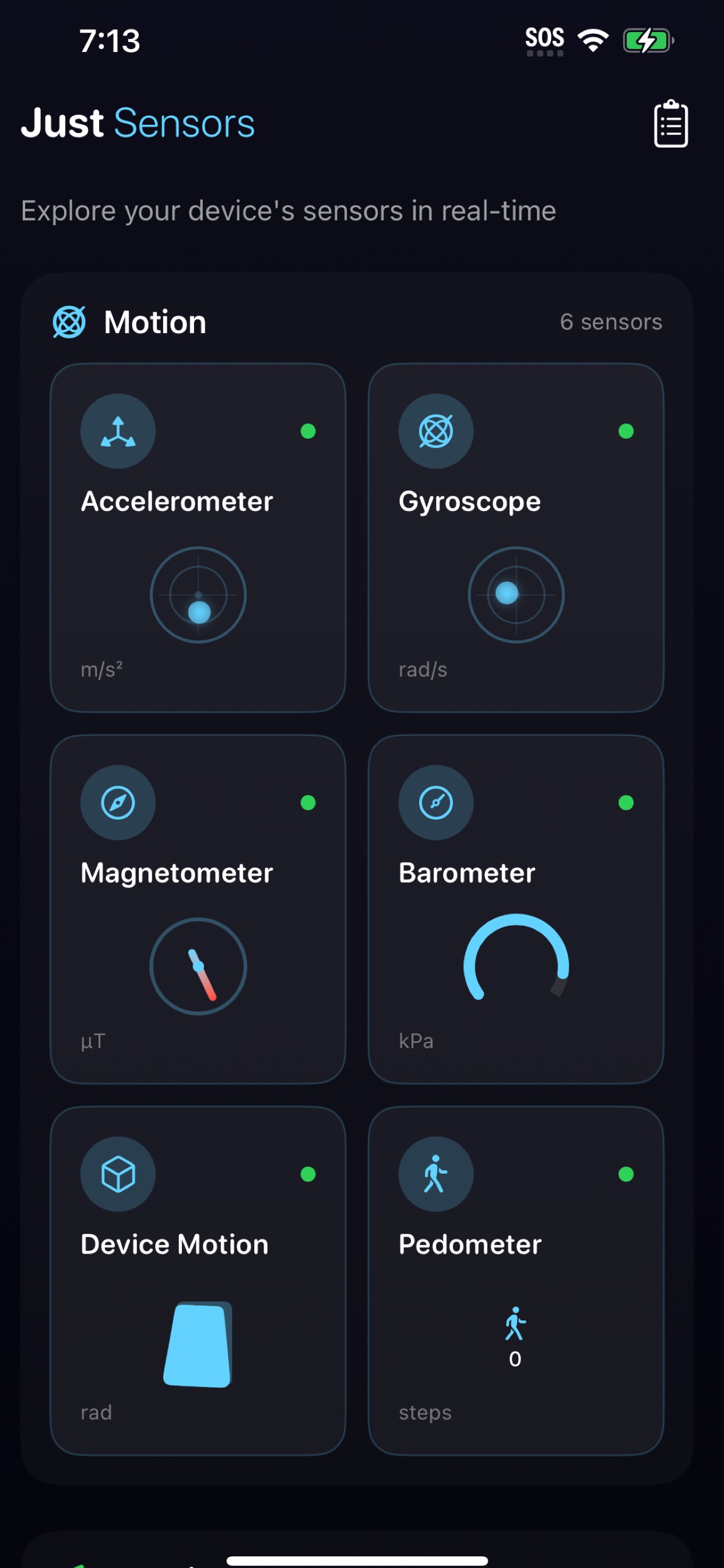
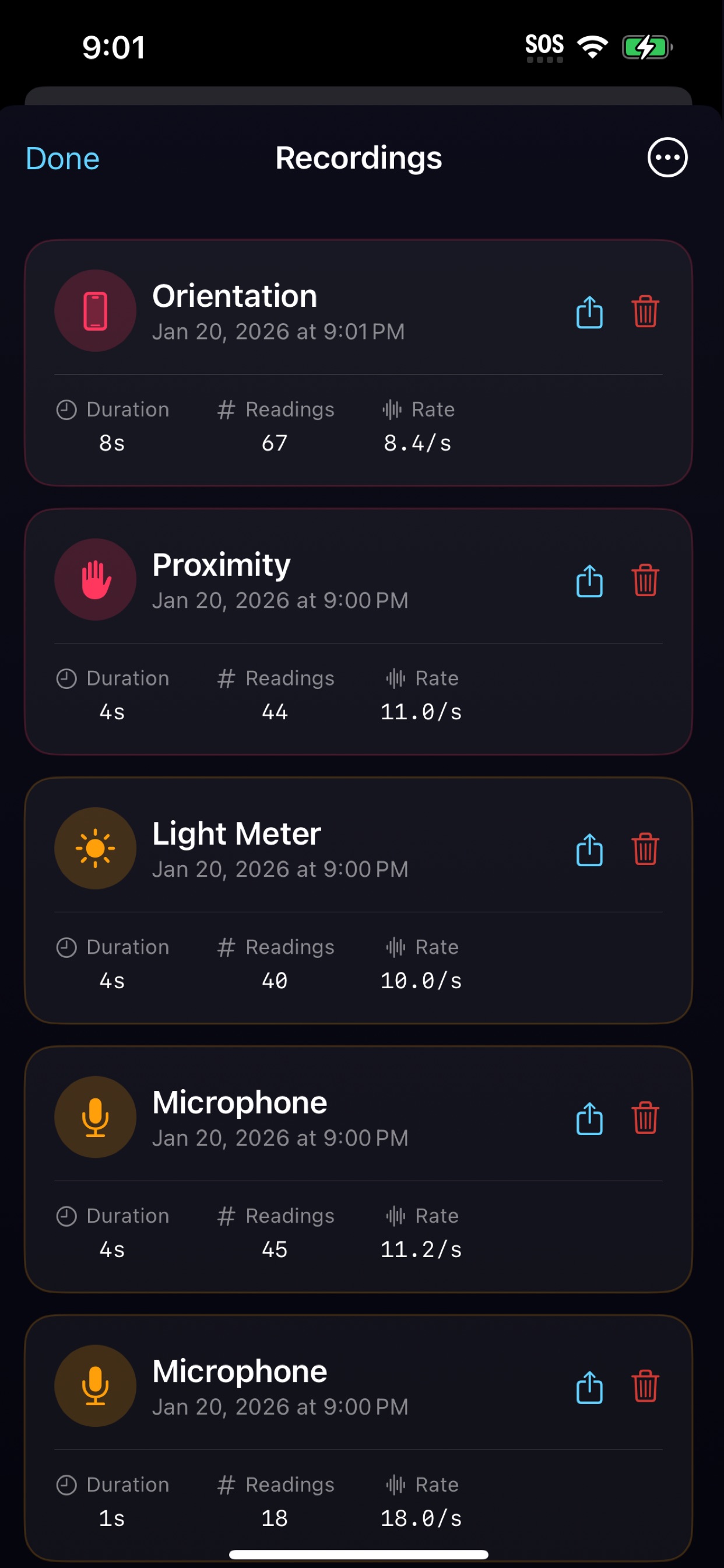
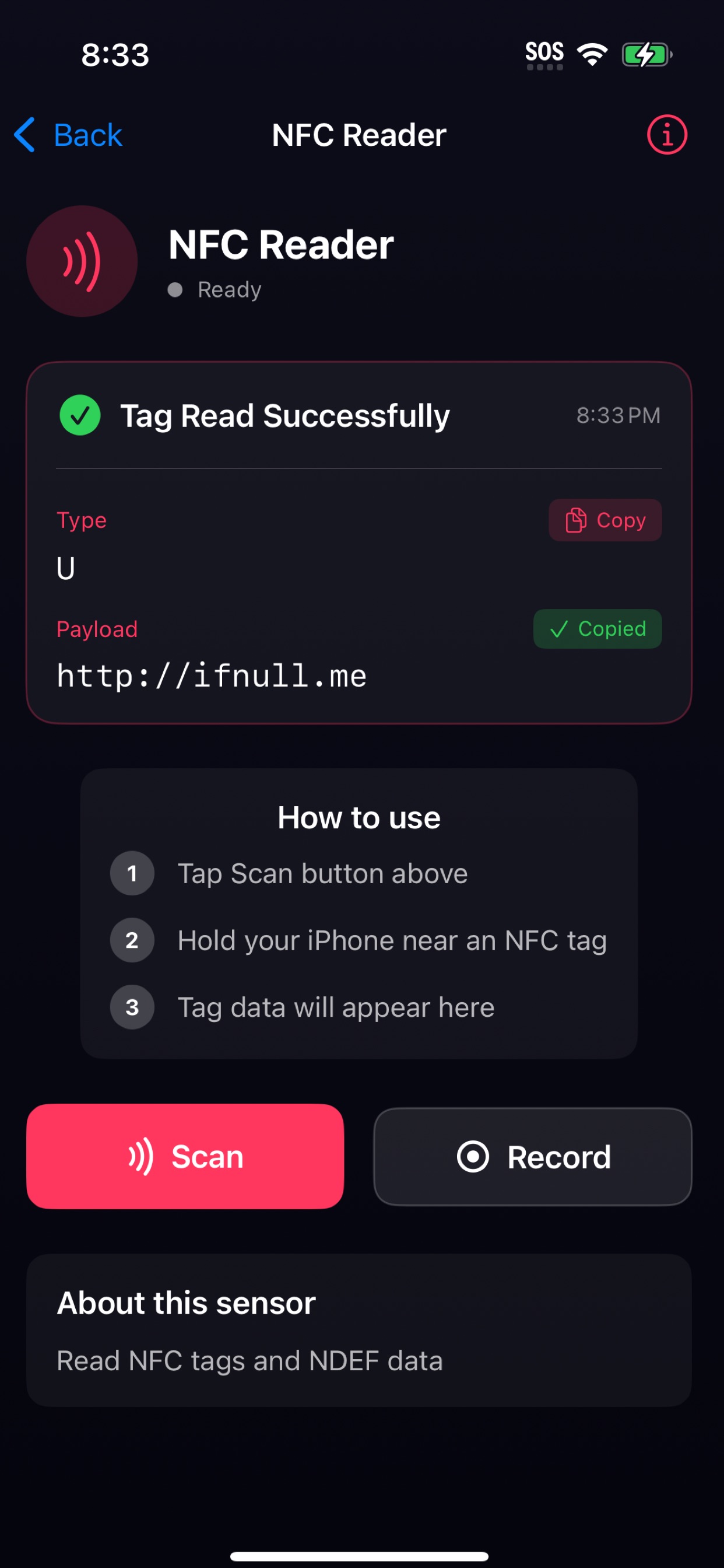
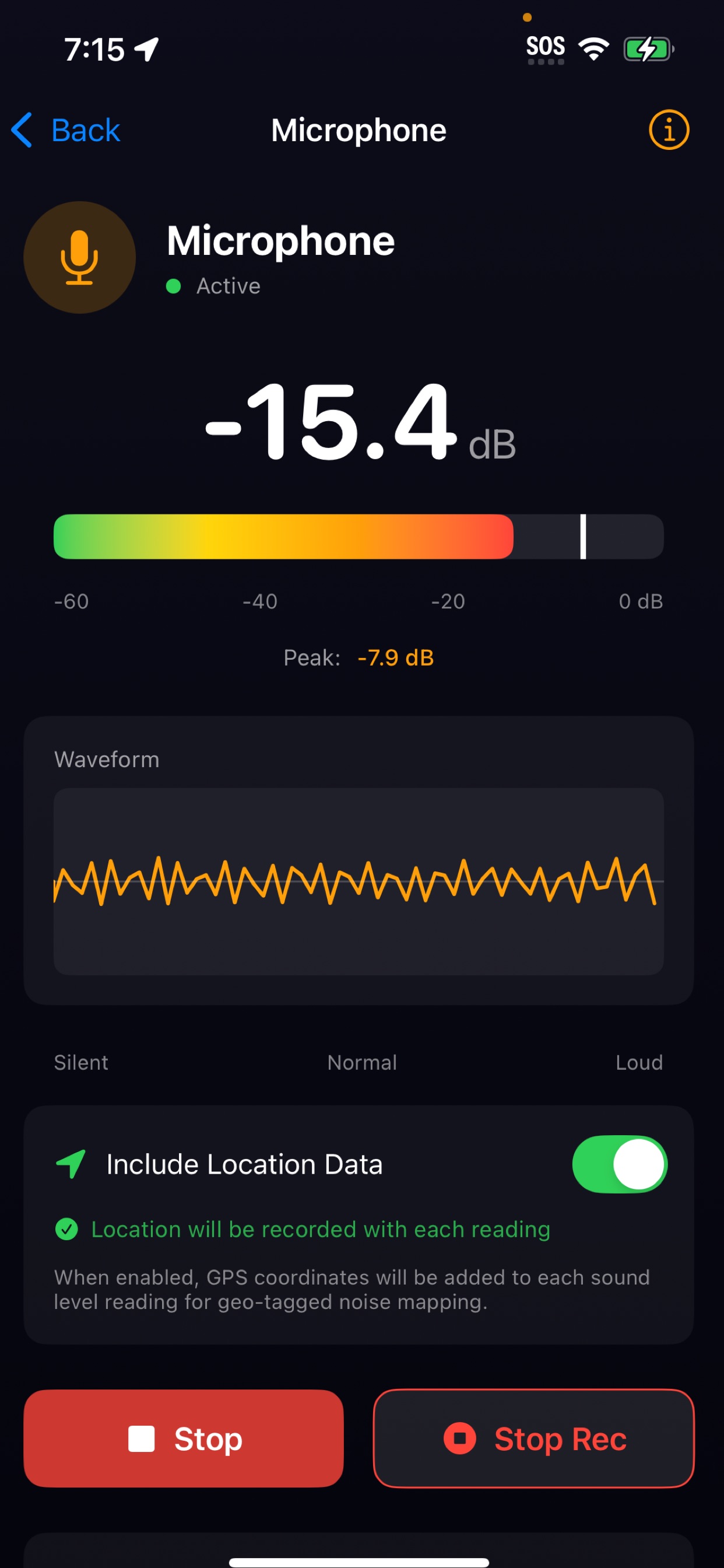
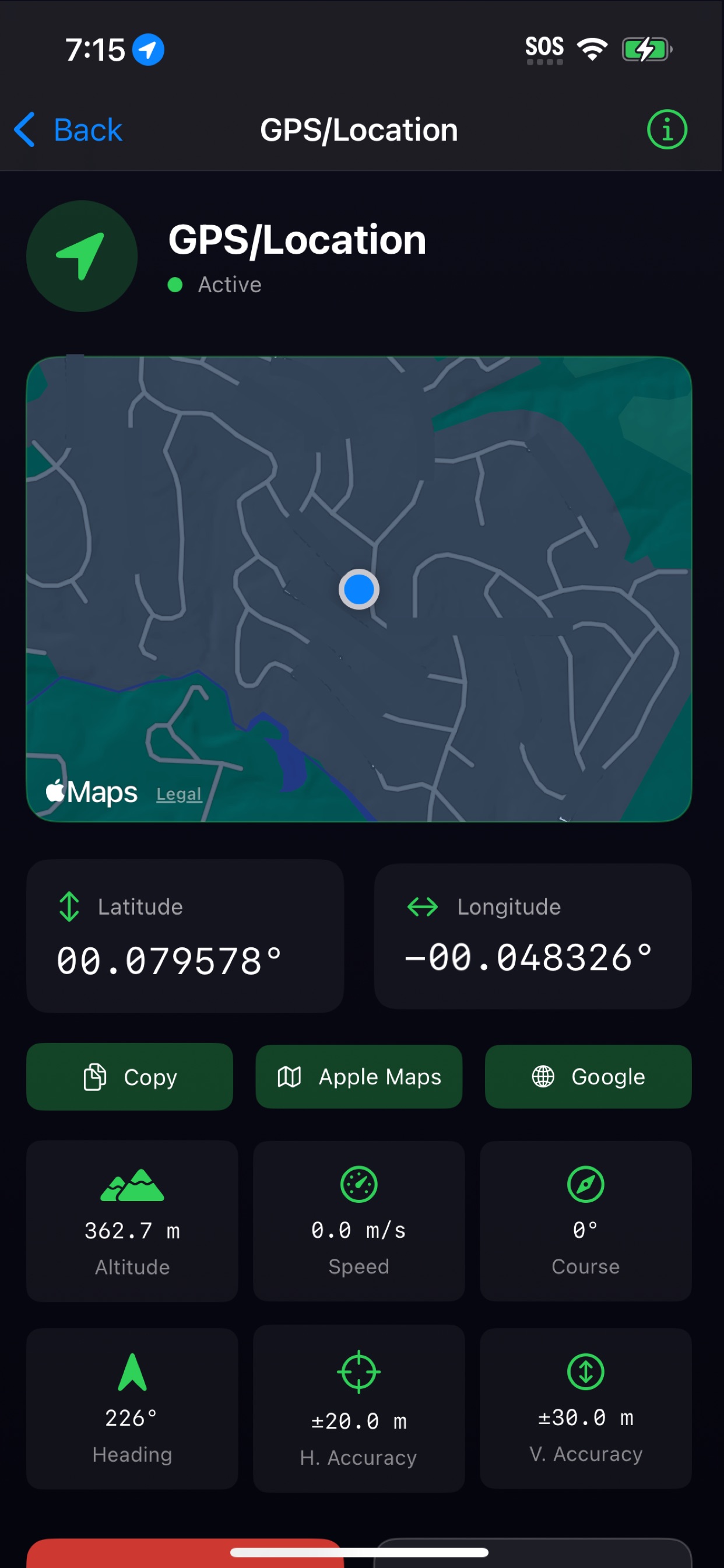
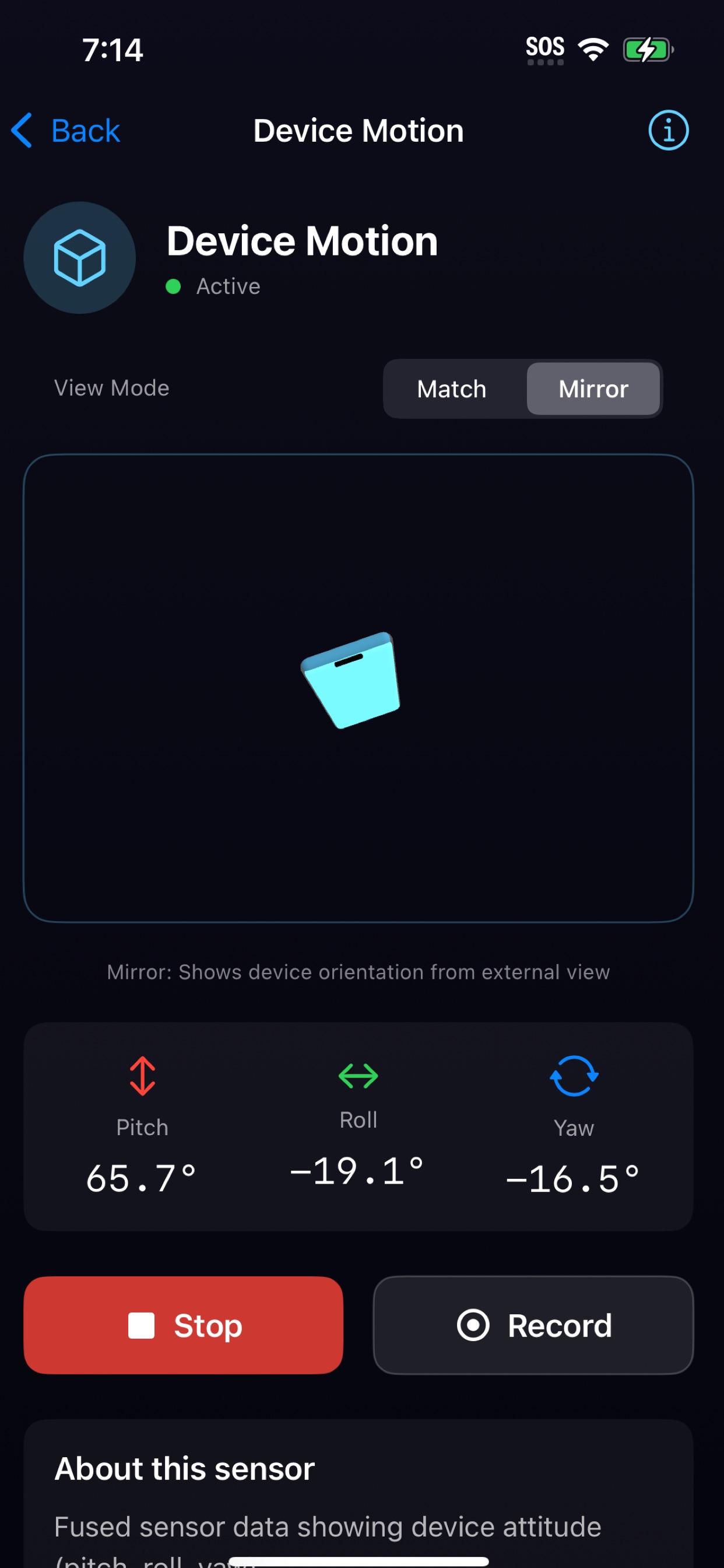
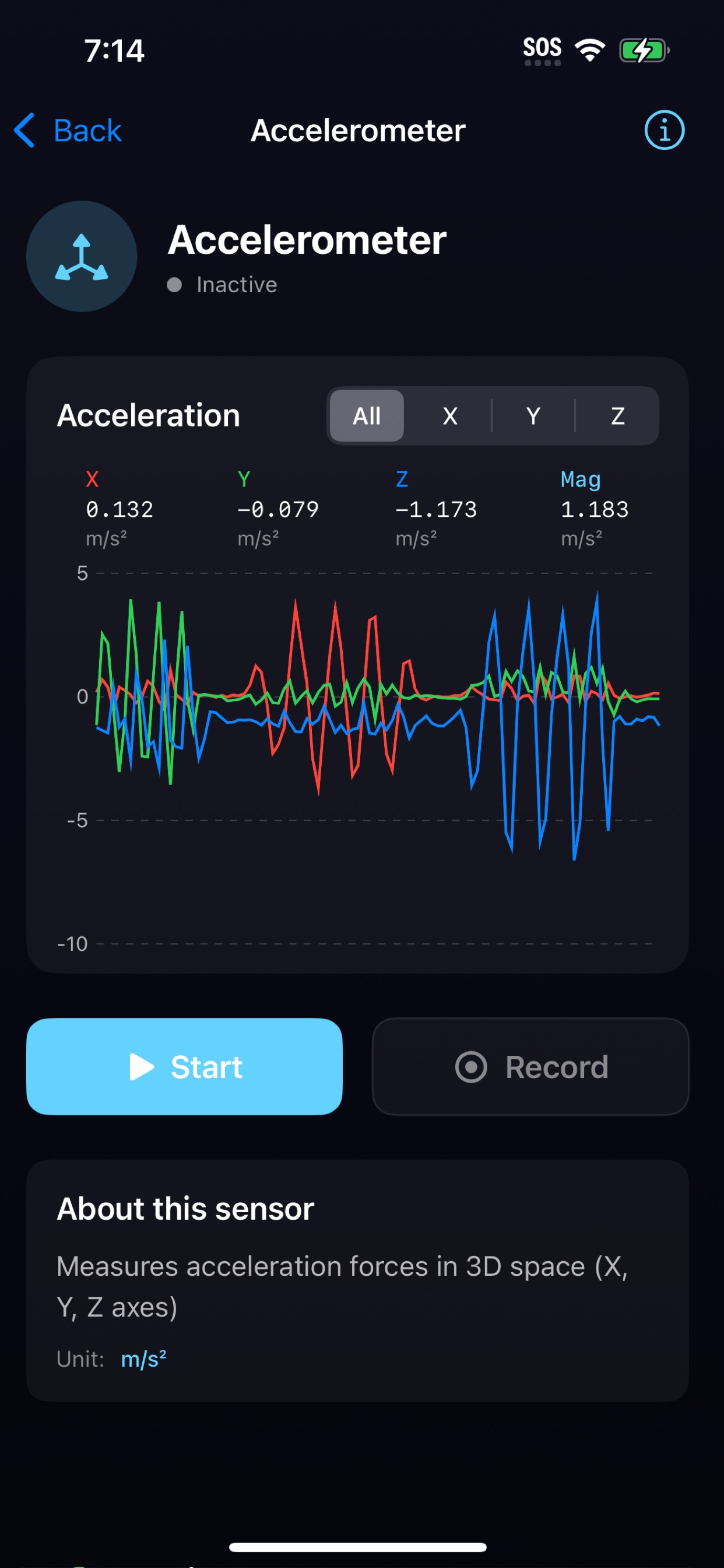
Just Sensors. Nothing more, nothing less. Your iPhone is packed with sophisticated sensors — accelerometers, gyroscopes, barometers, Bluetooth radios, and more — all working silently in the background. Just Sensors brings them to life with beautiful, real-time visualizations. ▸ EXPLORE 17 SENSORS Motion Sensors • Accelerometer — Interactive bubble level showing forces in real-time • Gyroscope — Watch rotation rates with smooth visualizations • Magnetometer — A digital compass with magnetic field strength • Barometer — Track atmospheric pressure and relative altitude • Device Motion — Visualize pitch, roll, and yaw with an animated 3D cube • Pedometer — Count steps, distance walked, and floors climbed Location • GPS — View coordinates, altitude, speed, and course on a live map Audio & Light • Microphone — Visualize sound levels with a live waveform and dB meter • Light Meter — Measure ambient light in lux using your camera AR Sensors (Pro devices) • LiDAR Scanner — Measure distances and visualize depth data • Face Tracking — See 52 facial blend shapes detected in real-time Device State • Proximity — Detect when objects are near the screen • Battery — Monitor charge level, state, and thermal condition • Orientation — See portrait, landscape, face-up, face-down • Brightness — Track display brightness levels • NFC — Read NFC tags and view their data • Bluetooth Scanner — Discover nearby BLE devices ▸ BLUETOOTH SCANNER • Discover nearby BLE devices in real-time • See signal strength (RSSI) for each device • Identify manufacturers using official Bluetooth SIG data • View advertised services and UUIDs • Switch between feet and meters for distance estimates ▸ SETTINGS & DEVICE INFO • Switch between US Standard and Metric units • View all app permissions at a glance • See detailed device information — model, memory, storage, screen specs • Quick access to iOS Settings to manage permissions ▸ BEAUTIFUL VISUALIZATIONS Every sensor gets its own tailored visualization: • Interactive bubble levels for motion data • An animated 3D cube for device orientation • A smooth compass dial for magnetic heading • Elegant gauges for pressure, light, and brightness • Live waveforms for audio • Device list for Bluetooth with signal strength • Depth views for LiDAR • Face mesh overlays for TrueDepth ▸ LIVE PREVIEWS See sensor data at a glance — the home screen shows live mini-previews for every sensor, so you know what's happening before you tap. ▸ RECORD & EXPORT Capture sensor data over time and export it for analysis: • Record sessions from any sensor • Export to CSV for spreadsheets • Export to JSON for developers • Share directly to Files, email, or other apps • Review and manage past recordings ▸ DESIGNED FOR EVERYONE Whether you're a developer debugging motion controls, a student learning about physics, a researcher collecting data, or just curious about your device — Just Sensors makes it easy. • Clean, dark interface with vibrant accent colors • Haptic feedback for a tactile experience • Choose your preferred measurement units • Works offline — no internet required • Privacy-focused — your data stays on your device ▸ SMART SENSOR HANDLING Just Sensors gracefully handles hardware differences: • LiDAR features require iPhone 12 Pro or later • Face tracking requires devices with Face ID • Sensors that need permission show tap-to-activate previews • Unavailable features are clearly indicated No fluff. No bloat. Just Sensors.


