AppScoutAppScout.gallery
Liquify Filter icon
Photo & Video

Liquify Filter

by 松滔 袁
Rating3.0(2)
Price$199.00
Updated11y ago
Released12y ago
Latest rank
Not tracked yet
Rank change
Not tracked yet
Rank history
Movement appears after the next data refresh.

Screenshots

Liquify Filter screenshot 1Liquify Filter screenshot 2Liquify Filter screenshot 3Liquify Filter screenshot 4Liquify Filter screenshot 5

ASO analysis

Title14 / 30
Liquify Filter

Good use of the title field.

Description838 / 4,000
4 paragraphs · 21% of limit used

Could go longer. The first 252 chars are above-the-fold; everything else still indexes.

Top keywords in your description
liquify×4filter×3image×3smaller×3allows×2pixels×2push×2slightly×2thighs×2tool×2adjust×1area×1
Keyword opportunities

Used by similar apps in your niche, but not in your title or description. Adding these (where genuinely relevant) can broaden your search reach.

filters9 peershttps6 peerscamera5 peerscolor5 peersediting5 peersphoto5 peerspolicy5 peersprivacy5 peerspro5 peerspurchase5 peers
Shared niche keywords

Words you and your peers both use. Confirms positioning in this niche.

filter8 peerseffects5 peerstools5 peerscreate3 peersimages3 peers

Keyword rankings

iTunes Search · top 200
Keyword tracking starts automatically for apps on the top charts — ranks appear after the next data refresh. Manual tracking for search-only and niche apps coming soon.

About

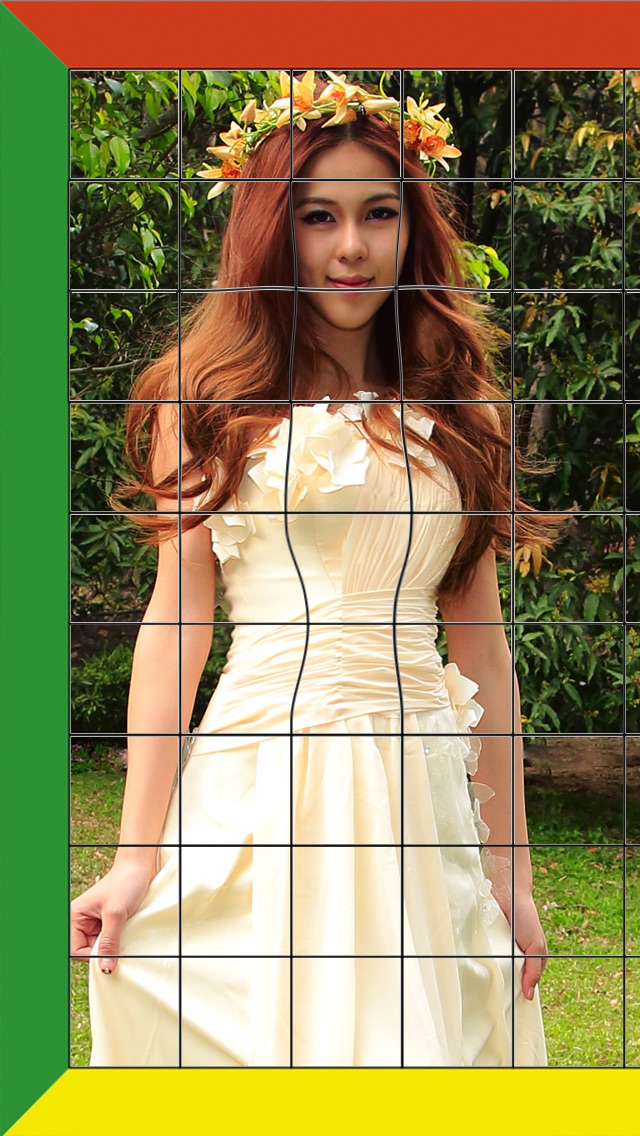
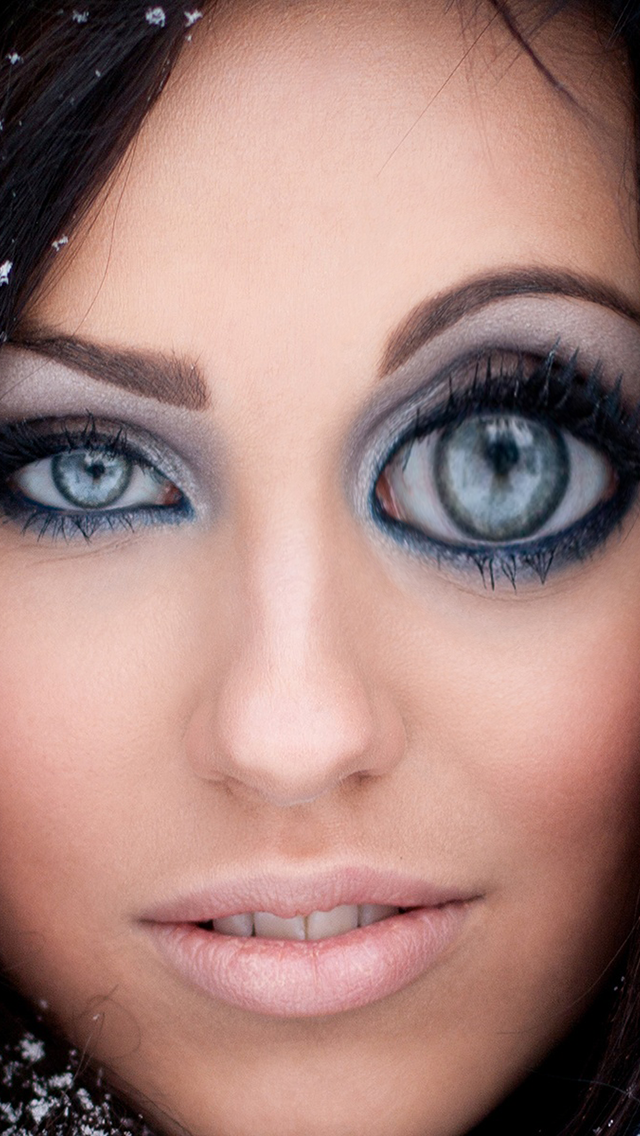
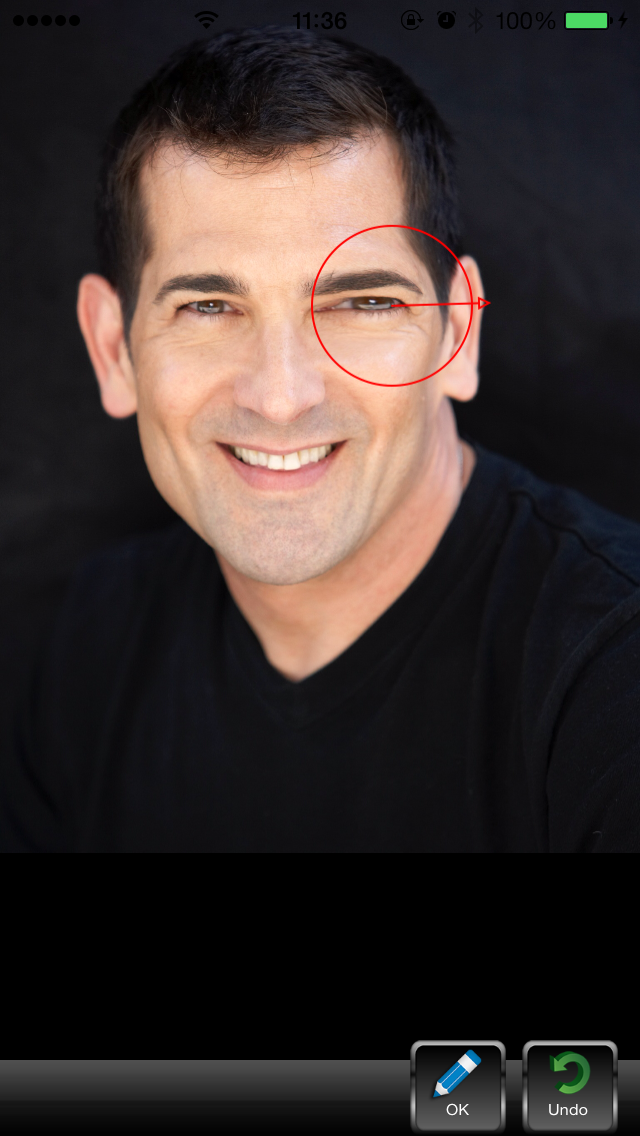
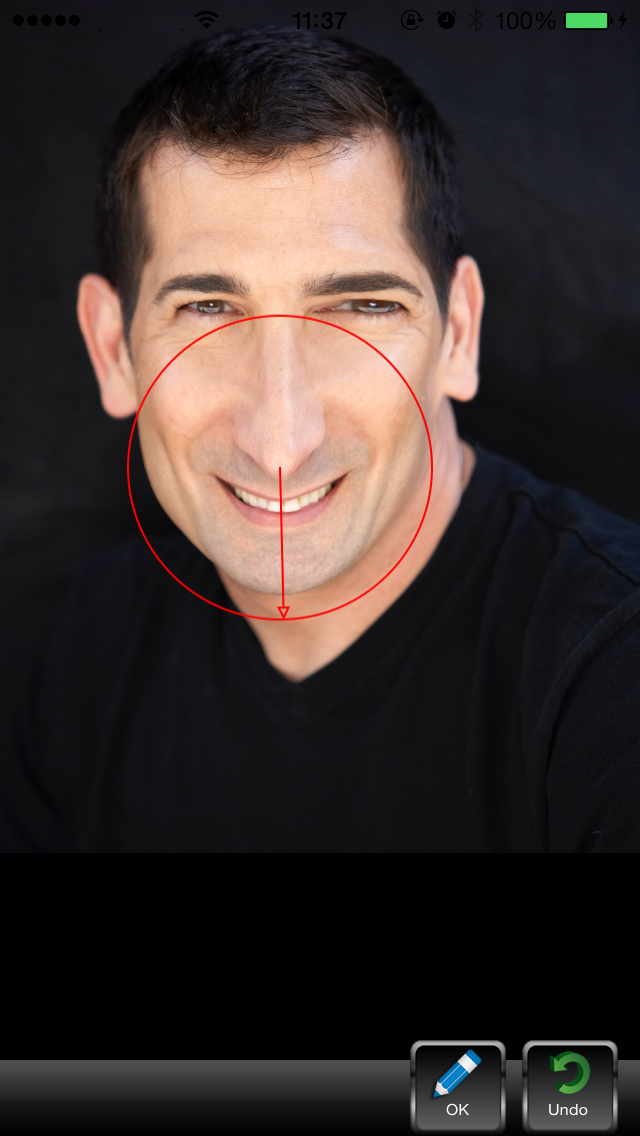
Push, pull, rotate, reflect, pucker, and bloat any area of an image. The distortions you create can be subtle or drastic, which makes the Liquify command a powerful tool for retouching images as well as creating artistic effects. The Liquify filter in iPhone/iPad is a fabulous little tool for helping to eliminate some of these undesired areas in an image. Essentially, it allows you to ‘push’ or ‘move’ pixels around to manipulate the shape of something. The Liquify filter allows us to distort the pixels in a given image without losing quality. You can use tools in the Liquify filter to: • Remove bulges from arms, legs, and thighs. • Make a nose smaller. • Make eyes or lips smaller or larger. • Make chins, stomachs, and thighs, smaller. • Refine a chin or jaw line. • Change an expression slightly. • Adjust eyebrows slightly.

More from 松滔 袁

01
Auto Stitch Pic-Merge Panorama icon
Auto Stitch Pic-Merge Panorama
松滔 袁
3.2
02
Panorama 360 Camera icon
Panorama 360 Camera
松滔 袁
1.0
01
MIDAS - 4K LIVE FILTER CAMERA icon
MIDAS - 4K LIVE FILTER CAMERA
Cheol Kim
0.0
02
FILCA - Film Camera Filter icon
FILCA - Film Camera Filter
Suhyung Park
1.0
03
ND Filters icon
ND Filters
Jean-Christoph KAISER
3.0
04
Love Sofia - Concept Filter icon
Love Sofia - Concept Filter
HouseOfFX
4.0
05
FaceLab: Face Age, Hair Filter icon
FaceLab: Face Age, Hair Filter
Lyrebird Studio
4.6
06
Setty: Photo Filter & Presets icon
Setty: Photo Filter & Presets
A Color Story LLC
4.6
07
digital camera filter icon
digital camera filter
WhatsGoodApps LLC
0.0
08
ism: digital camera & filter icon
ism: digital camera & filter
MWM
4.5
09
Esti: Foto Filter & Bewerken icon
Esti: Foto Filter & Bewerken
Prequel Inc.
4.6
10
MIX-Photo Editor & Filters icon
MIX-Photo Editor & Filters
成都派诺互动科技有限公司
4.8