Lumariver Depth of Field
Screenshots
ASO analysis
Good use of the title field.
Could go longer. The first 252 chars are above-the-fold; everything else still indexes.
Keyword rankings
iTunes Search · top 200About
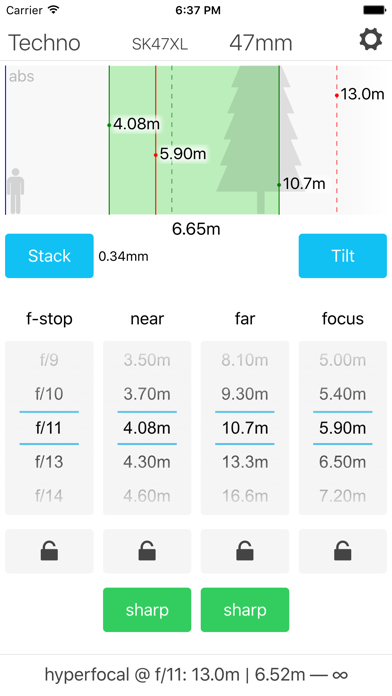
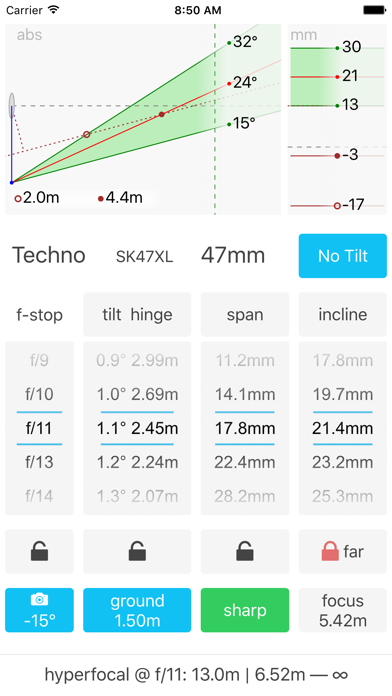
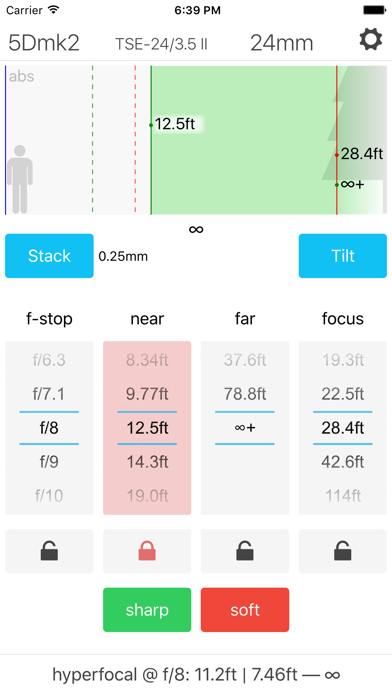
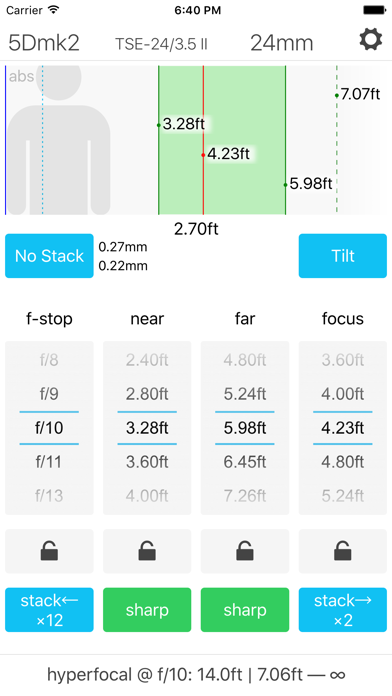
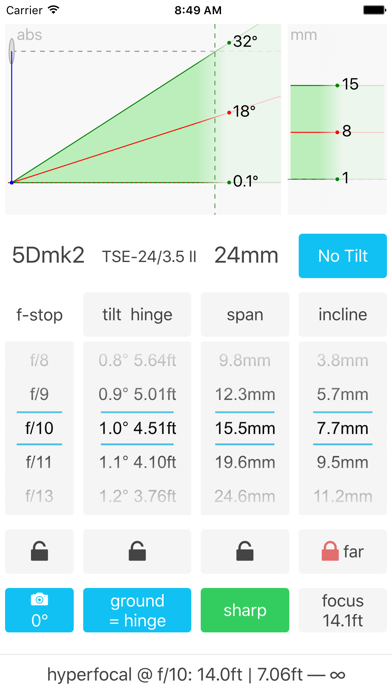
The Lumariver Depth of Field Calculator is an app that helps you maximize the sharpness of your photographs. It’s primarily intended for landscape, architecture and all other genres where the goal is to have a sharp image front to back. Rather than being a calculator for theoretical exercises it’s designed for being a practical tool in the field, and it has a thorough user manual that describes real use cases. The user interface is optimized for one-hand operation using scrollers. In addition to the normal depth of field calculator it supports tilted depth of field (tilt-shift lenses, Scheimpflug principle) as well as focus stacking. The functions you don't intend to use can be turned off to keep the user interface as clean and simple as possible. Custom circle of confusion sizes can be set, which in addition to a fixed number may be relative to airy disc diameter and/or pixel pitch. It even supports dual circle of confusion sizes, one “sharp” and one “soft” to make it easy to do controlled trade-offs in difficult situations. By entering your own camera(s) and lenses once you have them easily accessible by name making the workflow efficient in the field. Distances can be shown either in meters or in decimal feet.