

MaxCurve
Screenshots
ASO analysis
Short title. You're leaving keyword space on the table.
Solid length. Make sure the first 252 chars hook the reader.
Keyword rankings
iTunes Search · top 200About
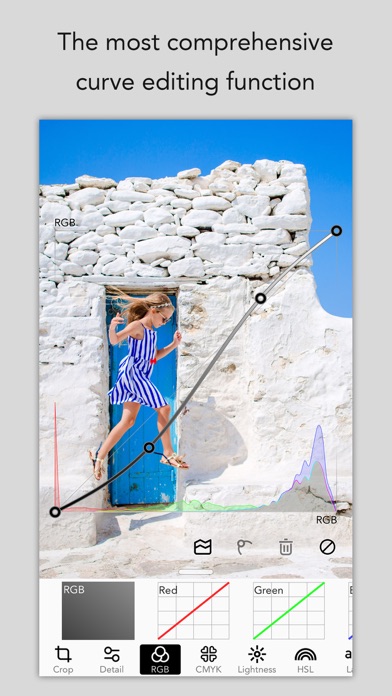
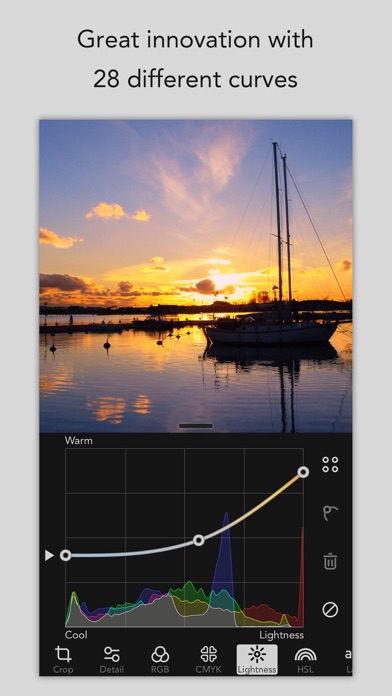
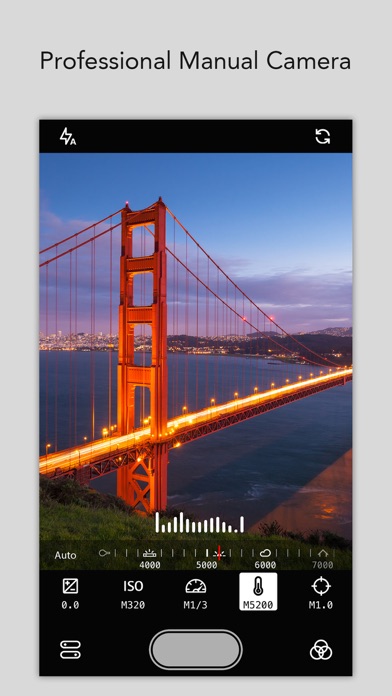
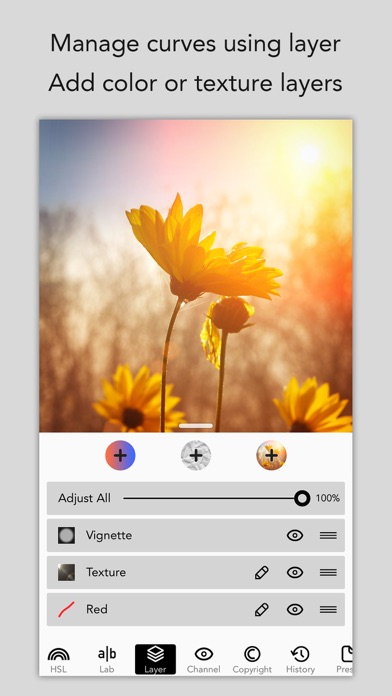
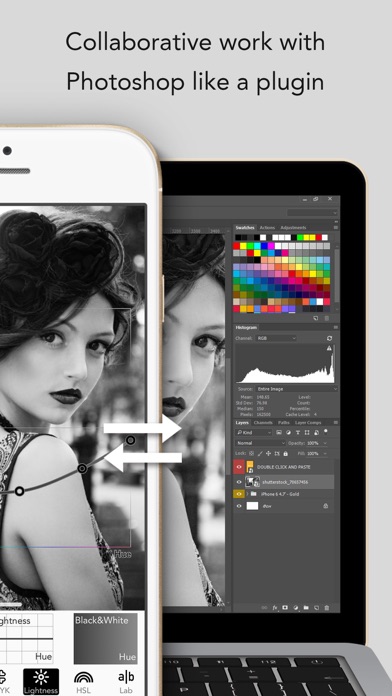
Best Apps of 2016, as Chosen by Apple. MaxCurve is a professional photo editor, which has the most comprehensive curve editing function and pro manual camera. MaxCurve achieves great innovation with 28 curves, most of which users have never seen on other apps. Even Photoshop can't achieve such an exquisite adjustment performance. Furthermore, manual camera, HDR, layer, channel, mask, preset, blend mode, opacity, crop and vignette are available. MaxCurve is able to edit every detail of your photos to its maximum design and also help to perfectly reconstruct your photography works. It's an indispensable app for photographers, and an essential tool serving as great assistant for artists. "MaxCurve should satisfy even the most perfectionist image editors." -- DPReview "Take your iPhone photography to new levels with MaxCurve." -- App Advice "MaxCurve brings professional image editing that even goes beyond some of the Photoshop curve functions. Recommended." -- Life in LoFi "Even more powerful desktop applications like Photoshop don’t offer the same level of control over some of their adjustments as MaxCurve does through its diverse range of curves tools." -- iPhone Photography School RGB KIT - RGB, Red, Green and Blue curves CMYK KIT - CMYK, Cyan, Magenta, Yellow and Black curves LIGHTNESS KIT - Contrast/Lightness curve - Exposure/Lightness curve, like shadow/highlight in Photoshop - Gamma/Lightness curve - Temperature/Lightness curve - Lightness/Hue curve, like hue/saturation in Photoshop - Black & White/Hue curve, best BW tool ever HSL KIT - Hue curve, like hue/saturation in Photoshop - Hue/Saturation curve - Hue/Lightness curve, like color balance in Photoshop - Saturation curve - Saturation/Hue curve - Saturation/Lightness curve LAB KIT - a curve - a/Luminosity curve - Copy a to b curve - b curve - b/Luminosity curve - Copy b to a curve - Luminosity curve LAYER KIT - Manage curves using maximum 40 layers - Add color layer, texture layer or self-blending layer; then set blend modes like in Photoshop - Adjust blending opacity using curves - Add mask for every layer CHANNEL KIT - RGB, CMYK, HSL and LAB channels - Check and adjust channels separately MORE KITS - HDR brings a stunning look to your image by using one image - Crop, rotation, mirror and ratio tools - Sharpness, blur, grain, structure and vignette tools - Powerful history function with snapshot - Pixelate and border tools MANUAL CAMERA - Adjust the exposure, ISO, shutter speed, temperature and focus by manual - Use the presets to be the filters while taking photos - Use it as a standalone camera SYNC TO PHOTOSHOP - MaxCurve can be linked to your Mac or PC's Photoshop using Wi-Fi, import images from Photoshop and export them back again after processing - Output presets as the format of 3D LUT, and use them in the function named 'Color Lookup' of Photoshop - You can perform collaborative work with Photoshop like a plugin, first of its kind ever created PROFESSIONAL EDIT - Process and save images as FULL size without downscaling resolution - Support for JPEG, TIFF, PNG and RAW (CRW, CR2, DNG, ARW, RAF, ORF, NEF, MRW, PEF, and others) - Reserve EXIF and GPS information as original picture - Add copyright info into EXIF, or add watermark for protecting your copyright - Choice of export quality - Analyze pictures by professional histogram and gradient map - Open MaxCurve in system's Photos app, and have it serve as a filter extension - Support is available for split view on iPad and 3D touch SHARE CURVES - Save curves into presets for subsequent and future use - We set up an online curve sharing platform for users to share photography artworks and curves without registration - Find inspiration on a publication highlighting creativity from around the globe - Save curves of other photographers to local presets Have suggestions or problems? Contact us via email: support@ maxcurve. net


