Microsoft To Do
Screenshots




Estimates
low confidenceASO analysis
Good use of the title field.
Solid length. Make sure the first 252 chars hook the reader.
Used by similar apps in your niche, but not in your title or description. Adding these (where genuinely relevant) can broaden your search reach.
Words you and your peers both use. Confirms positioning in this niche.
Keyword rankings
iTunes Search · top 200About
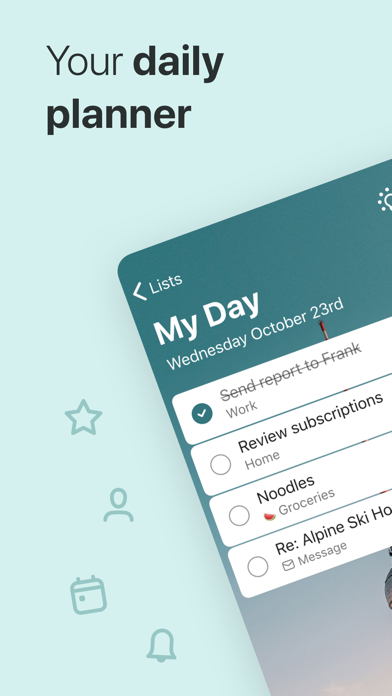
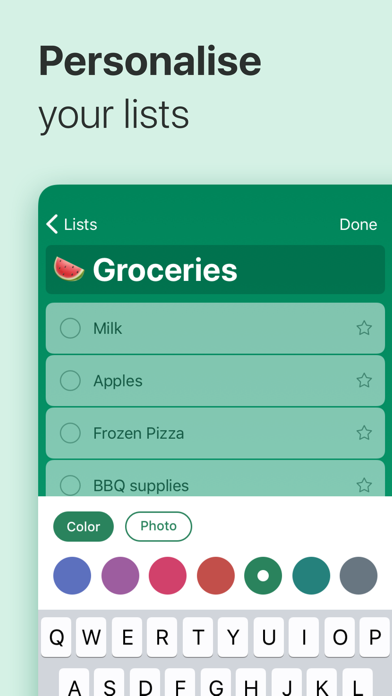
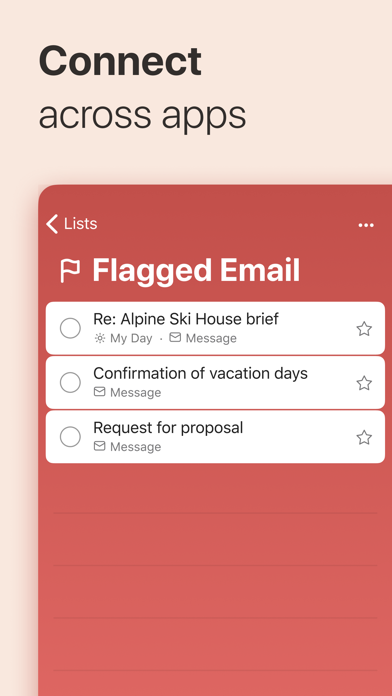
Stay organised and manage your day-to-day with Microsoft To Do. Make shopping lists or task lists, take notes, record collections, set reminders and more to improve your productivity and focus on what matters. Microsoft To Do is the task management app that makes it easy to stay organised and manage your life. Accomplish what’s important to you each day with My Day and Suggestions, personalised day planner tools. Daily tasks are simple with To Do, from grocery lists to housecleaning routines. Intelligent suggestions recommend tasks from across your lists that may be relevant each day. Microsoft To Do helps you quickly capture and retrieve your lists and tasks across devices. Sync reminders and tasks with Microsoft 365 to access them anywhere. Capture tasks from different Microsoft apps and services and sync them with Microsoft To Do, from flagging emails as tasks in Outlook to lists from Cortana. Your tasks and lists are hosted securely on the Microsoft 365 service. Make your lists unique with customizable features like emoji, colourful themes, dark mode and more. Stay connected and collaborate with friends and family by sharing lists to coordinate. Microsoft To Do Features: Daily Planner • Stay focused with My Day, a personalised daily planner with suggested tasks • Get your lists anywhere, on any device • Add notes to any task Task Manager • Share lists and tasks with your friends, family, colleagues, and classmates • Create colour-coded lists • Set one-time or recurring due dates and reminders • Break your tasks into manageable steps • Attach files up to 25 MB to any task To Do Lists for Any Purpose • Bill planner • Shopping lists • Set reminders • Task management • Business calendar • Note taking • And more Microsoft 365 Integration • Sync your tasks between Outlook and To Do • Host lists and tasks with the reliability and security of Microsoft 365 • Compile tasks from across your Microsoft 365 apps and services Whether it's for work, school, or home, To Do helps you organise and simplify your plans. To Do is free and available on all your devices. Learn more: https://to-do.microsoft.com Follow us on Twitter: @MicrosoftToDo Have an idea or feature suggestion? https://go.microsoft.com/fwlink/?linkid=2171952 Need support? https://go.microsoft.com/fwlink/?linkid=2156547 By installing Microsoft To Do, you agree to the Microsoft Terms of Use: https://go.microsoft.com/fwlink/?linkid=842575