

Microsoft OneNote
Screenshots
Estimates
low confidenceASO analysis
Good use of the title field.
Solid length. Make sure the first 252 chars hook the reader.
Keyword rankings
iTunes Search · top 200About
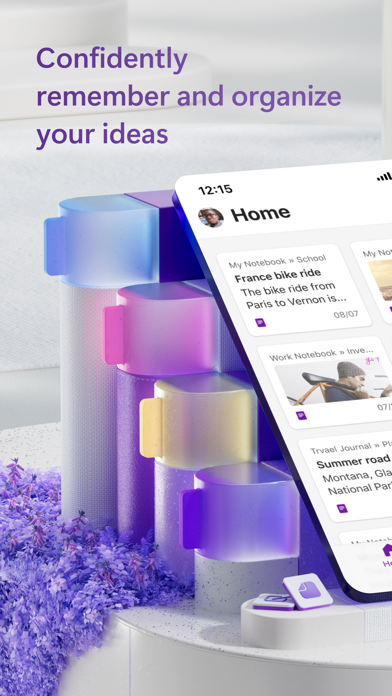
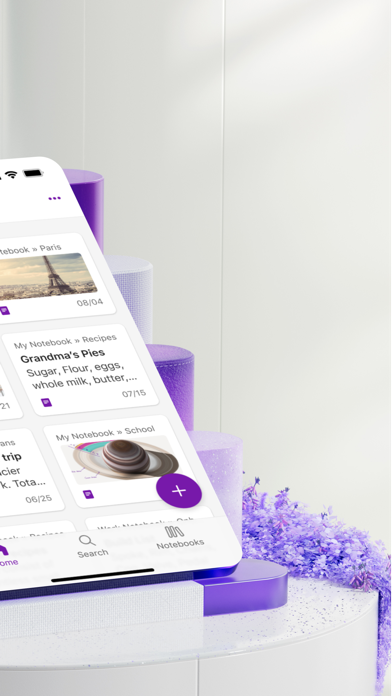
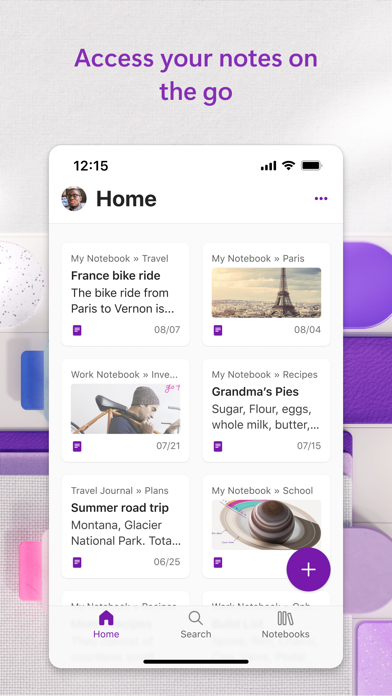
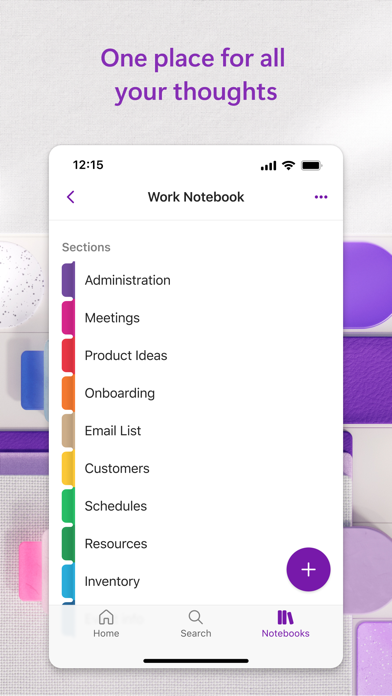
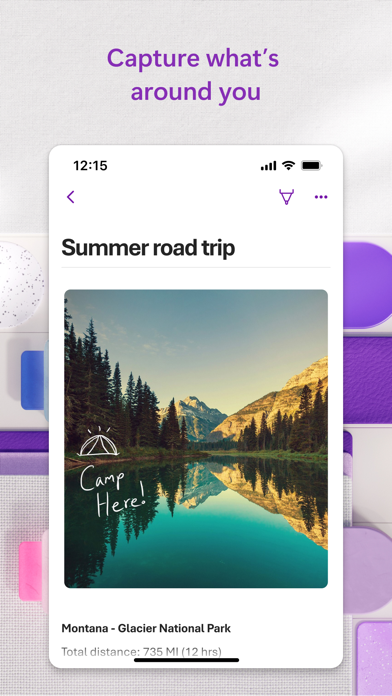
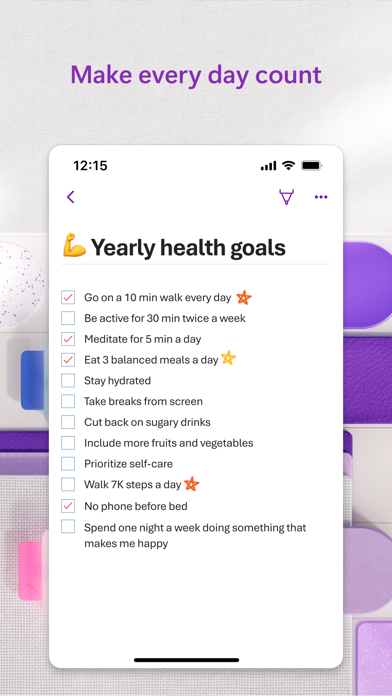
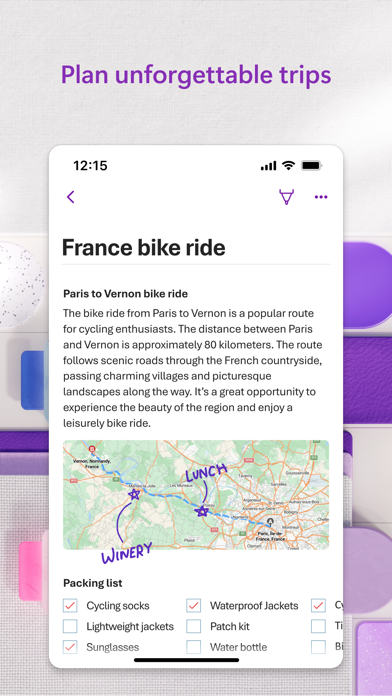
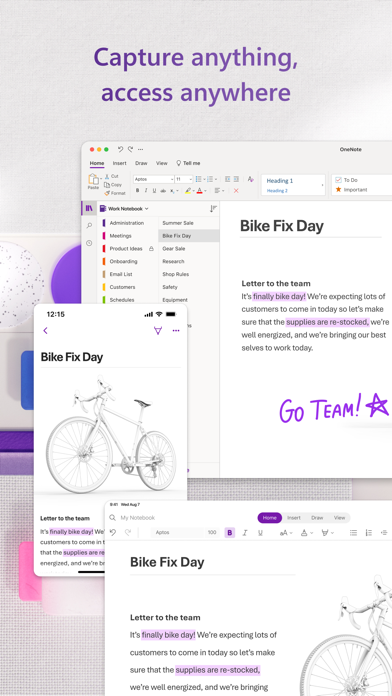
Capture your thoughts, discoveries, and ideas and simplify overwhelming planning moments in your life with your very own digital notepad. With OneNote, you can plan that big event, seize that moment of inspiration to create something new, and track that list of errands that are too important to forget. Write memos, make a digital sketchbook and save notes right on your phone. Sync your notes via OneDrive to access them anytime, anywhere. Whether you're at home, in the office, or on the go, your notes are available to you across all of your devices. Get the complete Microsoft Office experience when you sign in with your Microsoft Account. Take notes, share ideas, organize and collaborate when you download Microsoft OneNote today. Capture Anything: • With OneNote, you can plan that big event, save ideas to create something new and track that list of errands that are too important to forget. • Save pictures of whiteboards, photos or printed documents in your notes with Office Lens. Quickly take a picture, automatically crop and insert the image into your notes. Organize, Search and Secure: • Quickly organize your notes in a way that works best for you with powerful organizational tools. • Find your most recent notes quickly and pin the pages you use most. • Secure your notes with a password and use touch ID to quickly access them. Sync your Sticky Notes: • Quickly save your thoughts and ideas with colorful sticky notes on the go. • Sync your sticky notes to access them from anywhere on any device, anytime. Save, Share, and Collaborate: • Save to the cloud (OneDrive, OneDrive for Business, and SharePoint) and access your notes on anytime and on any device. • Collaborate and work together in a shared notepad. Write & Draw on iPad: • Use a variety of pen colors and settings to create beautiful handwritten notes and drawings. • Draw with confidence with "Convert to Shapes" mode: OneNote will automatically convert hand drawn shapes into crisp, perfectly regular polygons and circles. • Use a stylus or the touchscreen to write notes or use OneNote as a sketchbook. OneNote is free on iPhone and many other devices. Get started today! Download OneNote and sign in with your Microsoft Account or the account assigned to you by your work or school. Monthly Microsoft 365 subscriptions purchased from the app will be charged to your App Store account and will automatically renew within 24 hours prior to the end of the current subscription period unless auto-renewal is disabled beforehand. You can manage your subscriptions in your App Store account settings. This app is provided by either Microsoft or a third-party app publisher and is subject to a separate privacy statement and terms and conditions. Data provided through the use of this store and this app may be accessible to Microsoft or the third-party app publisher, as applicable, and transferred to, stored, and processed in the United States or any other country where Microsoft or the app publisher and their affiliates or service providers maintain facilities. Please refer to the Microsoft Software License Terms for Microsoft 365. See “License Agreement” link under Information. By installing the app, you agree to these terms and conditions.


