

MIDI Macros
Screenshots


ASO analysis
Short title. You're leaving keyword space on the table.
Could go longer. The first 252 chars are above-the-fold; everything else still indexes.
Used by similar apps in your niche, but not in your title or description. Adding these (where genuinely relevant) can broaden your search reach.
Keyword rankings
iTunes Search · top 200About
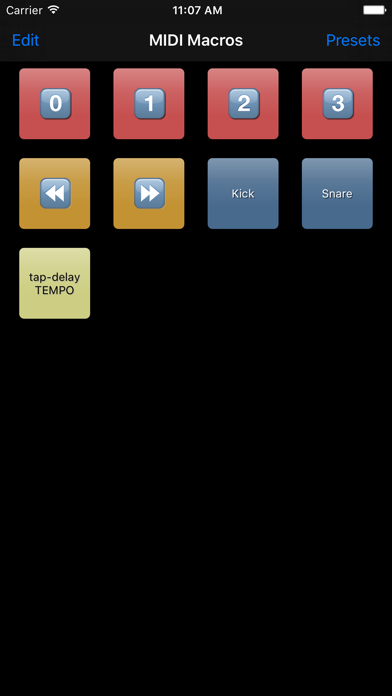
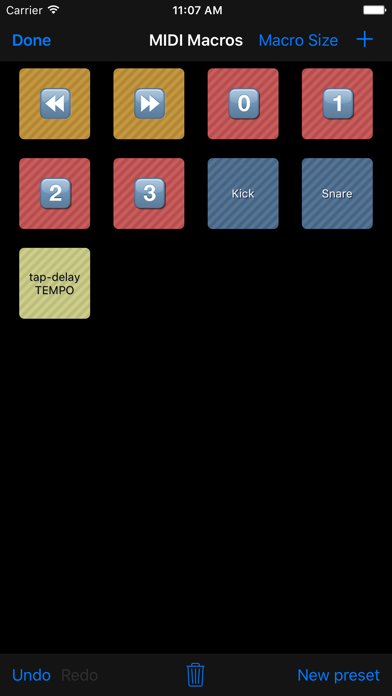
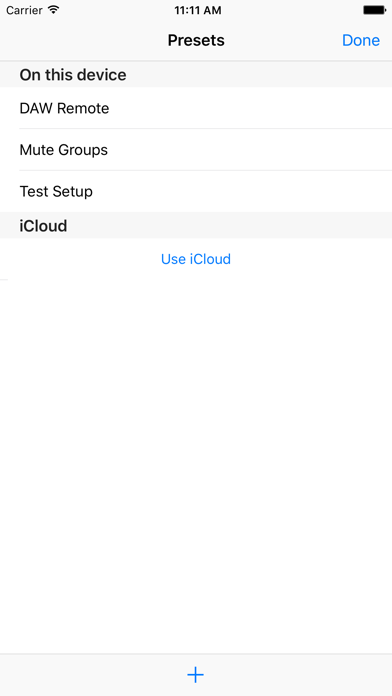
MIDI Macros enables you to create a collection of buttons (macros), which send out custom MIDI data when tapped. You can make macros to do whatever you want using MIDI: - toggle between synthesizer's presets - control your FX units' parameters - control your DAW and it's plugins - add extra buttons to your digital mixer - do all of the above simultaneously Look up the MIDI messages required for your setup in the device's manuals. Please feel free to contact me if you have questions or need any help, via contact@oscarbouwmans.nl. Every macro can send multiple MIDI messages, to any of the connected MIDI devices. So, for example, one macro can toggle 3 different actions, on 3 different devices. Or 1 action, on 9 devices. Etc. MIDI Devices can be connected to your iOS device via USB*, Bluetooth, or WiFi. *requires the Apple Camera Connection Kit or other compatible adapters Macro sets can be stored in presets. Presets can either be stored locally on the iOS device, or in iCloud, allowing you to synchronise presets between your devices. A future update will allow presets to be sent to other devices using AirDrop. This way you can send presets from your iPad to your iPhone for example, or to a friend who has a similar setup.


