

My Files - All File Manager
Screenshots



ASO analysis
Good use of the title field.
Solid length. Make sure the first 252 chars hook the reader.
Used by similar apps in your niche, but not in your title or description. Adding these (where genuinely relevant) can broaden your search reach.
Words you and your peers both use. Confirms positioning in this niche.
Keyword rankings
iTunes Search · top 200About
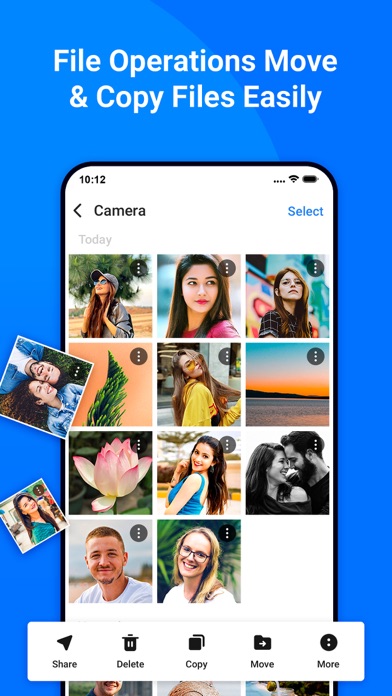
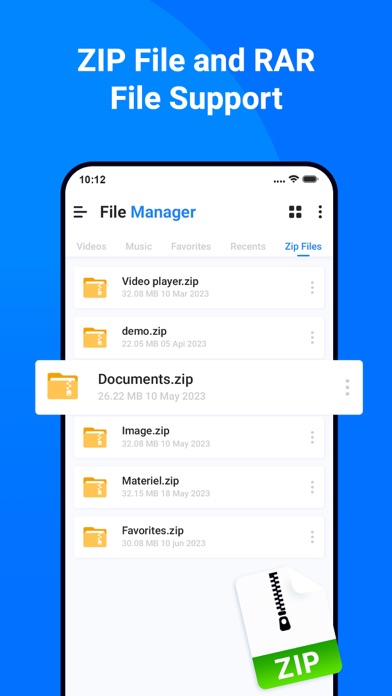
All File Manger - Solid Explorer is a file management app inspired by the old school file commander applications. It will help you: • Easily manage files in dual pane layout • Protect files with strong encryption • Manage files on your cloud storage or NAS • Backup apps and files to any desired destination • Explore your device All File Manger - Solid Explorer lets you navigate to files stored on your device and automatically organizes them into collections. You can view, delete, move, rename or share any files. It also allows you to quickly find the files you need through indexed search with filters. • Keep your files safe All File Manger - Solid Explorer can protect selected files with strong AES encryption and put them in a secure folder, which contents are unreadable for other apps. The file manager will ask for password or fingerprint confirmation when you browse the folder. Even if you uninstall All File Manger - Solid Explorer, the files stay on your device and are still protected. • Analyze Storage Although this file manager doesn’t feature a dedicated storage analyzer, you can find out which files take up most of space by going to folder properties of internal storage or SD card. You will find the information about the percentage of space each folder takes and the list of biggest files. You can also use search with a file size filter. • Organize remote files All File Manger - Solid Explorer supports major network protocols and cloud providers to let you organize multiple remote file locations in one place. You can easily transfer files between cloud locations/servers just by dragging them from one panel to another. ◆ Major feature list: • Files management - main storage, other store from PC • Cloud storage - easily connect and manage files on Google Drive, OneDrive, Dropbox • File encryption - password and fingerprint protection • Archives - support for ZIP, 7ZIP, RAR and TAR files • Indexed search - quickly find files on your device • Analyze storage - manage files taking too much space on your device • Organized collections - files categorized in Downloads, Recent,Photos, Videos, Music, Documents and Apps • Internal image viewer, music player and text editor - for easier browsing on remote storages • Batch rename - with support for naming patterns • FTP Server to Share File - for accessing your local files from PC • Themes and icon sets - rich customization options. This app include Subscribe All File Manager Pro Monthly at $1.99 and All File Manager Pro Yearly at $9.99 to use ads free versions of the app for a Month and user can cancel it anytime. – Privacy Policy: https://sites.google.com/view/liam-sammy-pp – Terms of Use: https://sites.google.com/view/liam-sammy-tos If you are looking for a file manager app that has simple and sleek interface with full features, All File Explorer would be the best choice.


