

Navimow
Screenshots



Estimates
low confidenceASO analysis
Short title. You're leaving keyword space on the table.
Could go longer. The first 252 chars are above-the-fold; everything else still indexes.
Used by similar apps in your niche, but not in your title or description. Adding these (where genuinely relevant) can broaden your search reach.
Words you and your peers both use. Confirms positioning in this niche.
Keyword rankings
iTunes Search · top 200About
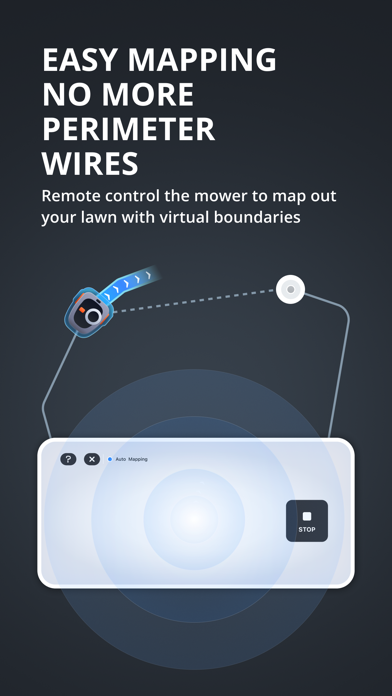
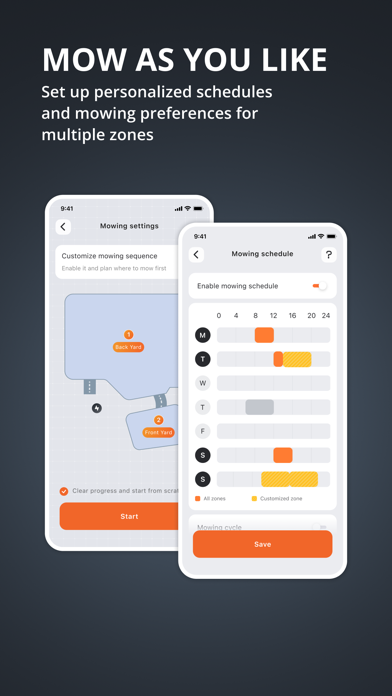
Segway Navimow is an advanced robotic mower that uses a virtual boundary, eliminating the need for complicated perimeter wiring. Easy to operate and manage, Navimow gives you more free time to do the things you love and an effortlessly impeccable lawn with every use. With the help of Navimow app, you can: 1. Easily install and activate the device by following the detailed tutorials. 2. Create a virtual working zone for your mower. Understand your lawn area and create a corresponding map. Just remote control the mower to set up the boundary, off-limit area, and channel. Even multiple lawn areas can be managed at your fingertip. 3. Set the mowing schedule. You can either choose to use the recommended schedule auto-generated based on your preferences or select the mowing time by yourself. 4. Monitor the mower at any time. You can check the mower status, mowing progress, remote control the mower to start or stop working whenever you want. 5. Personalize features and settings. Features like the cutting height, work mode can be adjusted with just a few clicks. Should you have any questions or suggestions, feel free to send an Email to: support-navimow@rlm.segway.com To know more about Navimow models and technical details, please visit our website: https://navimow.segway.com


