Nest Pensions
Screenshots
Estimates
low confidenceASO analysis
Good use of the title field.
Could go longer. The first 252 chars are above-the-fold; everything else still indexes.
Used by similar apps in your niche, but not in your title or description. Adding these (where genuinely relevant) can broaden your search reach.
Words you and your peers both use. Confirms positioning in this niche.
Keyword rankings
iTunes Search · top 200About
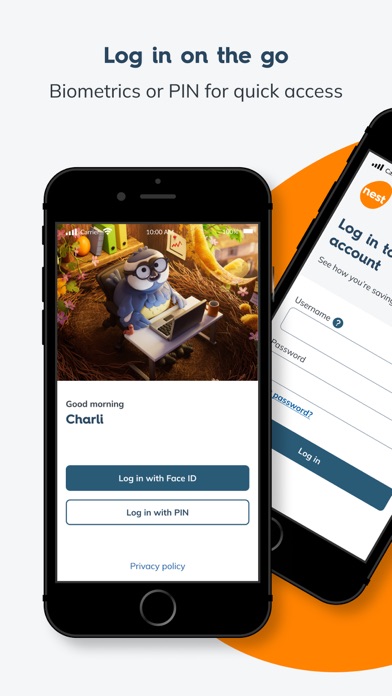
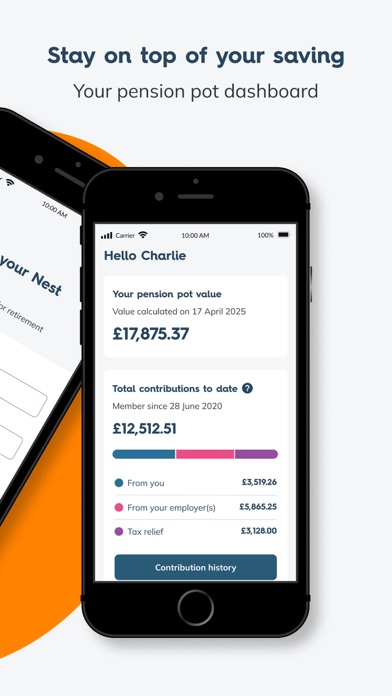
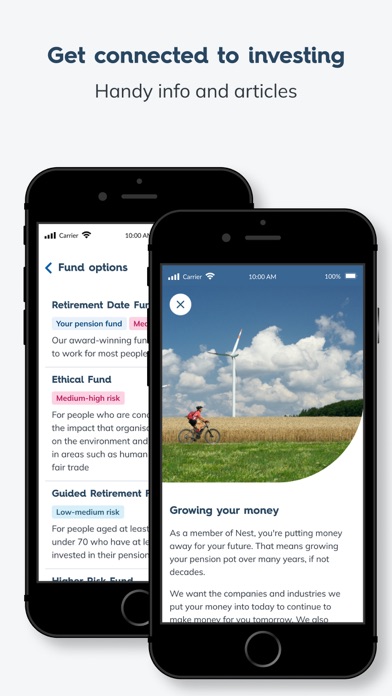
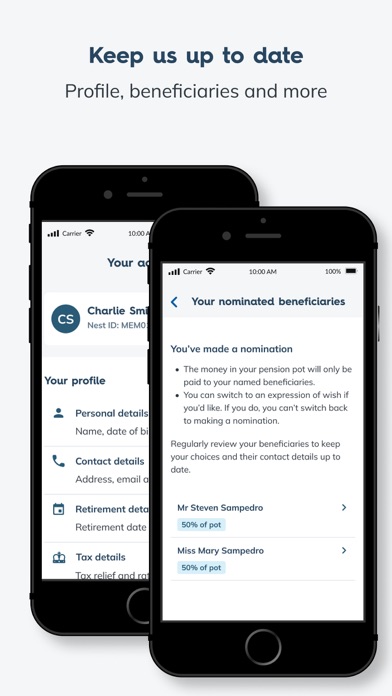
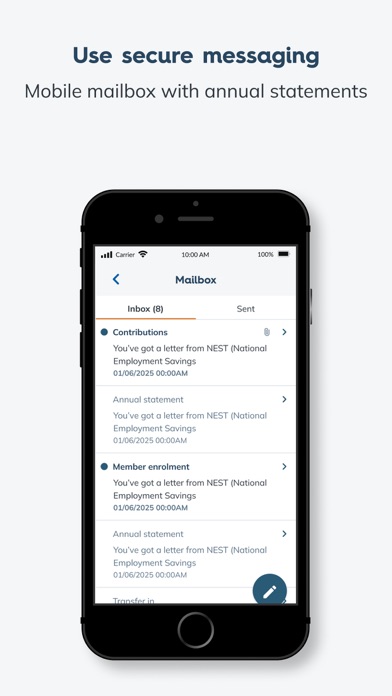
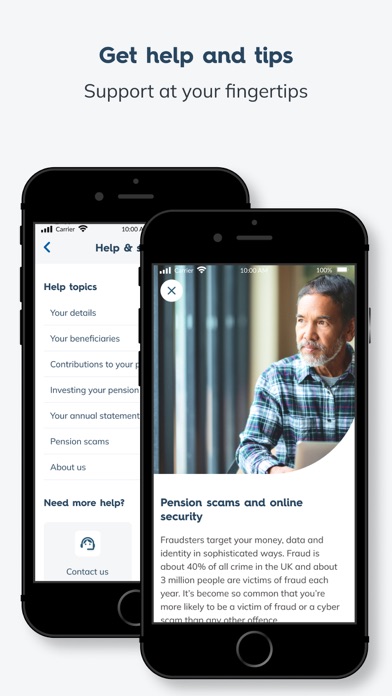
Want a handy way to check on your pension savings? With the Nest pensions app: • Log in easily and securely using biometric (fingerprint or face ID) or PIN • View your pension pot dashboard • View contributions added to your pot by you, your employer and the government’s tax relief • View your fund your pot is invested in • Keep your account details like address, phone and email up-to-date • Add or manage beneficiaries for your pot • View and send secure messages Getting started: You must be a Nest member to use the app. If you have already set up your Nest account online: • Log in to the app using the same username and password that you use to log in to your member account on our website – nestpensions.org.uk • You will then be asked to set up a 6 digit PIN, followed by the option to set up biometric (fingerprint or face ID) login, either of which you can then use to going forward to log in. If you haven’t already set up your Nest account online: • Go to nestpensions.org.uk to register. You’ll need your Nest member ID from a letter you have received from us • Then download the Nest Pensions app and log in as per the process given above Help and Support: If you need support, you’ll find it in the Help section of our app. The Member Help Centre on our website also has app support. If you have a question about your Nest account or pension pot, log into the app or our website to send us a secure message. Give us your view: We’d love to hear what you think about the features and tools in the app. Feel free to contact us at: app@nestcorporation.org.uk Do not include personal details like your pot balance or password in your feedback.