

Nintype
Screenshots
Estimates
low confidenceASO analysis
Short title. You're leaving keyword space on the table.
Could go longer. The first 252 chars are above-the-fold; everything else still indexes.
Used by similar apps in your niche, but not in your title or description. Adding these (where genuinely relevant) can broaden your search reach.
Words you and your peers both use. Confirms positioning in this niche.
Keyword rankings
iTunes Search · top 200About
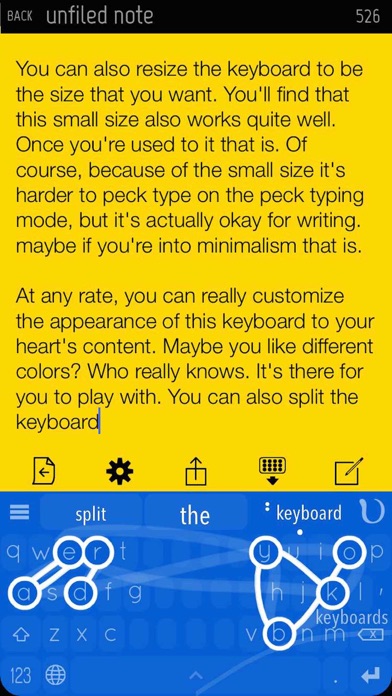
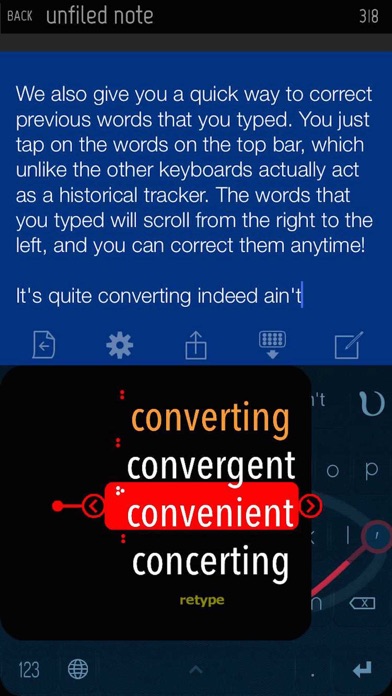
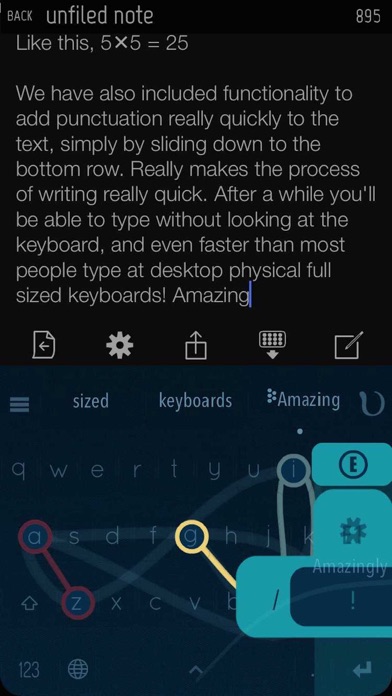
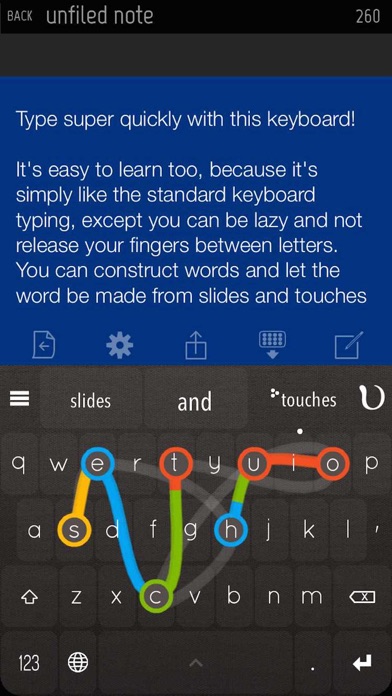
Nintype, as used by over 150k people! ----------------------- Transform your iPhone or iPad into a highly productive device where you can actually type relatively quickly with it - so writing emails, reports and articles are much nicer, because you can type faster on the iPad/iPhone than most people can on a desktop keyboard! This notes app comes with a 3rd party keyboard, which is most probably what you're after. Keyboard Features: - Two-Handed Sliding Keyboard - construct words with slides and taps - A top bar to correct previous words quickly - Slide left/right at the spacebar to move the cursor quickly - Backspace slide to quickly erase words - Edge slide shortcuts to quickly add punctuations - Quickpaste menu (press-hold caps) - Height / layout adjustment. Can split, align right, left, etc. - Flick autocomplete - Number pad layout quick access (slide right from the 123 button, at the bottom left) - Calculator which actually counts things - numbers ready to be inserted - Customizable theme - with a lot of presets - Autospace Mode (Automatically flushes in adjustable time, dynamic timing, new and improved! recommended for expert users) - Emojis! Press hold the topleft button at the topbar! - Emojify - type any english word (e.g happy), slide down from X, and select the emoji you want! Supported Languages: Priority Support - English Secondary Support - Danish, Dutch, French, German, Indonesian, Italian, Norwegian, Polish, Portuguese, Romanian, Spanish, Swedish Nintype App (A note-taking app) features: - Subfolders, unlimited depth too - Shortcuts System - Recent Notes History system - A Robust Archive system. - Quick Share Shortcuts


