

Password Manager .
Screenshots


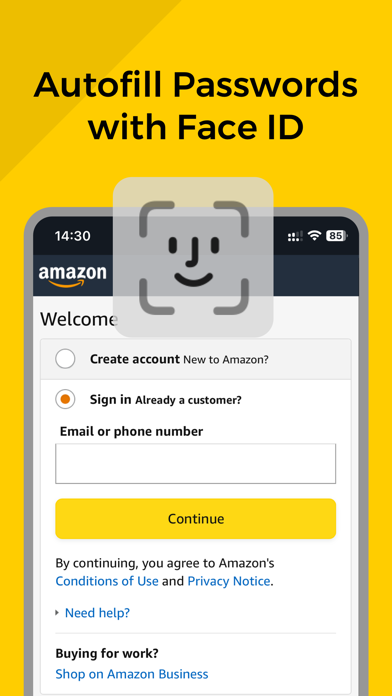

ASO analysis
Good use of the title field.
Solid length. Make sure the first 252 chars hook the reader.
Keyword rankings
iTunes Search · top 200About
Password Manager offers professional-grade password management to keep your digital life secure. The app remembers all your passwords, storing them safely behind a single master password that only you control. Password Manager features a fresh, modern interface and extensive customization options, making mobile security effortless and accessible. This application is not only user-friendly and visually appealing but also highly secure. Simply enter your master password, and Password Manager takes care of the rest. ◆ Generate strong and unique passwords for every online account ◆ Auto-fill usernames and passwords on websites and apps ◆ Access your information anytime, anywhere, on mobile devices and computers ◆ Securely share passwords with family or colleagues ◆ Unlock with facial recognition or fingerprint scanning using Face ID or Touch ID Password Manager goes beyond password management—it's also perfect for storing financial records, personal documents, or any sensitive information you need to keep safe and accessible. All data stored in Password Manager is secured by a Master Password known only to you. The app employs end-to-end encryption, ensuring that your data is decrypted only when offline. Encryption keys never leave your device, allowing only you to view your passwords. With Password Manager, you can trust that your critical information is always secure and conveniently accessible, no matter where you are. + Subscription Info: Subscription option: Weekly auto renew Subscribe for unlimited access to all features and content offered for purchase within the app. Payment will be charged to iTunes Account at confirmation of purchase. Subscription automatically renews unless auto-renew is turned off at least 24 hours before the end of the current period. Account will be charged for renewal within 24-hours prior to the end of the current period, and identify the cost of the renewal. Subscriptions may be managed by the user and auto renewal may be turned off by going to the user's Account Settings after purchase. Any unused portion of a free trial period, if offered, will be forfeited when the user purchases a subscription to that publication, where applicable. Pricing in other countries may vary and actual charges may be converted to your local currency depending on the country of residence. Terms of Use: https://sites.google.com/view/thaotran2022dev/privacy Privacy Policy: https://sites.google.com/view/thaotran2022dev/term


