

Password Manager Authenticator
Screenshots

ASO analysis
Tight against the limit — verify it doesn't truncate on small screens.
Solid length. Make sure the first 252 chars hook the reader.
Keyword rankings
iTunes Search · top 200About
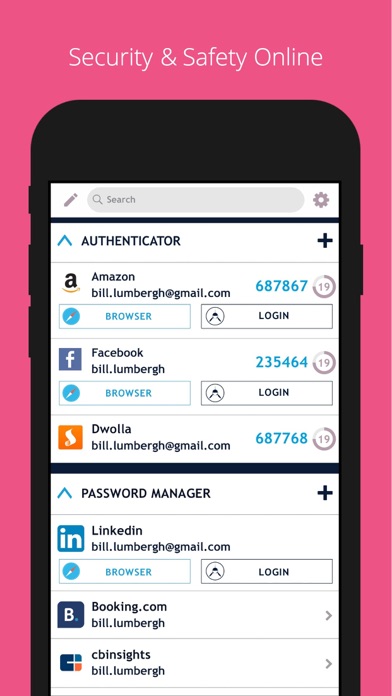
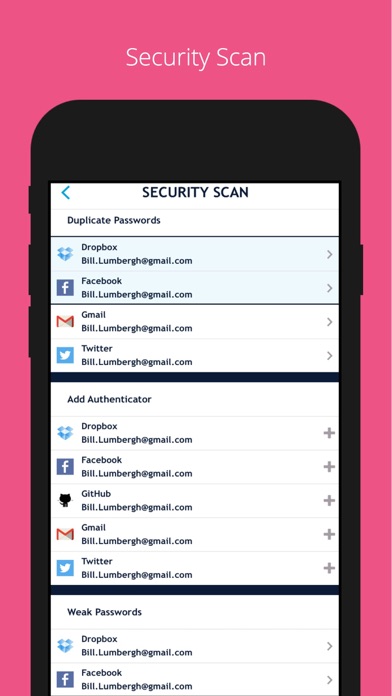
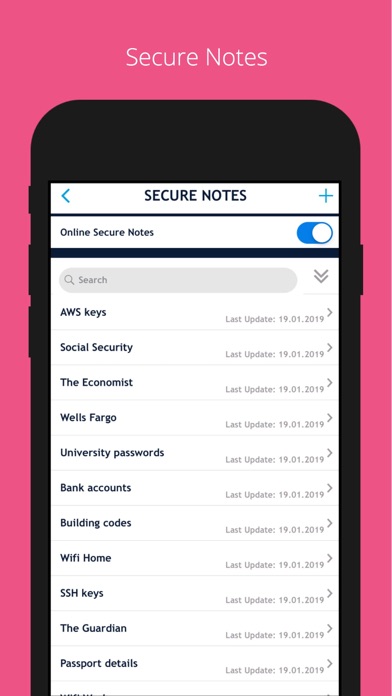
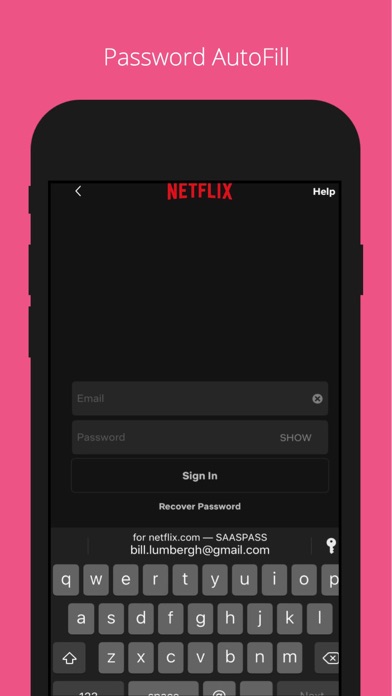
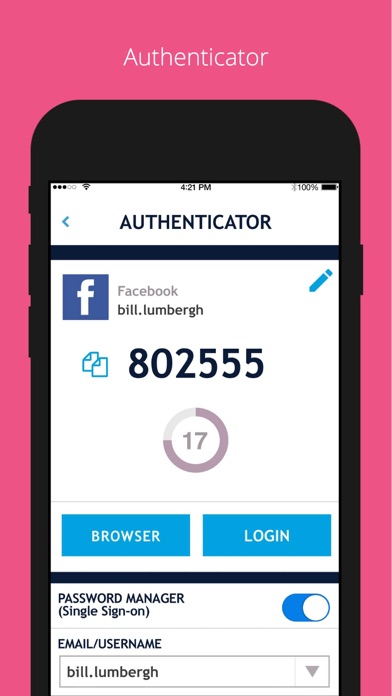
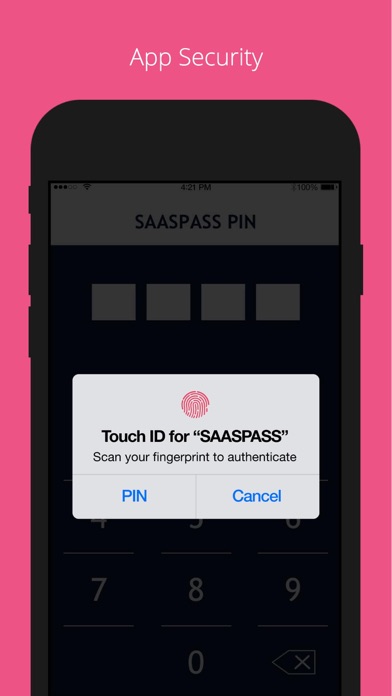
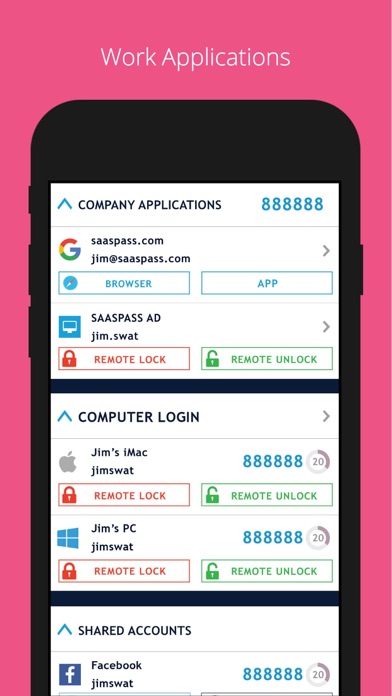
SAASPASS is a Password manager & Authenticator 2FA code generator with autofill & autologin capabilities. It is built with Security & Usability in mind and is secured by Passwordless MFA Password Manager Web and Browser access secured by passwordless MFA Over 100 Thousand pre-configured websites & mobile services Custom additions available AutoFill support Notes section Quick copy support Web portal Authenticator Code Desktop, Web & Browser extension access secured by passwordless MFA AutoFill support with password manager integration Notes section Quick copy support Support for both HOTP/TOTP. Support for 6, 7 and 8 digits Support for SHA1, SHA256, SHA512 Companies can share access to the Authenticator code across multiple individuals Security Scan Identifies which websites & apps you use in the password manager have: Authenticator 2FA format Duplicate passwords Weak passwords Secure Notes Save notes, edit it in the mobile app or web portal & enable it to be on multiple devices and be recoverable. Web access is secured by passwordless MFA Multiple Devices You can have SAASPASS securely on multiple devices. Comes with device management capabilities where you can remotely disable it. Recovery - Secure Backup & Restore Multiple secure recovery capabilities where you can prevent SIM swap attacks. This way if you lose your Authenticators and passwords, you can have them restored on your new device without going through the hassle of painstakingly setting each one individually. Autofill Both the password manager and Authenticator code generator are available on your desktop from both the web portal (login at https://www.saaspass.com/sd/#/login ) and the browser extension. They come with optional Autofill and AutoLogin capabilities on your mobile app as well as the desktop. iPad Multitasking with Split Screen & Landscape view support Password Generator Offline Support Download the SAASPASS browser extension to see the magic in action. It is available for the following browsers: Safari Chrome Firefox Microsoft Edge and Chromium browsers like: Brave Vivaldi There is NO need for a desktop application on your computer. The browser extension is a full blown application. Unlocking app: - Touch ID - Face ID - Scrambled Keypad - 4 or 6 digits as your PIN length SAASPASS app opening protection includes brute-force attack mitigation. Edit Order: Change the order of the Main Menu by choosing Customize Menu Layout under the Settings. Search Bar Use to quickly find services. Apple Watch support To enable SAASPASS Autofill go to your devices Settings > Passwords & Accounts > AutoFill Passwords After turning on AutoFill Passwords select SAASPASS. There are quick copy links under every service as well. - SAASPASS also offers security for employees, companies, developers, admins and computers. Developers can integrate multi-factor authentication (MFA) services with ready code snippets in multiple languages and SDKS from: developer.saaspass.com Companies can sign up for usage of MFA, SSO, IAM solutions, Directory Services, Team Password Manager, Enterprise Password Manager, Shared Authenticator codes with teams, the Shared Access Center, Adaptive Authentication from the www.saaspass.com website. Companies can integrate: On-premise applications Cloud applications Hybrid applications The Identity & Access Management of SAASPASS can be used to integrate many business and productivity applications including email and collaboration suites Out of the box integration to over 100 THOUSAND applications include, but are not limited to, the following services: VPN RDP RADIUS SAML OIDC OAuth 2 LDAP Active Directory Microsoft 365 Microsoft OWA Google Workspace G Suite Office 365 Salesforce On premise applications Dropbox 1password Zendesk Onelogin Keeper Zoho Freshdesk Netsuite Amazon Web Services (AWS) Clarizen Ping Samanage TSPlus Authy ShiftPlanning Duo Security Dashlane Lastpass Bitwarden Okta & many more


