

PDF Password Remover Tool
Screenshots
ASO analysis
Good use of the title field.
Could go longer. The first 252 chars are above-the-fold; everything else still indexes.
Used by similar apps in your niche, but not in your title or description. Adding these (where genuinely relevant) can broaden your search reach.
Words you and your peers both use. Confirms positioning in this niche.
Keyword rankings
iTunes Search · top 200About
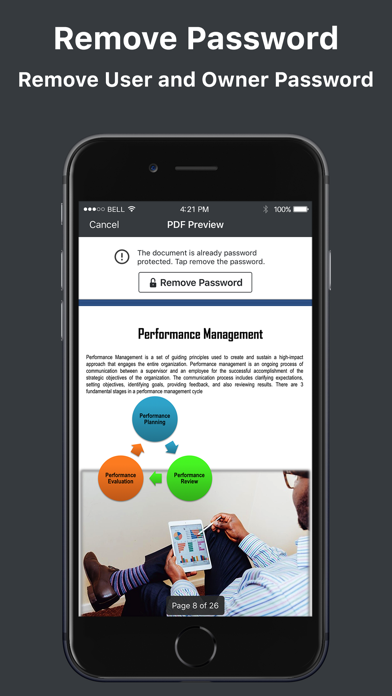
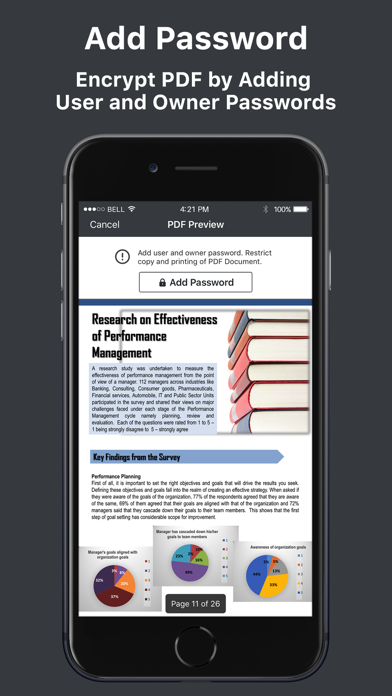
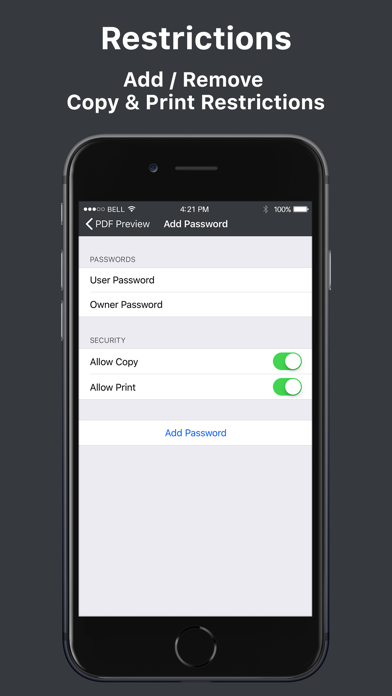
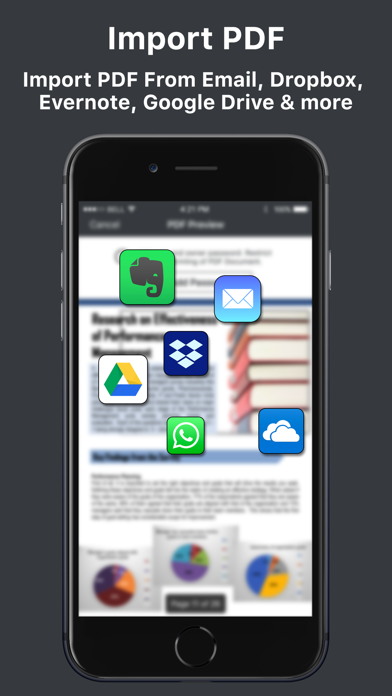
PDF Password Remover Tool allows you to remove password from protected PDF files. It also removes copy and print restrictions. You can open the decrypted PDF document in any of your favourite PDF editor. You can easily import files from your local device, email, dropbox, iCloud, Google Drive, OneDrive or any other cloud storage provider. You can add or remove password from imported PDF file. The app will automatically detect whether the imported document is encrypted or not. If it is not encrypted, you can encrypt it with user and owner passwords. You can also impose copy and print restrictions. How to remove password from PDF document 1. Open PDF document. 2. Provide the password to unlock the imported PDF document. 3. The app will remove the password from PDF document and generate a new decrypted copy. How to add password from PDF document 1. Open PDF document. 2. Add user and owner password. 3. Optionally add copy and print restrictions to generate a new encrypted copy. Features: - Remove password from encrypted PDF files - Add password to PDF files - Add or Remove copy / print restrictions - Import files from local device, Email, Dropbox, Google Drive, OneDrive etc - Export PDF File - Compatible with iOS 11 - Simple and easy to use interface Please contact support@svgapps.com for any question, feedback or complaints. Please leave a 5 star rating if you find this app useful. Your support help us keep improving this app.


