

Photo Widget
Screenshots


ASO analysis
Good use of the title field.
Could go longer. The first 252 chars are above-the-fold; everything else still indexes.
Used by similar apps in your niche, but not in your title or description. Adding these (where genuinely relevant) can broaden your search reach.
Words you and your peers both use. Confirms positioning in this niche.
Keyword rankings
iTunes Search · top 200About
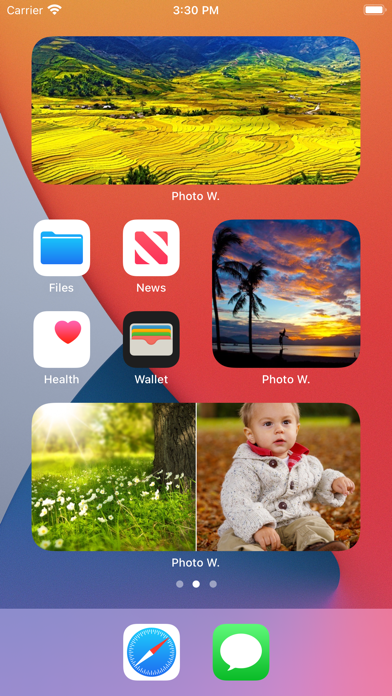
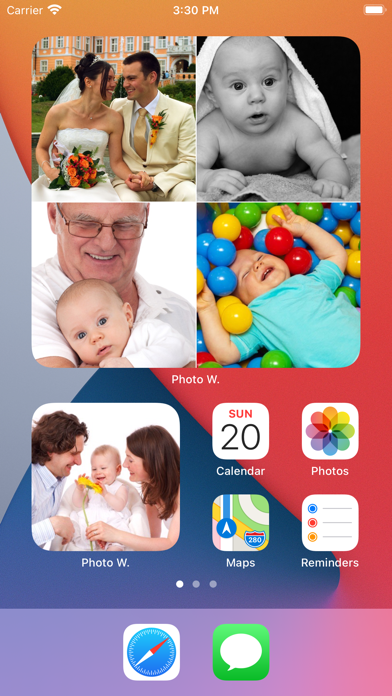
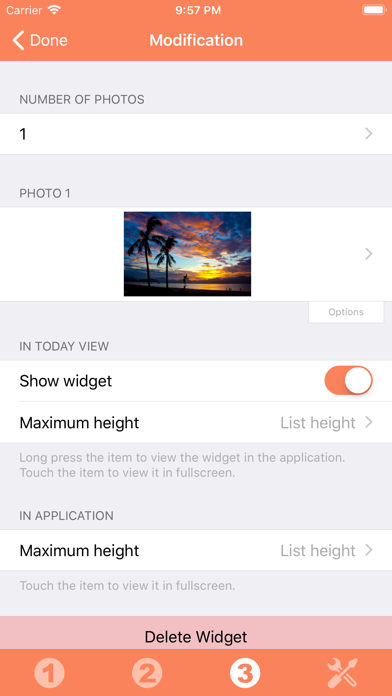
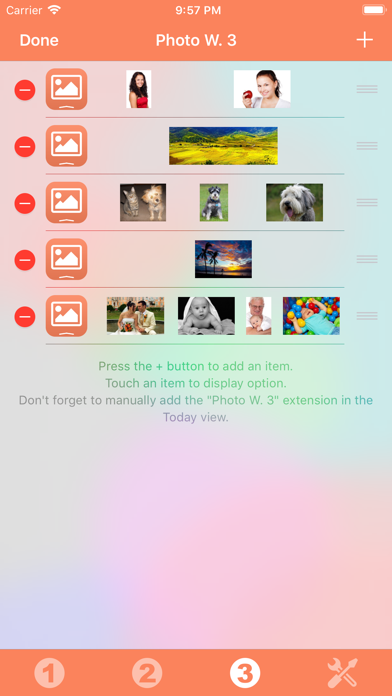
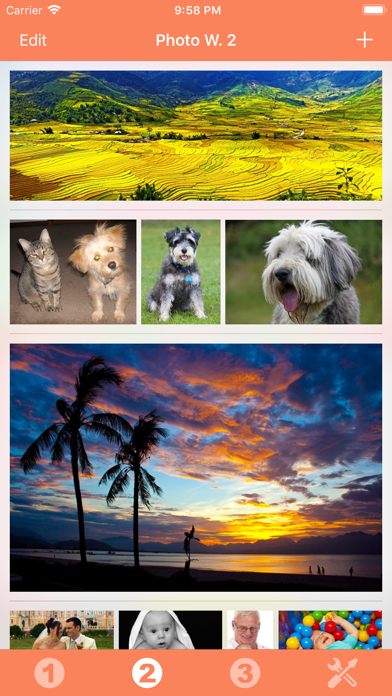
Those Widgets are compatible with the new iOS 14 Home Screen Widgets. Thanks to this application (and the other Widget apps from PacoLabs), you can now customize the Today view of your device, by adding custom widgets for some specific purposes. From anywhere in your device, with a simple top to bottom swipe, you'll have access to your own information and actions. Each Photo widget allows to view one or more photos from the photo library of your device. This is the quickest access to the favorite photos of your beloved family and friends. Add from 1 to 6 photos in each widget, in order to maximize the available space. Those photos can be viewed in fullscreen by touching them. The application is really easy to use and is adapted to the fresh look of your device. Dark mode of iOS13 is supported. You can add as many widgets as you want and they will be displayed in up to 3 different lists. Those same lists will be available in the Today view and in the application (although it is possible, if you want, to hide some widgets in the Today view). To avoid overloading the Today view, when too many widgets are displayed, an intuitive control will allow you to navigate from one widget to another. Even if the main purpose of the app is to view the widgets in the Today view, it can also be very handy to view them directly in the application (a long press on a widget in the Today view will open it directly in the main application).


