

Planner.s
Screenshots

ASO analysis
Short title. You're leaving keyword space on the table.
Could go longer. The first 252 chars are above-the-fold; everything else still indexes.
Used by similar apps in your niche, but not in your title or description. Adding these (where genuinely relevant) can broaden your search reach.
Words you and your peers both use. Confirms positioning in this niche.
Keyword rankings
iTunes Search · top 200About
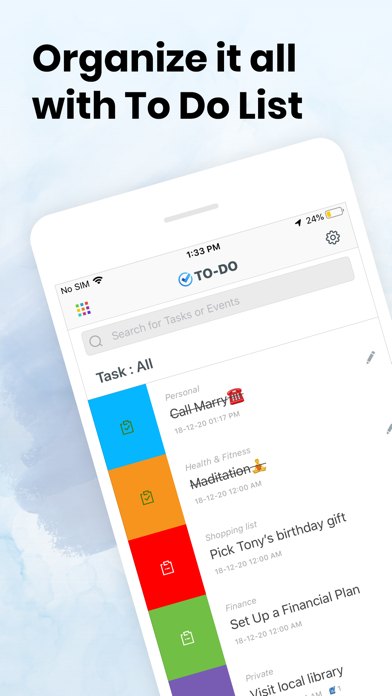
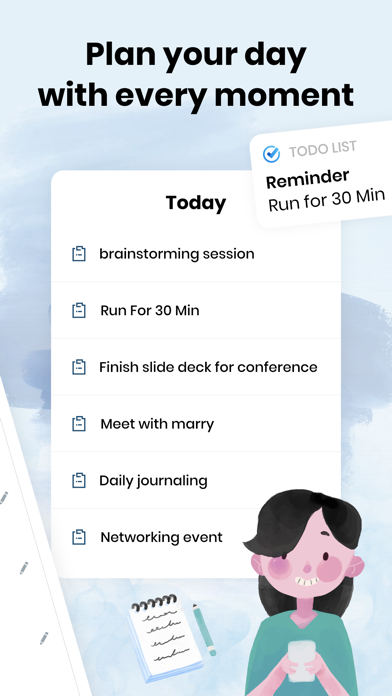
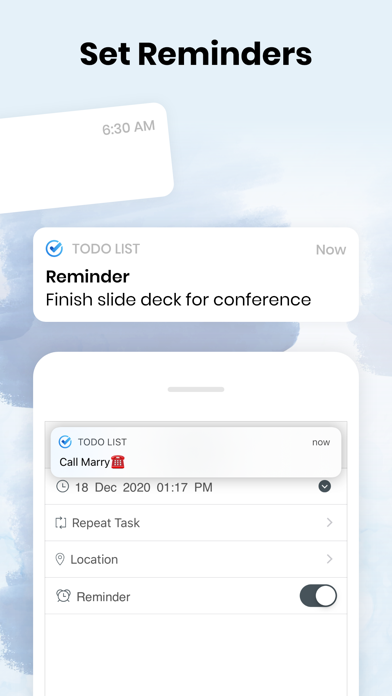
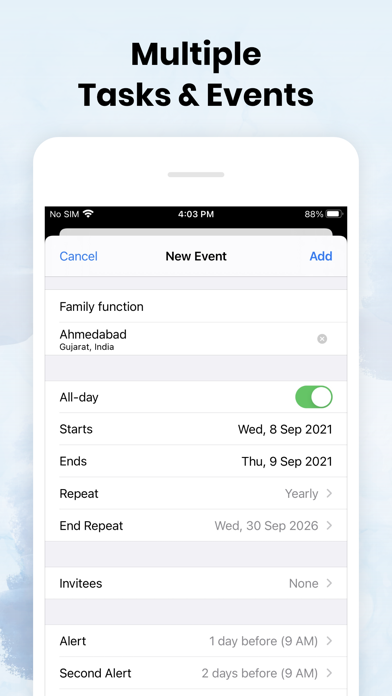
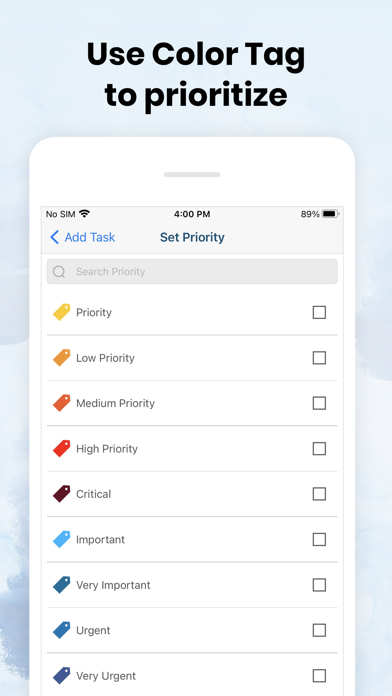
Now get accurate with To do list and calendar planner! To do planner is smart task list for everyday use. It is truly usable with great user experience. No matter who you are and what you do - you will be better organized! At home, at work and in your free time - you will focus on really important things! To do planner is powerful in its simplicity and convenience of use. Key Features • User friendly task management • Assigning categories to tasks • Add priorities to your each task • different notifications for tasks Subscription: Weekly: $2.99/week Monthly: $7.99/month with 3 days free trial • Payment will be charged to iTunes Account at confirmation of purchase • Subscription automatically renews unless auto-renew is turned off at least 24-hours before the end of the current period. You can turn of the auto-renew subscription from iPhone setting • Account will be charged for renewal within 24-hours prior to the end of the current period, and identify the cost of the renewal • Subscriptions may be managed by the user and auto-renewal may be turned off by going to the user's Account Settings after purchase • Any unused portion of a free trial period, if offered, will be forfeited when the user purchases a subscription to that publication, where applicable To Do app adds the great features above and are available through an auto-renewing subscription. Subscriptions will be charged to your credit card through your iTunes account. Your subscription will automatically renew unless cancelled at least 24 hours before the end of your current subscription, and you can cancel a subscription during the active period. You can manage your subscription at any time, either by viewing your account in iTunes from your Mac or PC, or Account Settings on your device after purchase. Get the app and stay accurate! • Privacy Policy: https://to-do-lists.com/privacy-policy.html • Terms of use: https://to-do-lists.com/terms-of-use.html


