

PlayMemories Mobile Connect
Screenshots



ASO analysis
Good use of the title field.
Solid length. Make sure the first 252 chars hook the reader.
Used by similar apps in your niche, but not in your title or description. Adding these (where genuinely relevant) can broaden your search reach.
Words you and your peers both use. Confirms positioning in this niche.
Keyword rankings
iTunes Search · top 200About
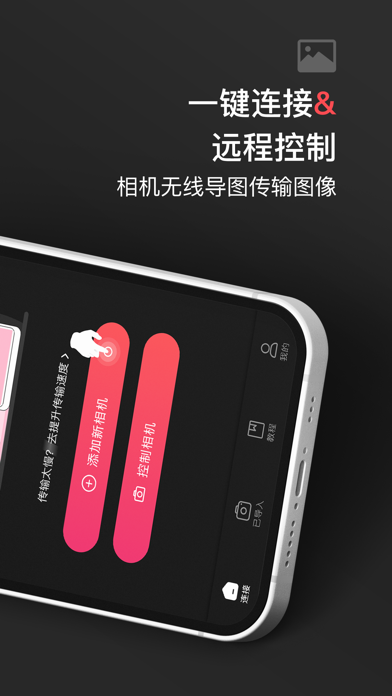
Memories Mobile is a camera connection and control APP. Through this APP, users can easily connect the full range of cameras such as DSC, a7m4, a7m3, a6400, a6000, etc. to smartphones or tablets to achieve fast transfer of photos and videos. Connection control function: 1. Fast transfer: When users need to quickly transfer photos and videos during shooting, Memories Mobile provides efficient transfer function. Simply connect the phone to the camera to quickly transfer the captured content to the phone or tablet. 2. Multiple device support: Memories Mobile supports a variety of devices, including smartphones, tablets, etc. This provides users with greater flexibility and is convenient for use in different scenarios. 3. Strong compatibility: Memories Mobile is fully compatible with cameras, including ILCE, NW-A77 and other models. This means that users can enjoy the convenience brought by this APP without changing the camera brand. In addition, we are also constantly improving the compatibility of camera devices, expanding the scope of device compatibility testing, collecting user opinions and suggestions, and constantly improving the compatibility testing of mainstream brands and models of mobile devices and cameras, and adapting to more camera models. For some users who use special camera models, they also hope that Memories Mobile can provide more compatibility support. 4. Remote shooting: Through Memories Mobile, users can easily remotely control the camera to shoot. No matter where you are, you can complete the shooting operation with just a tap on the phone. Models supported by Memories Mobile: A7 IV, A7RⅤ, A7C II, A7 III (stand-alone), A7C, A6700 (stand-alone body), A6400 (stand-alone), A6000, A7R III, A7R II, A7 II (stand-alone), A7R IV, ZV-1F, A7S III (stand-alone), A7CR, DSC-RX100M7, ZVE10, ZV-1 II (stand-alone body), ZV-E1 (stand-alone body), A1, A6300 (stand-alone), WX350, A5100, A7S II, A5000, A6400 standard single-lens set (SELP1650 lens), A7 III kit (FE 28-70mm OSS), A7RM4A (stand-alone), A7s IV, RX1R II, RX100 III, RX10 IV, A6600, A6100, HX400, W800, A6500 (stand-alone), A9, WX500, A9 III, A7 II kit (24-240mm), RX1R, ILCE-7RM3A (stand-alone), A5000 kit (E PZ 16-50mm), W830, RX100 II, ZV-E10 Mark II. In general, Memories Mobile supports A7RII (stand-alone), RX100V, RX10III, A7II (stand-alone), A6300, ILCE-6000, RX100III, RX100III, RX100, ILCE-6000 kit, ILCE-7 (stand-alone), ILCE-7R (stand-alone), ILCE-5100 kit, ILCE-5000 kit, A6500 (stand-alone), A7II kit (FE24-70mm), RX100IV, A7SII (stand-alone), A7RII kit (FE24-70mm), A7RII kit (FE24-240mm), RX1RII, RX100II, HX400, H400, RX1, WX220 and many other models. User feedback: We attach great importance to user feedback and suggestions. If you encounter any problems or have any suggestions while using our APP, please feel free to contact us through the following methods: Customer Service Hotline: 4009927082 Email: nongzekj@163.com Privacy Policy: https://kdocs.cn/l/cdxHByXwCAej User Agreement: https://kdocs.cn/l/cdpbTnhx9bQq


