AppScoutAppScout.gallery
Power Reader – Document Book Reader icon
Utilities

Power Reader – Document Book Reader

by ComcSoft Corporation
Rating3.8(4)
PriceFree
Updated8y ago
Released13y ago
Latest rank
Not tracked yet
Rank change
Not tracked yet
Rank history
Movement appears after the next data refresh.

Screenshots

Power Reader – Document Book Reader screenshot 1Power Reader – Document Book Reader screenshot 2Power Reader – Document Book Reader screenshot 3Power Reader – Document Book Reader screenshot 4Power Reader – Document Book Reader screenshot 5

ASO analysis

Title35 / 30
Power Reader – Document Book Reader

Over the 30-character limit by 5 — Apple will truncate on display.

Description1,185 / 4,000
19 paragraphs · 30% of limit used

Could go longer. The first 252 chars are above-the-fold; everything else still indexes.

Top keywords in your description
ebooks×7documents×5file×4open×4reader×4files×3including×3manage×3power×3add×2another×2document×2

Keyword rankings

iTunes Search · top 200
Keyword tracking starts automatically for apps on the top charts — ranks appear after the next data refresh. Manual tracking for search-only and niche apps coming soon.

About

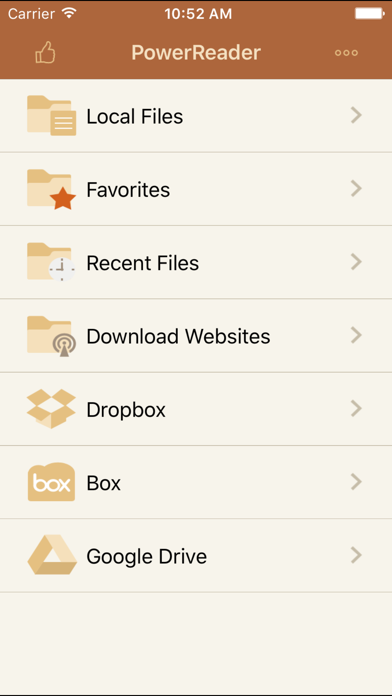
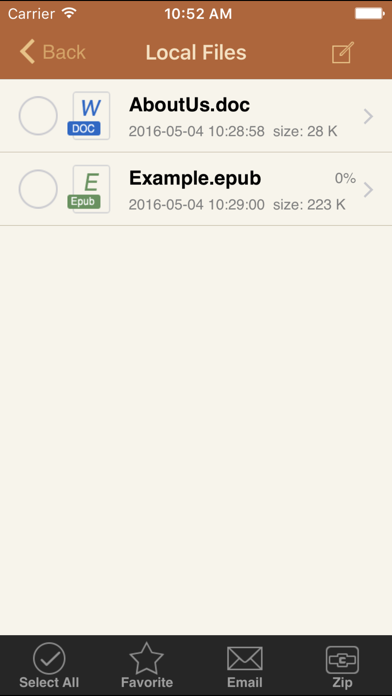
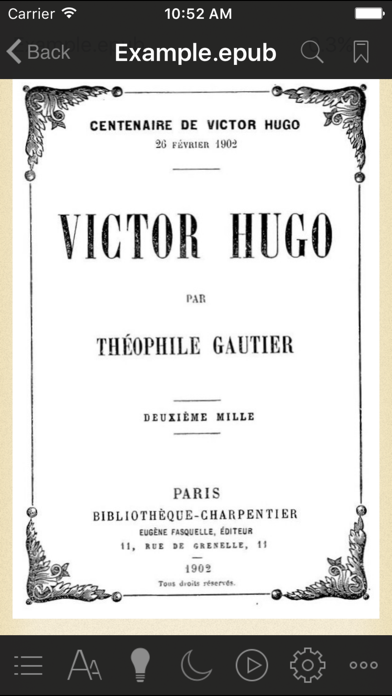
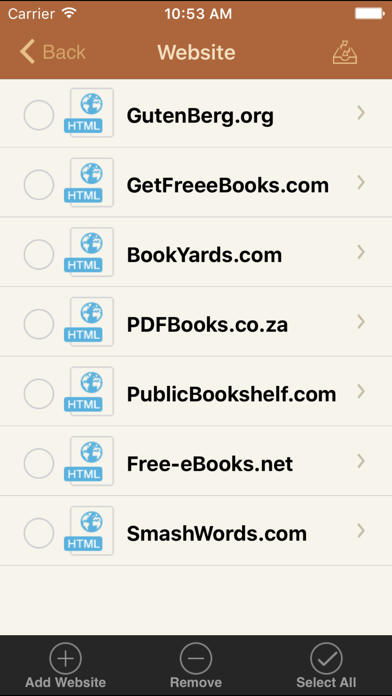
Power Reader is a powerful tool to view documents and eBooks on iPad/iPhone. It supports: -Open and view many document types, including: DOC, EXCEL, PDF, PPT, RTF, HTML, images, videos and mp3 files. -Read EPUB and TXT eBooks in Book Reader. -Add and manage Bookmarks on eBooks. -Enable different viewing settings on eBooks, including: font, brightness, themes, day/night modes. - Auto play eBooks with speed setting. -Add and manage documents in your favorite file list. -Open documents from your recent file list. -Download eBooks from websites. - Download from/upload to Dropbox, Box and GoogleDrive. (Upgrade Required) Power Reader also has a File Manager, which supports the following features: -Import files from your Email or another App through “Open In”. -Manage Files including: rename, delete, move, create folder and sort. -Search file names. -Email and print documents. -Open a document using another App. With its simple interfaces, Power Reader provides the easiest way to read documents and eBooks on iPhone and iPad. If you have any questions, please visit: http://www.comcsoft.com/Portfolio/our_apps/PowerReader/PowerReader_overview.php.

More from ComcSoft Corporation

01
iZip –  Zip Unzip Unrar icon
iZip – Zip Unzip Unrar
ComcSoft Corporation
4.7
02
iZip Pro -Zip Unzip Unrar Tool icon
iZip Pro -Zip Unzip Unrar Tool
ComcSoft Corporation
4.7
03
iNetTools - Pro icon
iNetTools - Pro
ComcSoft Corporation
4.7
04
Power PDF Pro icon
Power PDF Pro
ComcSoft Corporation
4.9

More in Utilities

See all in Utilities
01
My Verizon icon
My Verizon
Verizon Wireless
4.7
02
gov.br icon
gov.br
Servicos e Informacoes do Brasil
4.8
03
Google icon
Google
Google
4.7
04
CNH do Brasil icon
CNH do Brasil
Servicos e Informacoes do Brasil
4.9
05
My Spectrum icon
My Spectrum
Charter Communications
4.8
06
Vivo icon
Vivo
VIVO
4.5
07
DuckDuckGo, optional Duck.ai icon
DuckDuckGo, optional Duck.ai
DuckDuckGo, Inc.
4.8
08
Calculator₊ icon
Calculator₊
Impala Studios
4.7
09
leboncoin icon
leboncoin
LBC France
4.7
10
QR Reader for iPhone icon
QR Reader for iPhone
TapMedia Ltd
4.7