Quickness: Add Contacts
Screenshots
ASO analysis
Good use of the title field.
Could go longer. The first 252 chars are above-the-fold; everything else still indexes.
Used by similar apps in your niche, but not in your title or description. Adding these (where genuinely relevant) can broaden your search reach.
Words you and your peers both use. Confirms positioning in this niche.
Keyword rankings
iTunes Search · top 200About
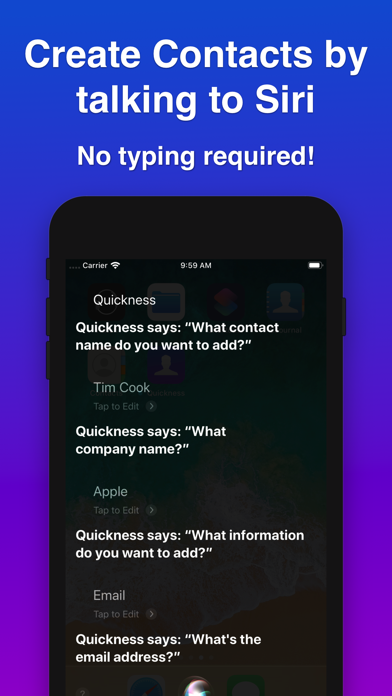
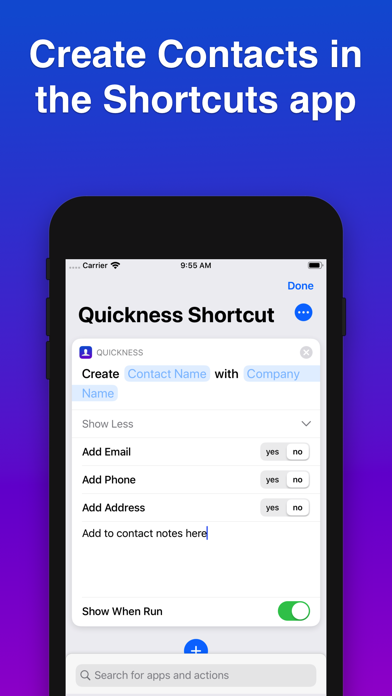
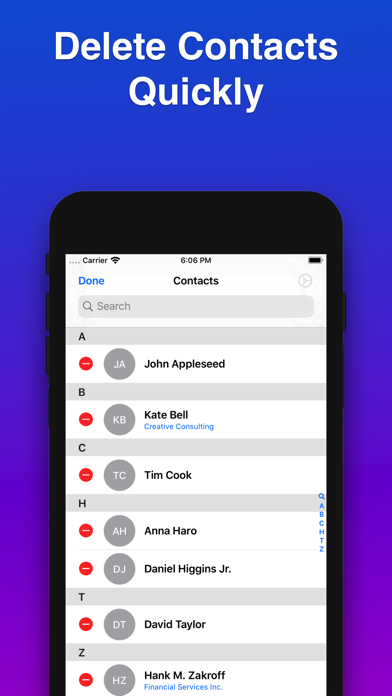
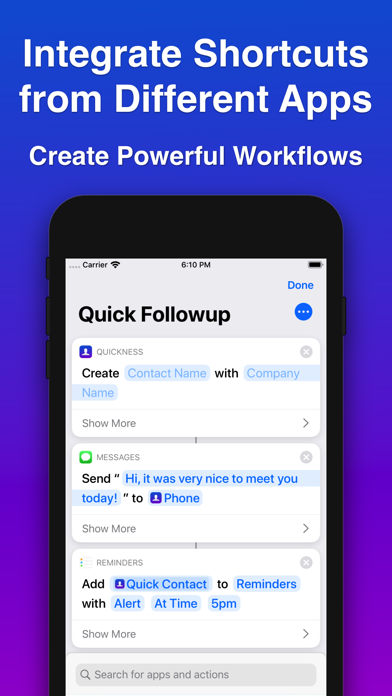
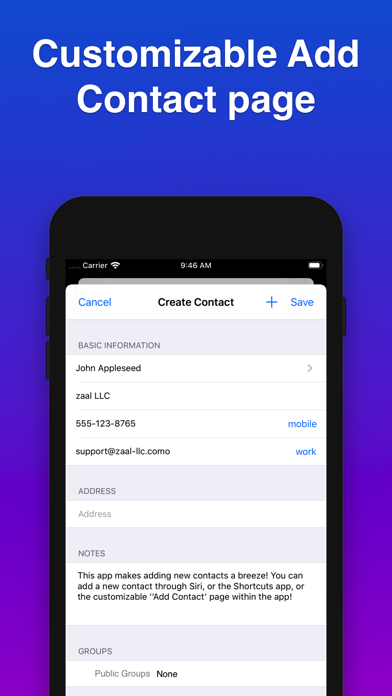
Quickness uses the power of Siri and the Shortcuts app to let you create new contacts, quickly and efficiently! CREATE CONTACT HANDS-FREE WITH SIRI • add new contact information by talking to Siri! No need to type anything! • use a custom phrase to trigger shortcut with 'Hey Siri', and speak out the information when prompted • Siri will prompt you with questions about what data you want to add • works great with iPhones, iPads, AirPods and even HomePod. CREATE CONTACT WITH THE SHORTCUTS APP • use Apple’s Shortcuts app to customize input to Quickness shortcuts, and streamline your process • different shortcuts for different "Create Contact" styles • use output from Quickness shortcuts to integrate with other apps • great for automation! INTEGRATE WITH OTHER APPS: • Create contact, and then add a reminder to call the contact in the Reminders app • Create contact, and send a message to contact with your phone number • Create contact with current location as the contact's address NO SETUP REQUIRED: • Works with the Shortcuts app as soon as app is installed See our help website for links to complete shortcuts that you can import into your app. LIST OF SHORTCUTS: • [SHORT] Create Contact with name only • [BASIC] Create Contact with name, and one information (email/phone/address/website) • [DETAILED] Create Contact with name, and add email, phone, address, and/or website • [USE CURRENT LOCATION]: Create Contact with name, and 'current location' passed in from the Shortcuts app (not available for voice-only mode) OTHER QUICKNESS FEATURES: • Create a customizable “Add Contact” page, and include the fields you frequently use • Add new contact to an existing group, or create a new group • Quickly delete contacts from your Contacts list PRIVACY • We don't have any access to your contacts data, or your interactions with Siri.