

Record it! :: Screen Recorder
Screenshots


ASO analysis
Tight against the limit — verify it doesn't truncate on small screens.
Could go longer. The first 252 chars are above-the-fold; everything else still indexes.
Used by similar apps in your niche, but not in your title or description. Adding these (where genuinely relevant) can broaden your search reach.
Words you and your peers both use. Confirms positioning in this niche.
Keyword rankings
iTunes Search · top 200About
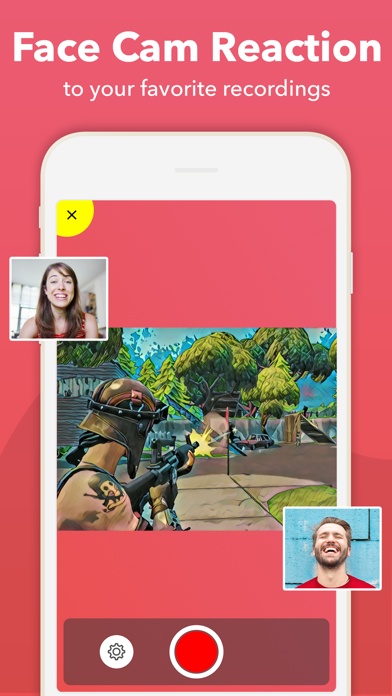
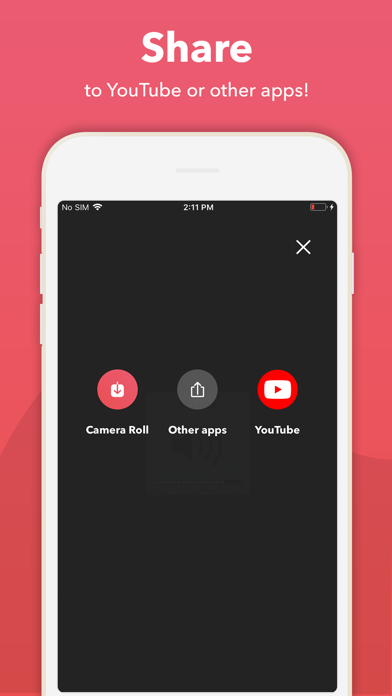
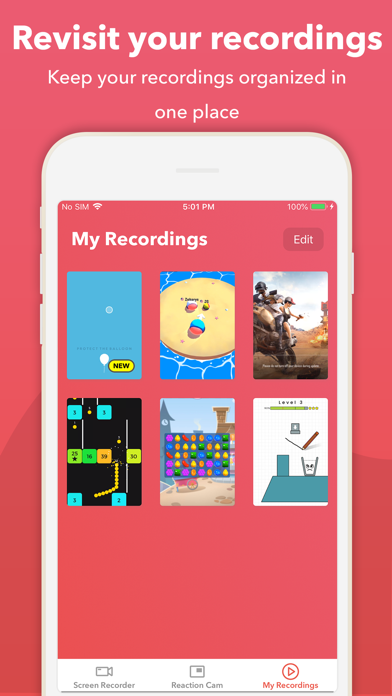
Record it!: Screen Recorder allows you to record your favorite games and apps for tutorials, games walk-through, video demos and training videos on your iPhone and iPad. After recording your screen, you can add video reactions with audio commentary to further enhance your recording! RECORD • One tap to start recording your entire screen (requires iOS 12) • For iOS 11, we provide easy to follow video tutorials to get you setup fast • Record everything: games, video tutorials, apps VIDEO FACE CAM REACTIONS • Add FaceCam Reactions to your recordings • Add reactions to your favorite YouTube videos! • Personalize your reaction by setting the reaction shape, position and size • Camera Roll videos are supported AUDIO COMMENTARY • Record audio only commentary for your videos VIDEO EDITOR • Trim your video • Video filters • Adjustable playback speed • Change canvas and background color • Rotate ORGANIZER • Organize your recordings in one simple application with easy access SHARE • Share directly to YouTube for easy and fast exporting • Save directly to camera roll • Share and export your recordings to other apps, via email or AirDrop. You can also export your recording to your computer via WiFi or any other app for more specialized video editing. Video reactions is a perfect way to add personality to your video recordings. You can add video reaction to your recordings so your audience can watch you while you play your favorite game, or when simply recording an app demonstration (Perfect to show your friends how to complete a task, or how to achieve that perfect score in a game). The combinations are endless, just download and try for yourself. ------------- Video share are limited to three minutes videos. For longer videos sharing, please upgrade to our Pro version (In App Purchase)


