Screen Recorder ®
Screenshots
ASO analysis
Good use of the title field.
Solid length. Make sure the first 252 chars hook the reader.
Used by similar apps in your niche, but not in your title or description. Adding these (where genuinely relevant) can broaden your search reach.
Words you and your peers both use. Confirms positioning in this niche.
Keyword rankings
iTunes Search · top 200About
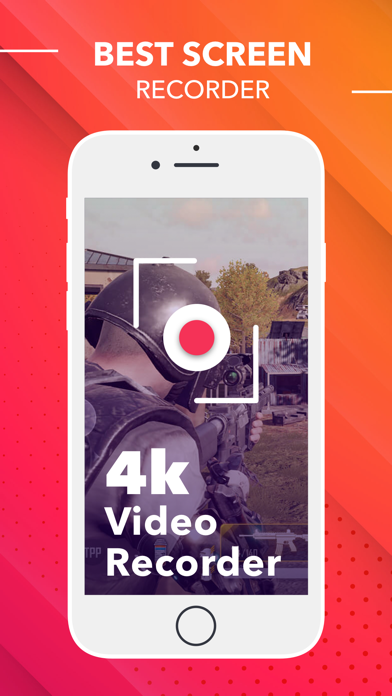
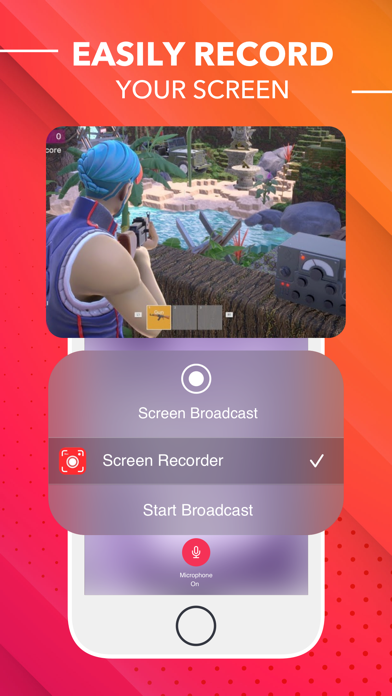
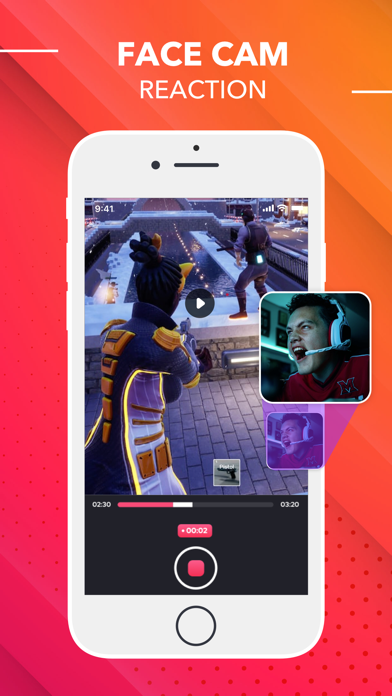
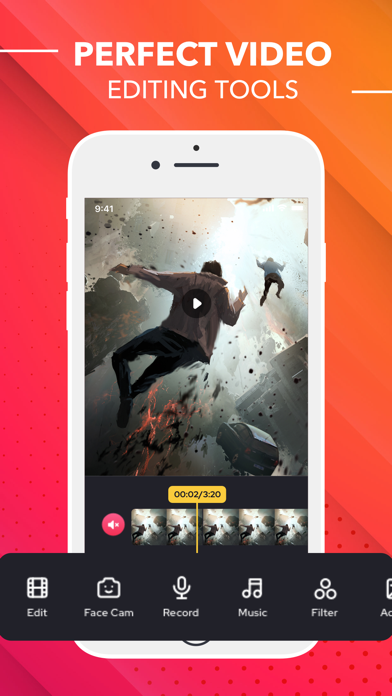
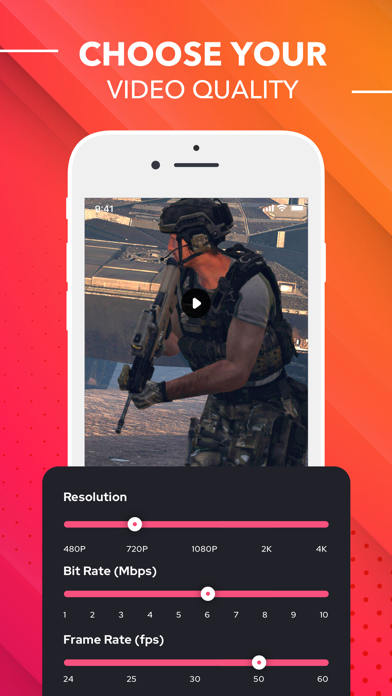
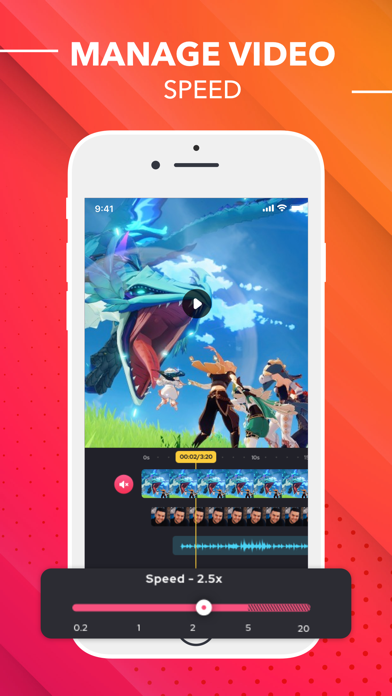
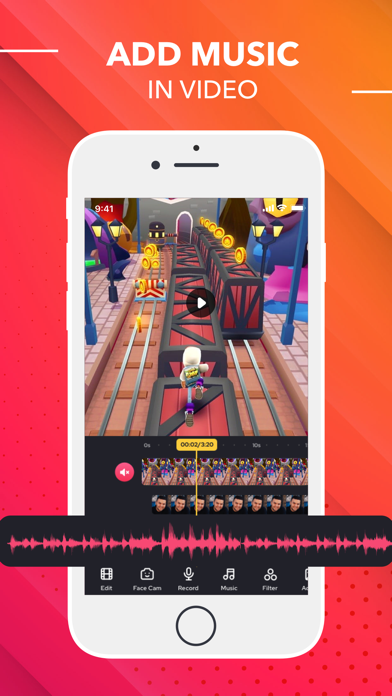
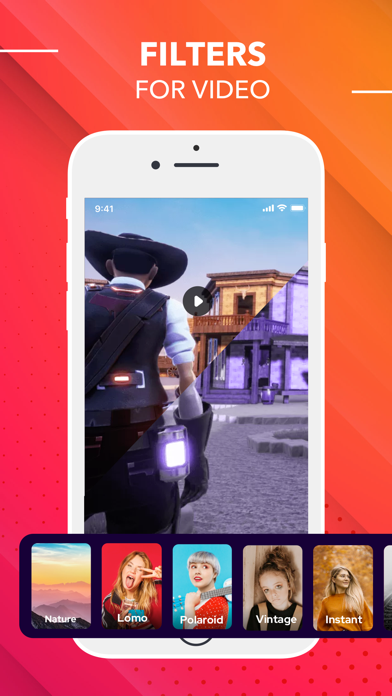
Best HD screen recorder and screenshot capture application for recording video games, live shows, internet videos, video chats, and other purposes. With our reliable screen recorder software, you can capture online videos and Livestream your screen to YouTube, Facebook, and Twitch. After you've recorded your screen, you can add video reactions with voice commentary to improve the quality of your clip. Provide you with the greatest screen recording experience possible! The best screen recorder app for: -Video tutorials -How-to videos -Demo videos -Training videos -YouTube videos -Instructional videos Advantages of using screen recorder app -Livestream your screen to different social media platforms like YouTube, Facebook, or more. -Record live shows, gameplay, video chats, etc. -Record screen with audio commentary -Add video reactions -Create high-quality HD video clips Key Features Screen Recording -Just one tap to record video calls, video games, online videos, tutorials, video demos, and even live shows smoothly, clearly. -Record popular games, live shows, video chats with friends and family, capture video chatting, and share recorded video with ease. -Capture the screen using the notification bar or a floating window. -Recording can be started and stopped easily via the notification bar or in a floating window. -External audio can also be recorded. This makes it extremely simple to produce tutorials, promotional videos, comment on your game and gameplay, and record videos. Video Editing -Easily trim, combine, and add music to your recorded videos. -Add music, select from a large library of music. -Add text, custom video subtitles. -Add frames and stickers, also enable adding local pictures and custom watermark to your clips. -Change speed, change video speed of various parts. -Filters, which can be used to add a range of filter effects to your video. -Crop video, which can be cropped to whatever ratio you desire. -Merge several movies and pick from a number of transition effects. Reaction Commentary -Voice recording, which can be used to create a commentary video. -While viewing videos, record video commentary in real-time. -Simple controls for video editing. -Record numerous snippets over your video and adjust each one separately. Reaction Camera -Convert video formats to GIF - Supports Facecam, allowing you to create response videos using the Facecam function. -Respond immediately on Instagram and Facebook. -Include intros and outros, as well as emojis and text, as well as other advanced in-app editing tools! -You can really see how your friends react to what you share with them! -React to web pages as well as photographs! Screen Recorder offers auto-renewing subscription options: ● You can subscribe for unlimited access to all features and content offered for purchases within ##Screen Recorder## ● Subscriptions are billed monthly & Yearly on the subscription plan ● Payment will be charged to iTunes Account at confirmation of purchase ● Subscription automatically renews unless auto-renew is turned off at least 24-hours before the end of the current period ● Account will be charged for renewal within 24-hours prior to the end of the current period, and identify the cost of the renewal ● Subscriptions may be managed by the user and auto-renewal may be turned off by going to the user's Account Settings after purchase ● Any unused portion of a free trial period, if offered, will be forfeited when the user purchases a subscription to that publication, where applicable -No cancellation of the current subscription is allowed during the active subscription period. -Any unused portion of a free trial period will be forfeited if you purchase a subscription to that. Privacy Policy: https://screenrecord.posterapplab.com/screenrecoder/privacy-policy Terms - https://screenrecord.posterapplab.com/screenrecoder/terms-and-conditions