

Remote Pi
Screenshots
ASO analysis
Short title. You're leaving keyword space on the table.
Could go longer. The first 252 chars are above-the-fold; everything else still indexes.
Keyword rankings
iTunes Search · top 200About
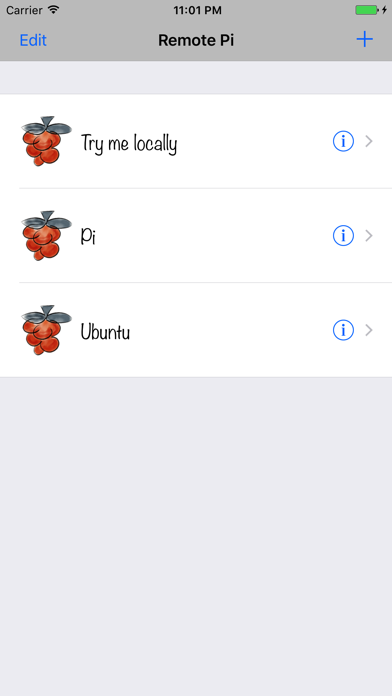
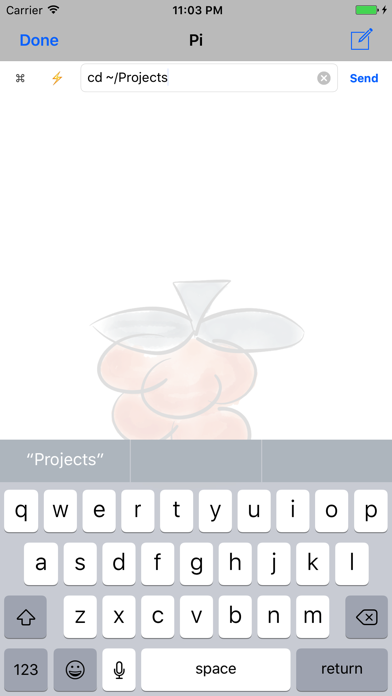
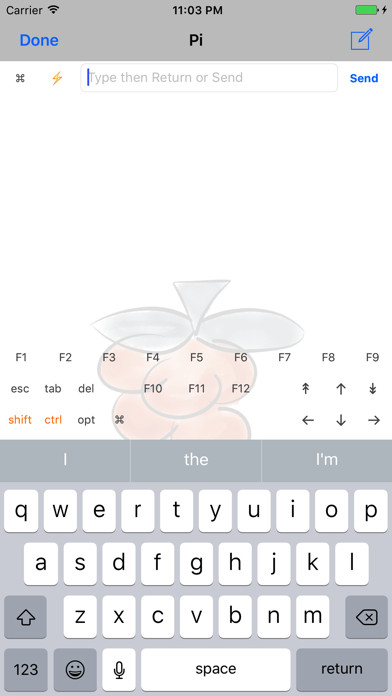
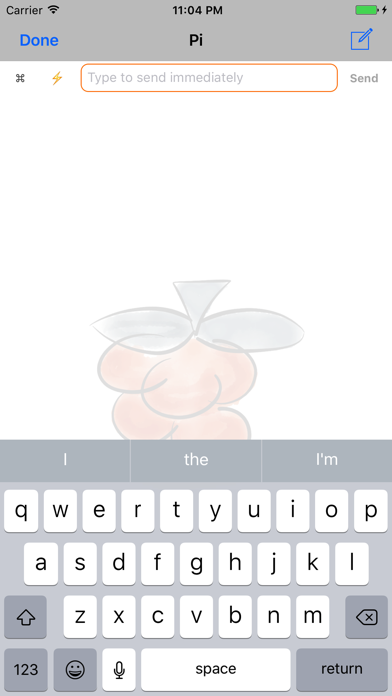
Use your iPhone, iPad or iPod touch as a wireless keyboard and trackpad for your Raspberry Pi! This universal application lets you send keystrokes and mouse events to you Raspberry Pi computers over TCP/IP via a wired or wireless network. Remote Pi is ideal for making the best out of a Raspberry Pi in the living room, or office too. Use for: - Browsing - Emailing - Text editing - Drawing - Controlling media players - Do everything in your Raspberry Pi computer that you would normally do with a traditional keyboard and mouse/trackpad, even programming! Benefits: - Simplicity. - Keep the two USB ports in your Raspberry Pi Model B free when using wired network. - Keep one USB port free when using a WiFi USB dongle. - Very inexpensive compared to wireless hardware keyboards and trackpad alternatives. Besides, it's good for the environment: reuse a wireless mobile device you already own instead of buying yet another hardware input gadget. - If you develop applications and gadgets for your Raspberry Pi, you could use Remote Pi as a remote controller if you program your application to respond to regular keyboard and mouse events. Three easy steps: 1. Download this application on your iPhone, iPad or iPod touch. 2. Download and install a driver for your Raspberry Pi at http://remotepi.io 3. Run application and connect to your Raspberry Pi using its hostname or IP address. And, you're set! More enhancements coming soon. Visit http://remotepi.io for more information.


