

Samsung Galaxy Watch (Gear S)
Screenshots

Estimates
low confidenceASO analysis
Tight against the limit — verify it doesn't truncate on small screens.
Solid length. Make sure the first 252 chars hook the reader.
Used by similar apps in your niche, but not in your title or description. Adding these (where genuinely relevant) can broaden your search reach.
Words you and your peers both use. Confirms positioning in this niche.
Keyword rankings
iTunes Search · top 200About
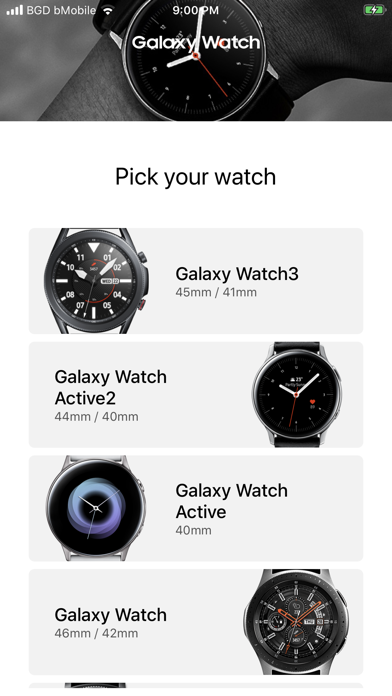
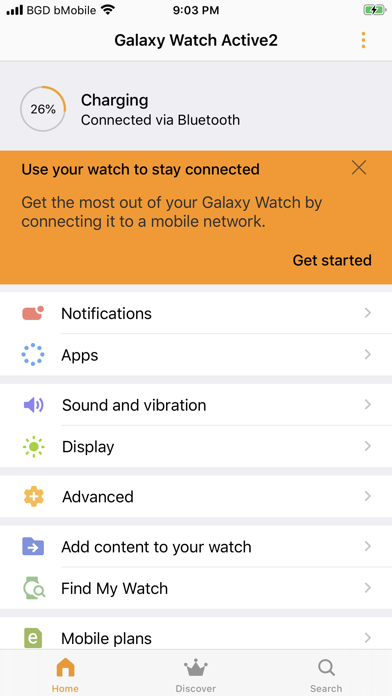
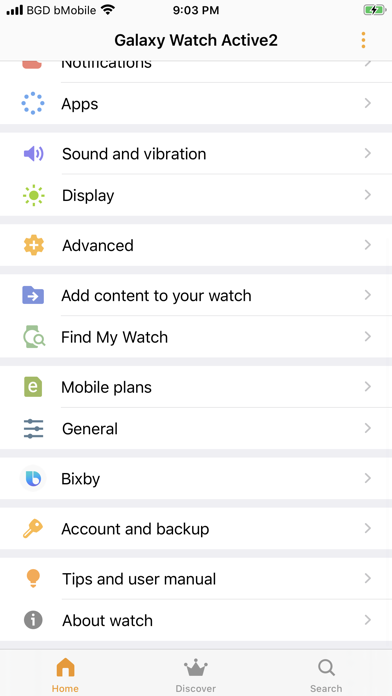
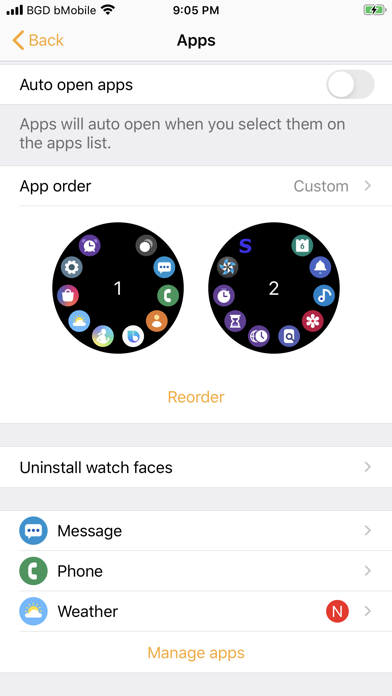
* Galaxy Watch is not compatible with iPad and iPod touch The Galaxy Watch application connects Gear S2, Gear S3, Gear Sport, Galaxy Watch, Galaxy Watch Active, Galaxy Watch Active2 and Galaxy Watch3 to your mobile device. It also manages and monitors Gear S2 / Gear S3 / Gear Sport / Galaxy Watch / Galaxy Watch Active / Galaxy Watch Active2 / Galaxy Watch3 features and applications installed through Galaxy App Store. Use the Galaxy Watch application to set up and manage the following Features: - Connect to and disconnect from a mobile device - Application download and settings - Find my Watch Install the Galaxy Watch application on your mobile device, then pair your Gear S2, Gear S3, Gear Sport, Galaxy Watch, Galaxy Watch Active, Galaxy Watch Active2 or Galaxy Watch3 with a Bluetooth connection and enjoy all of its features. * Compatibility - Galaxy Watch is not compatible with iPad and iPod touch * Settings and features provided by the Galaxy Watch application are only available when Gear S2, Gear S3, Gear Sport and Galaxy Watch is connected to your mobile device. Features will not work properly without a proper connection between Gear S2 / Gear S3 / Gear Sport / Galaxy Watch / Galaxy Watch Active / Galaxy Watch Active2 / Galaxy Watch3 and your mobile device. * This application is only for Gear S2, Gear S3, Gear Sport, Galaxy Watch Galaxy Watch Active, Galaxy Watch Active2 and Galaxy Watch3. * Continued use of GPS running in the background can dramatically decrease battery life. * If you have any questions, please contact to the web page below. (http://www.samsung.com/support/) ※ User Agreement Following User Agreements are required for the app service. Even if you don't agree the agreements you can use basic service but can't use disagree services. [Required User Agreements] - Bluetooth: Required for communication with Watch - Background Refresh/fetch: Required for communication with Watch while in background [Optional User Agreements] - Photos: For sending image feature required access permission to access the Phone photos - Camera ㆍRequired for QR Code scan to activate gear side eSIM ㆍDuring the eSIM activation in Galaxy Watch Setup. ㆍDuring update profile picture for Samsung health - Contacts: Required to access phone contacts to add buddy and sync with gear contacts - Location: Required to Determine your location from gear for weather information - Calendar: Permission required to Sync Watch Calendar - Notification: Required for accessing Notification Center with useful information - Cellular Data: Required to access service when you couldn't access Wi-Fi network"


