Screen Recorder ‑ Record Video
Screenshots



ASO analysis
Tight against the limit — verify it doesn't truncate on small screens.
Solid length. Make sure the first 252 chars hook the reader.
Used by similar apps in your niche, but not in your title or description. Adding these (where genuinely relevant) can broaden your search reach.
Words you and your peers both use. Confirms positioning in this niche.
Keyword rankings
iTunes Search · top 200About
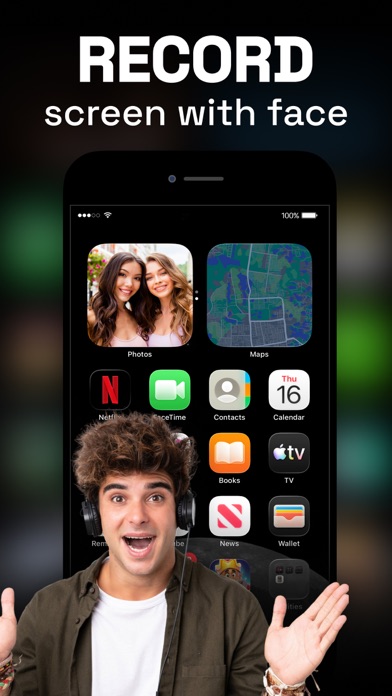
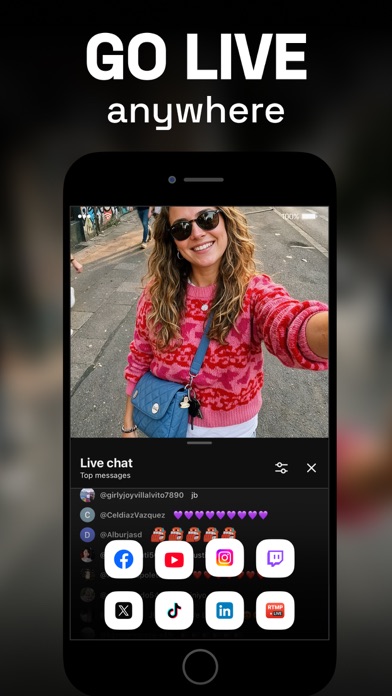
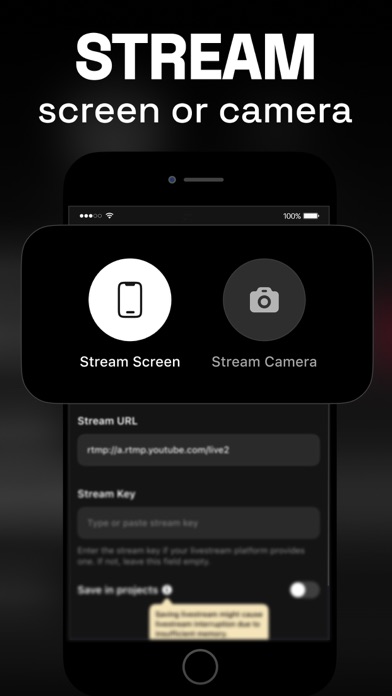
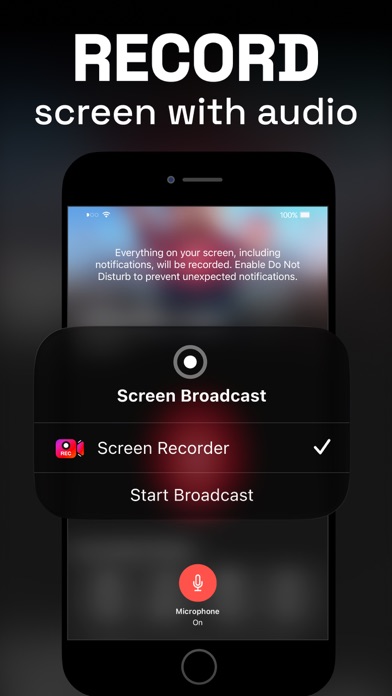
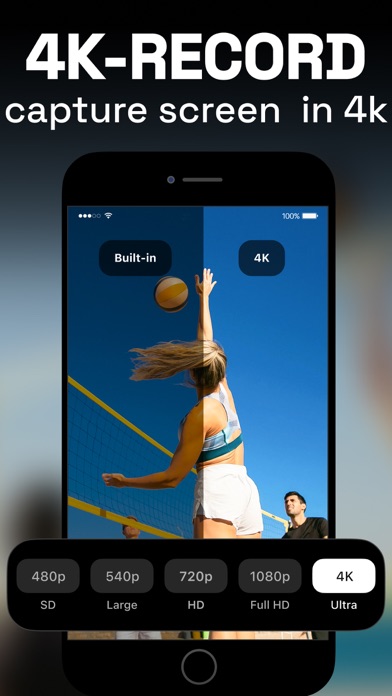
The only screen recorder you will ever need – this app lets you record your screen in 4K, create facecam reaction videos, and live stream games on Twitch, YouTube, and Facebook. You can also edit your recorded videos, add audio commentary and texts, capture dual camera video, and convert videos to GIFs on the fly. Key Features: - Hassle-free screen recording up to 4K - Record facecam reactions live while screen recording, no need to add them later - Go live using your camera or screen - Supports RTMP, Twitch, Facebook, and YouTube, and other live streaming platforms - Set screen recording settings such as video resolution, bit rate, frame rate, and orientation - Record screen videos, gameplay, and tutorials - Facecam reaction on videos with customizable Facecam overlay - Capture dual camera videos - Add widgets to your Home Screen for quicker access - Add audio commentary to videos - Inbuilt video editor: trim, rotate videos, tweak volume, change speed, apply video filters, add texts and stickers after recording videos - Video to GIF converter: turn videos into GIFs - Share video recordings with other apps such as Instagram, Messenger, Facebook, etc. LIVE FACECAM AND COMMENTARY The Screen Recorder app lets you add facecam reactions over videos and now also while screen recording with ease. Capture gameplay and record facecam reactions at the same time, with no need to add them later. You can still add facecam reactions after recording, insert commentary into your videos, and seamlessly create presentations and tutorials. You can also give commentary on videos from your library LIVE STREAMING Effortlessly live stream your phone screen or camera anytime you wish. With one of the best live streaming apps, you can easily broadcast games or live stream on YouTube, Twitch, Facebook, and other streaming platforms. ROBUST VIDEO EDITOR Record your screen and start personalizing the video with tons of editing options. The possibilities are limitless, from trimming videos and applying trendy filters to adding text and stickers. DUAL CAMERA RECORDING Record both front and back cameras simultaneously using the Dual Camera feature. Capture your reactions and the world around you with perfect sync. Whether you’re vlogging, creating tutorials, or sharing behind-the-scenes moments, Dual Camera makes it effortless to tell the complete story in one seamless take. Auto-Renewable Subscription Terms: Subscribe to get unrestricted access to all the features outlined above. • Subscription Length: Weekly. • Subscription with a 3-day free trial will automatically renew to a paid subscription unless it is canceled at least 24 hours before the end of the trial period. • Payment will be charged to the iTunes Account at confirmation of purchase. • Your Apple ID account will be charged for renewal within 24 hours before the end of the trial period. • You can manage and cancel your subscriptions by going to your account settings on the App Store. • Any unused portion of a free trial period, if offered, will be forfeited when the user purchases a subscription to that publication, where applicable. • By signing up for this subscription, you agree to our Terms of Use and Privacy Policy. Terms of Use: applavia.com/app/screenrecorder/terms.html Privacy Policy: applavia.com/app/screenrecorder/privacy.html Disclaimer: This app is free to download, but you will be required to sign-up for an auto-renewing subscription to access the app's full functionality.