

Screen Recorder & Video Record
Screenshots




ASO analysis
Tight against the limit — verify it doesn't truncate on small screens.
Could go longer. The first 252 chars are above-the-fold; everything else still indexes.
Keyword rankings
iTunes Search · top 200About
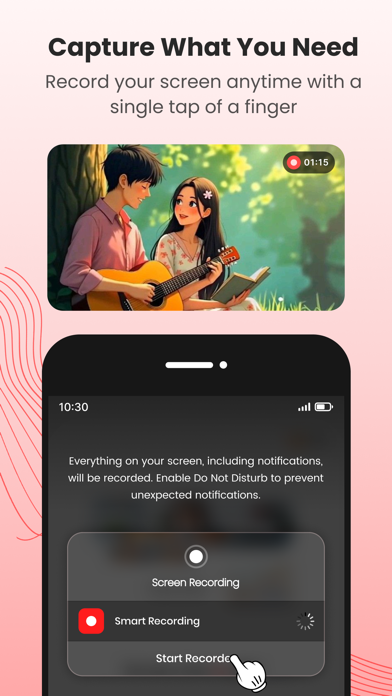
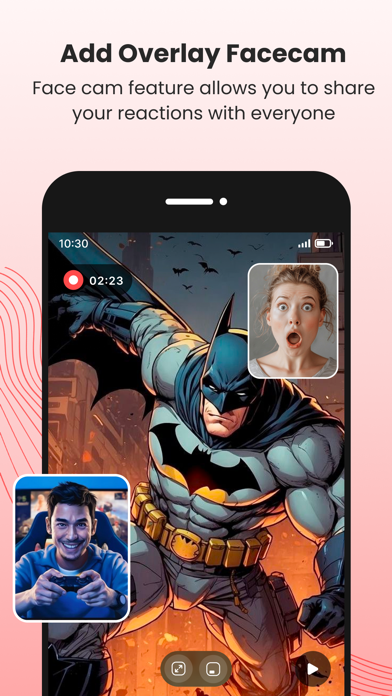
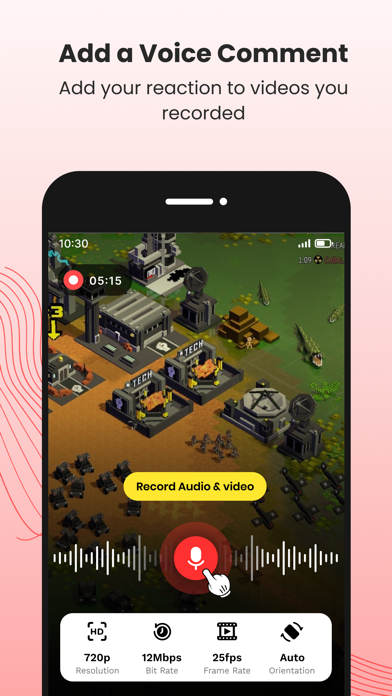
ScreenCam is a powerful, user-friendly screen recording app designed for everyone. Whether you're capturing gameplay, creating tutorials, showcasing app demos, or recording video calls, ScreenCam puts you in control with high-quality output and built-in editing tools to polish your content with ease. Key-Features: • Record Screen Video: Capture your entire screen activity in HD with smooth performance. • Record Audio: Choose internal or external audio recording — ideal for voice-overs or background sound. • Easy Sharing: Export or upload your videos to YouTube, Instagram, or save them to your gallery. • Face Cam: Add a front-camera overlay to your recordings for reactions, tutorials, or presentations. • Live Commentary: Record your voice in real-time while capturing the screen for more engaging content. • Merge Multiple Videos: Combine multiple clips into one seamless video directly within the application. • One-Tap Start/Stop: Simple, intuitive interface to begin recording instantly. This app contains a subscription Monthly pro at $1.99 and Yearly pro at $9.99 to use ads free versions of the premium app which can cancel anytime. To learn about our privacy policy, please visit: https://muraliarvind.blogspot.com/2025/04/privacy-policy.html For our terms of use, please visit: https://muraliarvind.blogspot.com/2025/04/terms-of-service.html Screen recording with face cam, audio, and video merging — simplified.


