

Silence Remover
Screenshots


ASO analysis
Good use of the title field.
Could go longer. The first 252 chars are above-the-fold; everything else still indexes.
Used by similar apps in your niche, but not in your title or description. Adding these (where genuinely relevant) can broaden your search reach.
Words you and your peers both use. Confirms positioning in this niche.
Keyword rankings
iTunes Search · top 200About
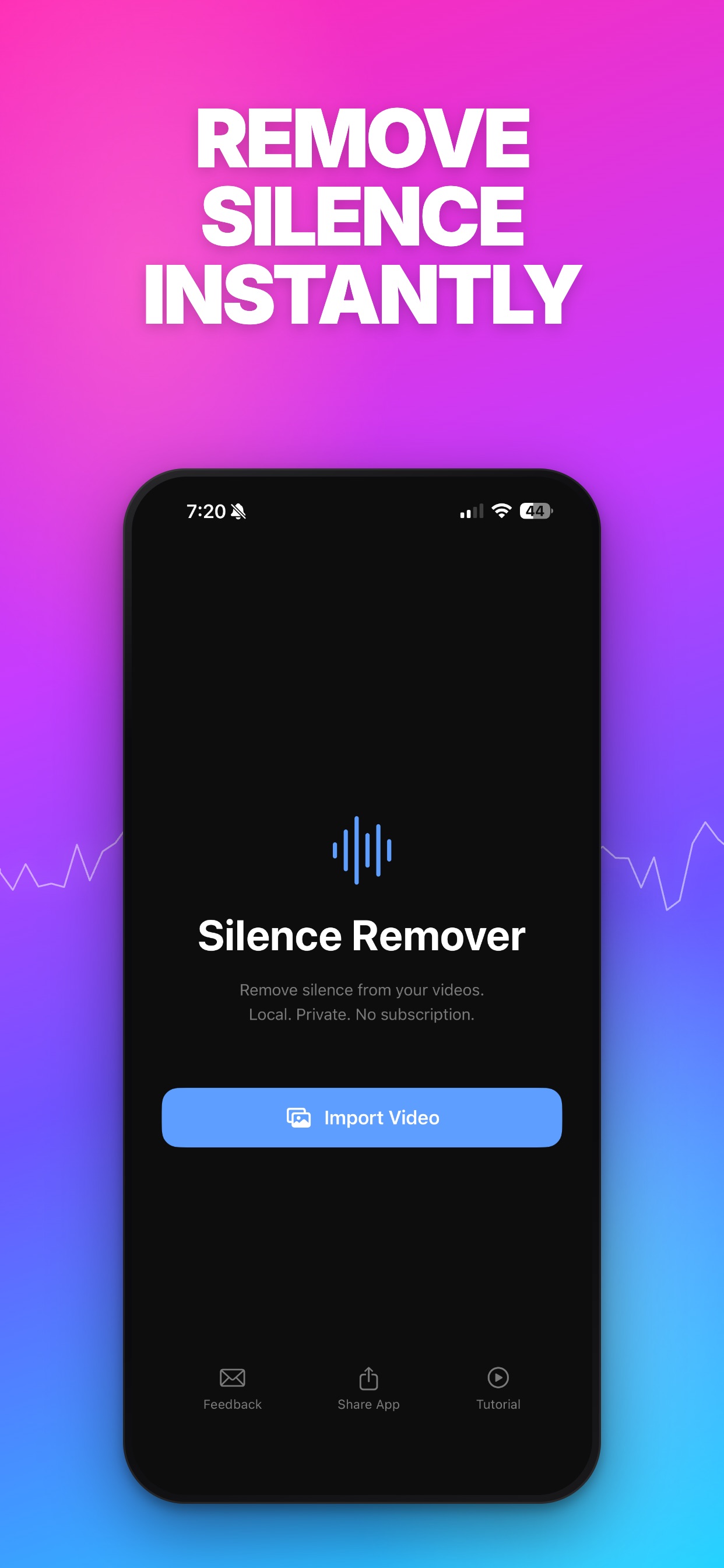
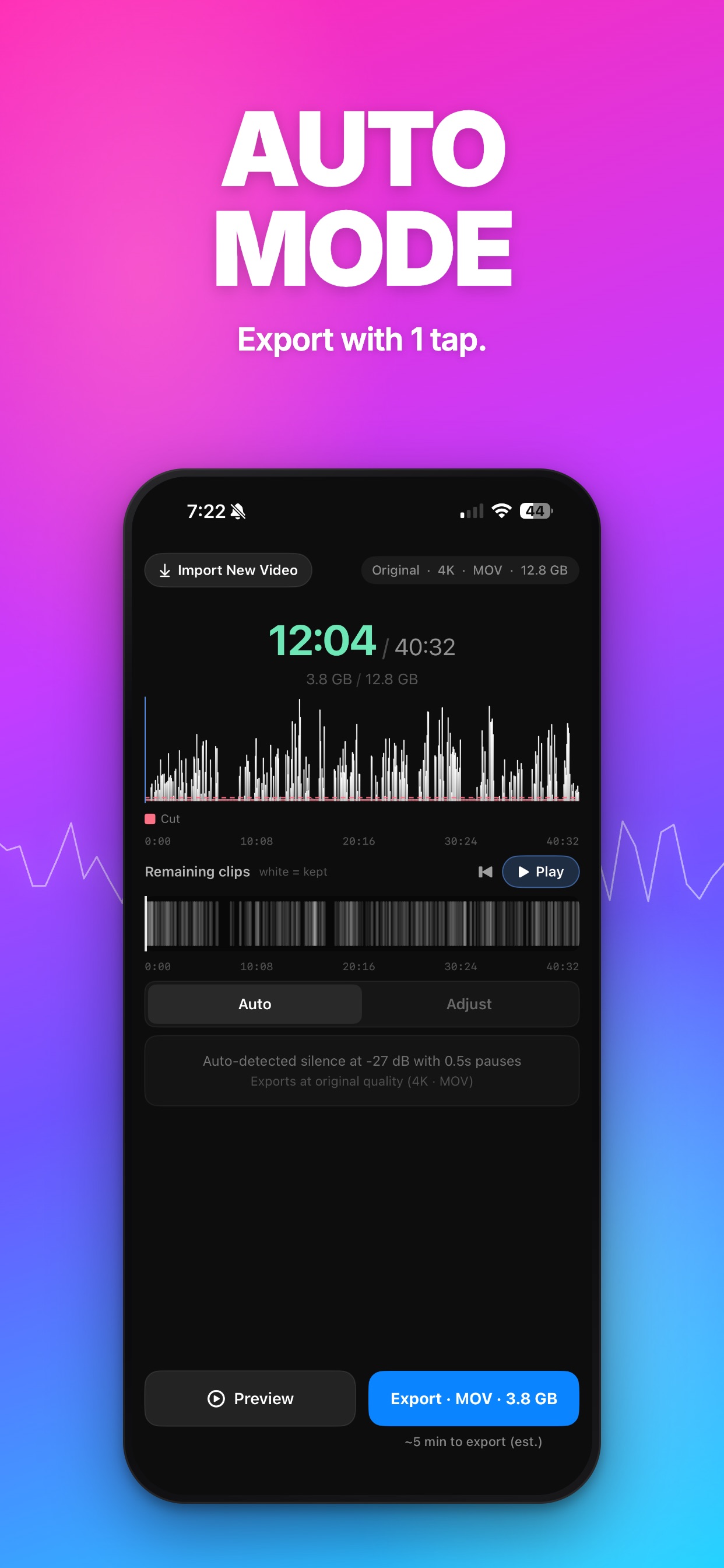
Silence Remover automatically detects and cuts silent pauses from any video on your iPhone, fully on-device with no subscription. Whether you are trimming a 30-second clip for social or tightening an hour-long podcast, Silence Remover analyzes the waveform, detects every pause, and improves your pacing in seconds. KEY FEATURES - Auto Mode: instant suggested threshold based on your audio - Adjust Mode: drag the decibel slider, see the cuts update live - Gap control: set the pause length kept between clips - Live preview: verify cuts before exporting - Stats panel: see runtime saved, file size reduced, cuts made - Export to Photos, AirDrop, or share to your editor - Handles videos of any length from quick clips to multi-hour recordings - 100% on-device. Your video never leaves your phone - No subscription, no account, no cloud PRIVACY Silence Remover never uploads your video. There is no account. There is no cloud. All processing happens on your iPhone using Apple's audio frameworks. USE CASES - Short-form video for social platforms - YouTube videos of any length - Podcast and sermon recordings - Vlogs and talking-head content - Course and tutorial recordings - Sales videos, pitches, and product demos SUPPORT Feedback: AppFeedback@rosalesrecommendations.com


