

Simple Notes.
Screenshots

ASO analysis
Good use of the title field.
Could go longer. The first 252 chars are above-the-fold; everything else still indexes.
Used by similar apps in your niche, but not in your title or description. Adding these (where genuinely relevant) can broaden your search reach.
Words you and your peers both use. Confirms positioning in this niche.
Keyword rankings
iTunes Search · top 200About
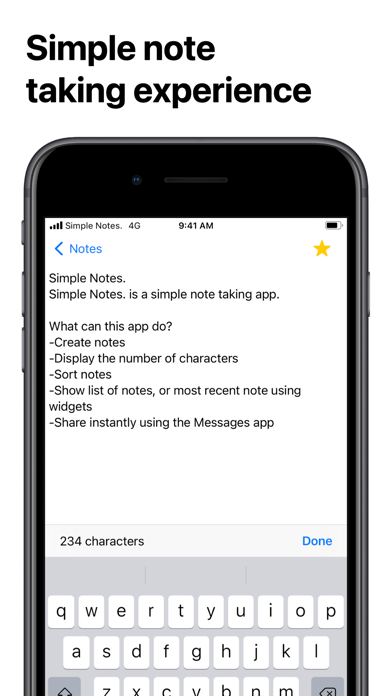
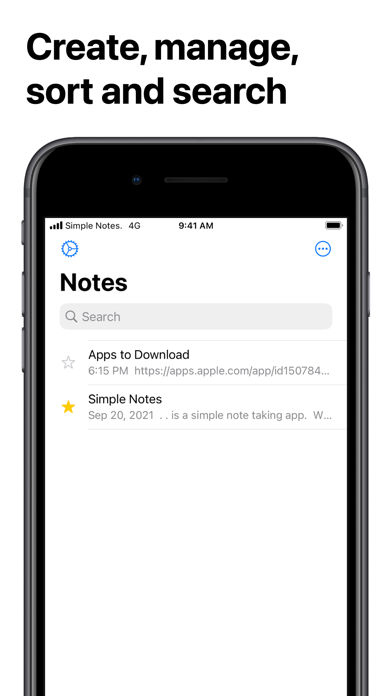
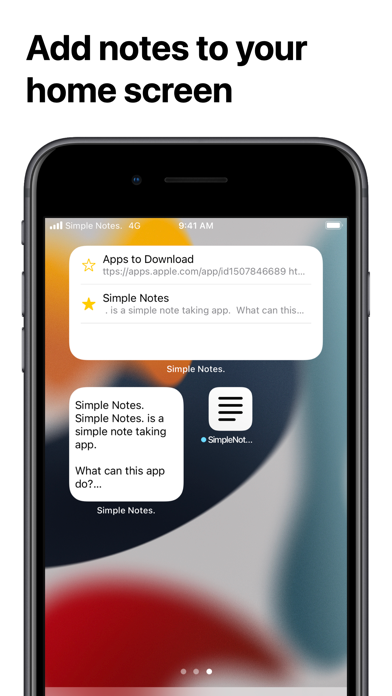
Simple Notes. is exactly what the name says, a simple note taking app. The app's core idea is to provide an app with features that everyone is going to use. There's no grids, cameras, audio and etc. Just text, and sharing. What can this app do? -Create notes -Display the number of characters -Sort notes -Show list of notes, or most recent note using widgets -Share instantly using the Messages app -How to Create Notes 1. Press "Create new Note" 2. Enter the any text you'd like to save 3. Press "Save" After your first save, your note will be saved automatically -How to delete Notes Swipe your note to the left or 1. Tap the three dots button 2. Press edit 3. Then press "-" then press "delete" -How to sort notes 1. Tap the three dots button 2. Tap the way you want to sort your notes -How to share notes with iMessage 0. Open "iMessage" 1. Tap on a conversation 2. Tap on Simple Notes. from the app drawer 3. Select a note you'd like to send 4. Press the blue arrow and your message is sent! (If you don't want to send your title, turn on the switch on the top) Please leave reviews and comments in the App Store/Twitter Direct Message about what should be done to make this app better


