

Business
SMART Screen Share
by SMART Technologies
Rating0.0(0)
PriceFree
Updated4y ago
Released6y ago
Latest rank
—
Not tracked yet
Rank change
—
Not tracked yet
Rank history
Movement appears after the next data refresh.
Screenshots
ASO analysis
Title18 / 30
SMART Screen Share
Good use of the title field.
Description362 / 4,000
3 paragraphs · 9% of limit used
Very short — Apple's algorithm has little to index. Aim for 1000+ chars.
Top keywords in your description
smart×5screen×4board×3display×2share×2address×1begin×1code×1computing×1easy×1embedded×1enter×1
Keyword opportunities
Used by similar apps in your niche, but not in your title or description. Adding these (where genuinely relevant) can broaden your search reach.
perfect3 peers
Keyword rankings
iTunes Search · top 200Keyword tracking starts automatically for apps on the top charts — ranks appear after the next data refresh. Manual tracking for search-only and niche apps coming soon.
About
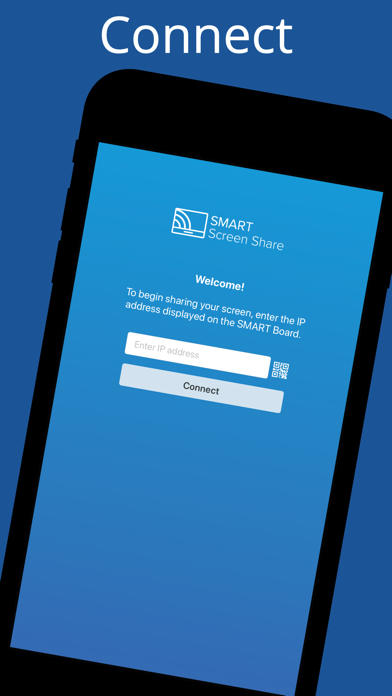
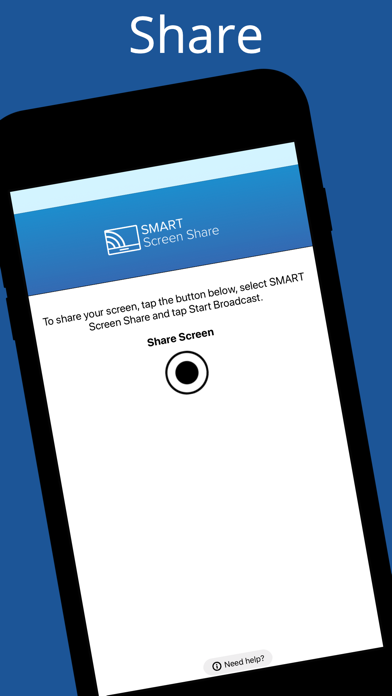
SMART Screen Share makes it easy to quickly display what’s on your screen to a SMART Board® interactive display with iQ embedded computing. How it works: - Open the SMART Screen Share app - Enter the IP address or scan the QR code on the SMART Board with iQ’s screen - Begin sharing This app requires a SMART Board with iQ system software version 3.4 or later.


