SmartSDR™ - FlexRadio Systems®
Screenshots
ASO analysis
Tight against the limit — verify it doesn't truncate on small screens.
Solid length. Make sure the first 252 chars hook the reader.
Used by similar apps in your niche, but not in your title or description. Adding these (where genuinely relevant) can broaden your search reach.
Words you and your peers both use. Confirms positioning in this niche.
Keyword rankings
iTunes Search · top 200About
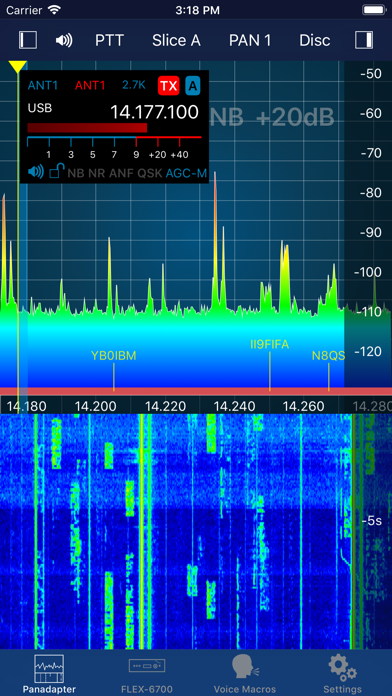
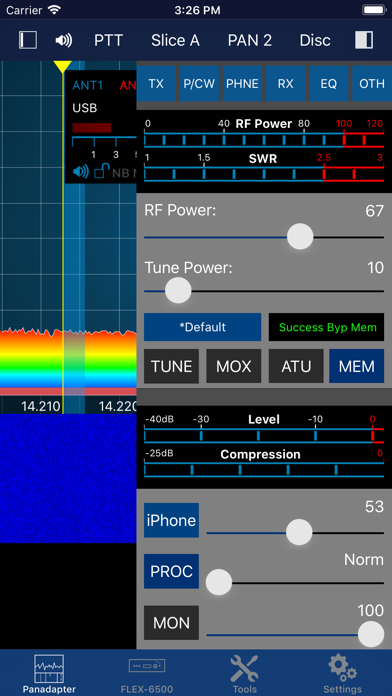
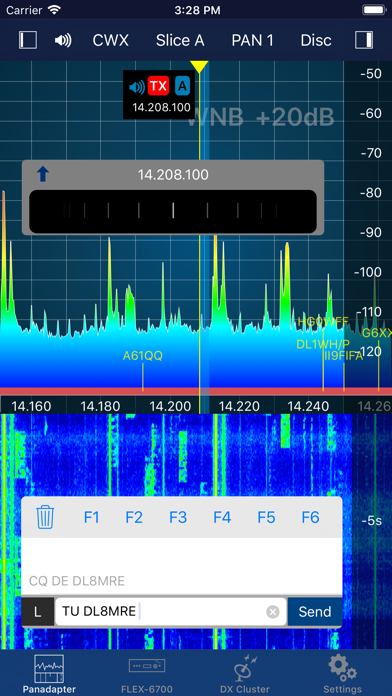
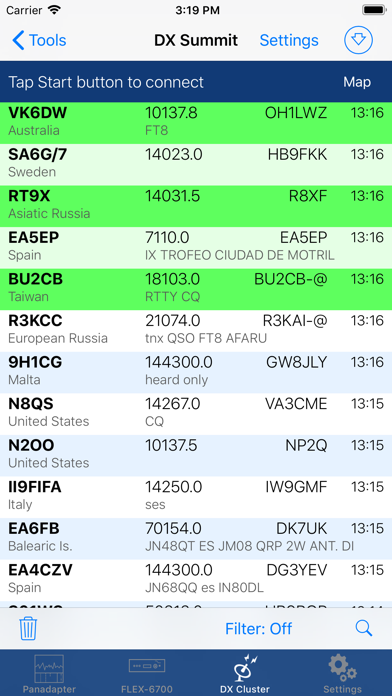
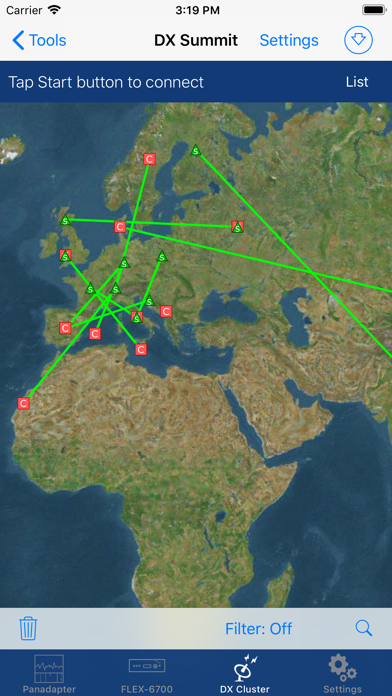
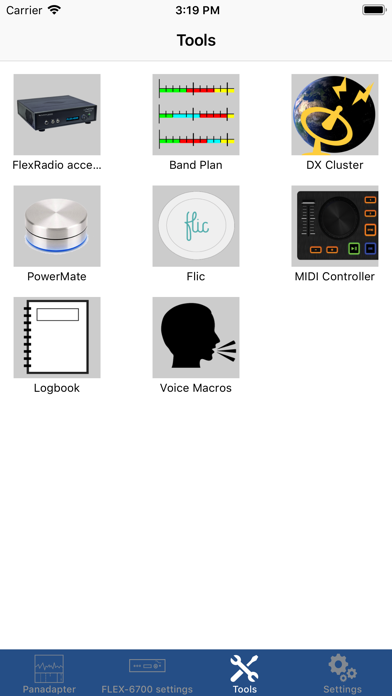
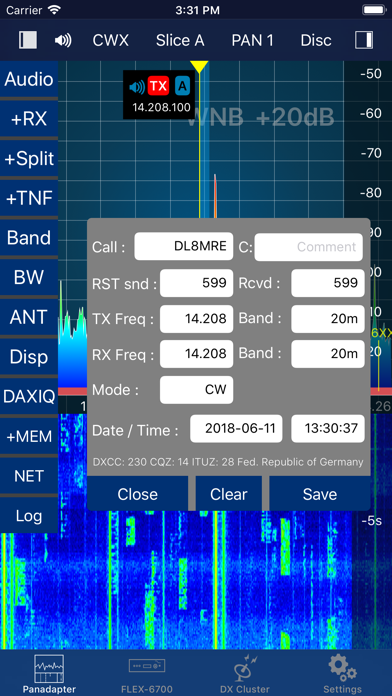
Official FlexRadio Systems® Client - All-Inclusive, no In-App Purchase! SmartSDR is a full featured radio client that enables your iPad or iPhone to operate your FlexRadio device. It is fully compatible to SmartSDR v1, v2 (including SmartLink) and v3 (including MultiFlex and SmartControl) and v4. Please note: This App requires a FlexRadio Systems® Series 6000 or 8000 or Aurora Software Defined Radio (SDR) Device. FACTS AND FEATURES: SmartSDR offers almost all features of SmartSDR for Windows such as: ■ Supports FT8 and FT4 (iPad and iPhone Max, Firmware 2 required) ■ SSTV TX and RX (NEW!) ■ APRS TX and RX (NEW!) ■ Included CW Decoder and keyer ■ Weather Fax (HF-Fax) Decoder ■ Creation, maintenance of Slices, TNFs, Filters ■ Unlimited number of Slices, Panadapters (limited only by radio model) ■ CWX support including Sidetone and live send mode ■ Software Paddle or Straight-Key support ■ Maintain all Radio, Slice and Panadapter settings ■ Support for Memories ■ Profiles integration (TX, Microphone and Global) ■ Audio settings supported including equalizers ■ Support for TX Settings like Power including all Tuning features ■ Transverter support ■ SmartLink™ remote access ■ APD / SmartSignal™ support ■ MultiFlex™ support ■ SmartControl support ■ HomeKit support to control radio, antenna switches etc. remotely ■ Direct support for Power Genius XL (PGXL), Tuner Genius (TGXL), Antenna Genius (AGXL) and Rotator Genius (RGXL) local and remote For HomeKit, you can use any Power Plug or Switch that are HomeKit compatible. In addition to SmartSDR for Windows, this App offers these features: ■ Band limits and Band maps and modes will be displayed inside the Pan adapter ■ DX Cluster support which displays spots directly inside the Pan adapter ■ Graphical tuning knob for easy and exact frequency selection. ■ Various additional minor bells and whistles such as easy TNF maintenance, ■ Direct Bandwidth selection, Split Mode, instant Memory creation and more. ■ Device logging and device parameter monitoring (e.g. PA Temperature etc.) ■ Logbook integration with ADIF Im- and Export ■ Support for two Bluetooth and USB Controllers ■ Voice Macro recording and playback There are just a few limitations compared to SmartSDR for Windows which are: - Only one Panadapter visible at the same time. - Diversity is not implemented. WHAT YOU NEED: - A FlexRadio Systems® FLEX-6000, 8000 or Aurora series radio - An iPhone or iPad that runs at least iOS 17, ideally the latest iOS version NETWORK REQUIREMENTS: To run this App at your home, nothing else but a regular WiFi connection is needed that can access your FLEX Radio. You can immediately start using the App. For Remote operation via SmartLink™ a Version 2 License is required for your Radio. The App supports Splitscreen Multitasking on the newer iPads so you can run SmartSDR in split mode parallel to your browser, Email software or any other App. SUPPORTED SDR HARDWARE: FLEX-6300, FLEX-6400, FLEX-6400M, FLEX-6500, FLEX-6600, FLEX-6600M, FLEX-6700,FLEX-8400, FLEX-8400M, FLEX-8600, FLEX-8600M, AU-510, AU-510M, AU-520, AU-520M Find out more here: https://ham-radio-apps.com Read the Manual: https://go-to.me/smartsdr-manual