

SMAWL: RAW Photo Converter
Screenshots
ASO analysis
Good use of the title field.
Could go longer. The first 252 chars are above-the-fold; everything else still indexes.
Used by similar apps in your niche, but not in your title or description. Adding these (where genuinely relevant) can broaden your search reach.
Words you and your peers both use. Confirms positioning in this niche.
Keyword rankings
iTunes Search · top 200About
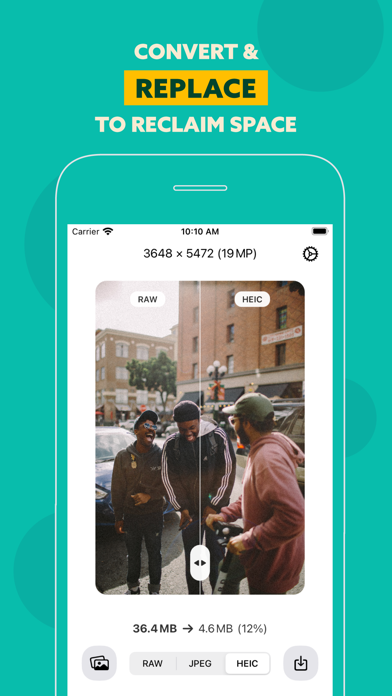
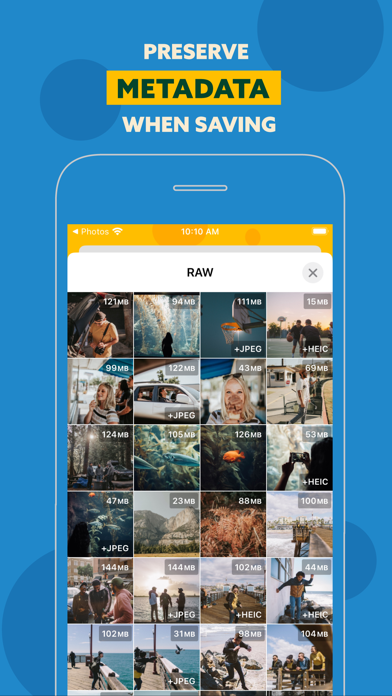
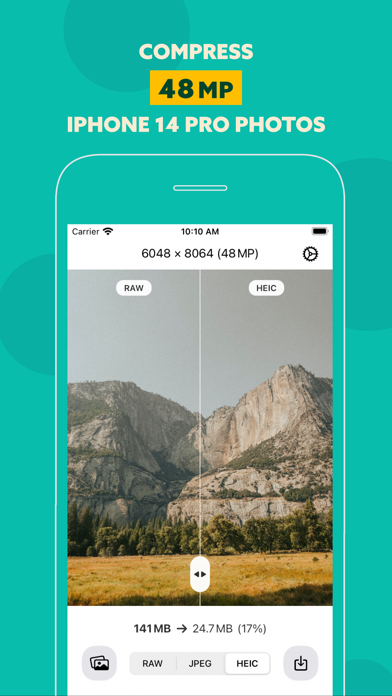
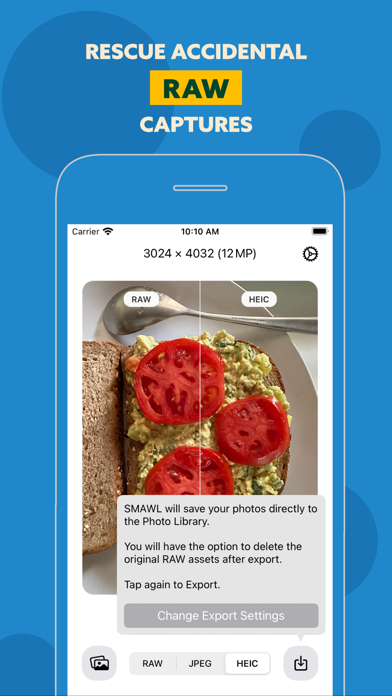
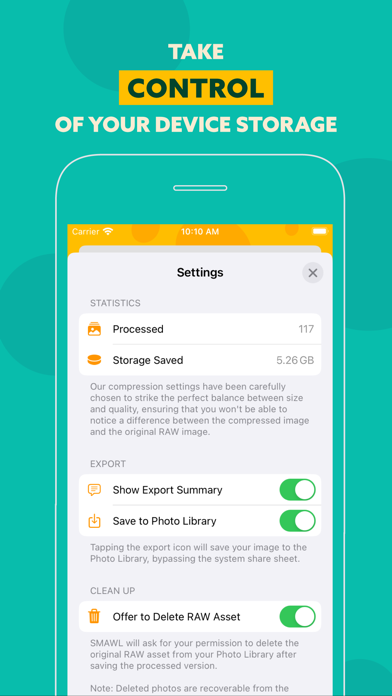
SMAWL is a handy tool that helps you manage and optimize your RAW photos on your device. RAW photos have large file sizes, especially with devices like the iPhone 14 Pro capable of capturing high-resolution 48-megapixel images. While RAW photos can be helpful when shooting and editing, you may not always want or need the original files once you’re done. These files can take up a significant amount of storage space on your device and in the cloud. Apple's Photos app doesn't convert your RAW photos to smaller formats… that's why we wrote SMAWL! Using SMAWL, you can browse your RAW photo album, compress photos using JPEG or HEIC, and delete the original RAW images to free up storage space. It’s easy to use and helps you keep your device organized and running smoothly. In short, SMAWL is the perfect solution for optimizing your RAW photos and maximizing storage space. Key functionality at a glance: • Browse your RAW photo album and view file sizes at a glance • Compress photos using JPEG or HEIC • Maintain the quality of your images while reducing file size • Preserve important metadata such as the creation date and location of the photo when you export the compressed version back to your photo library • Delete the original RAW image from your photo library and free up space


