

Snap & Translate - Translator
Screenshots
ASO analysis
Tight against the limit — verify it doesn't truncate on small screens.
Solid length. Make sure the first 252 chars hook the reader.
Used by similar apps in your niche, but not in your title or description. Adding these (where genuinely relevant) can broaden your search reach.
Words you and your peers both use. Confirms positioning in this niche.
Keyword rankings
iTunes Search · top 200About
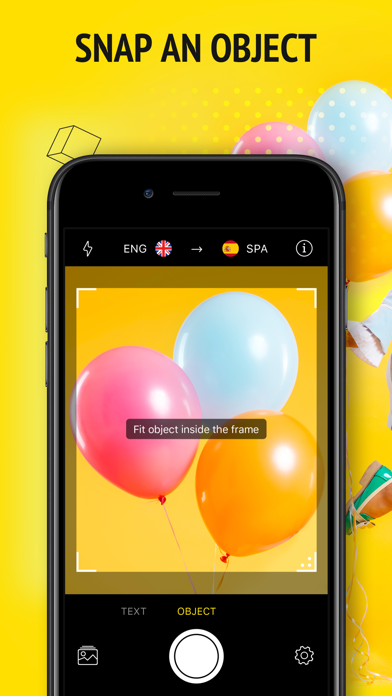
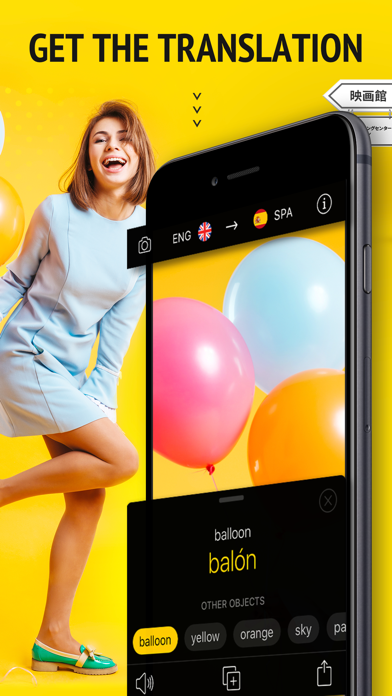
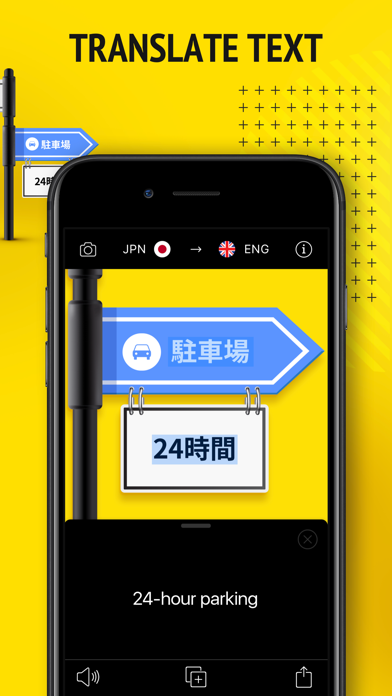
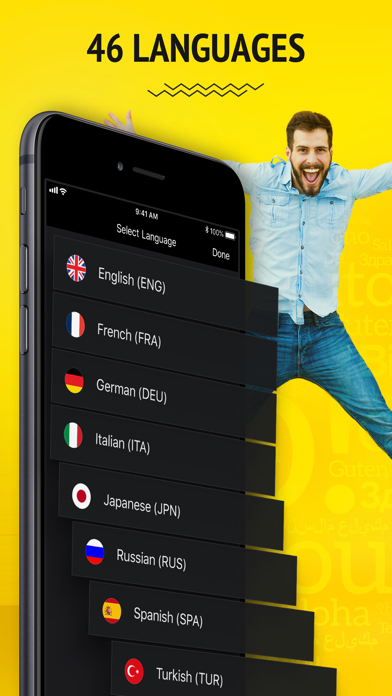
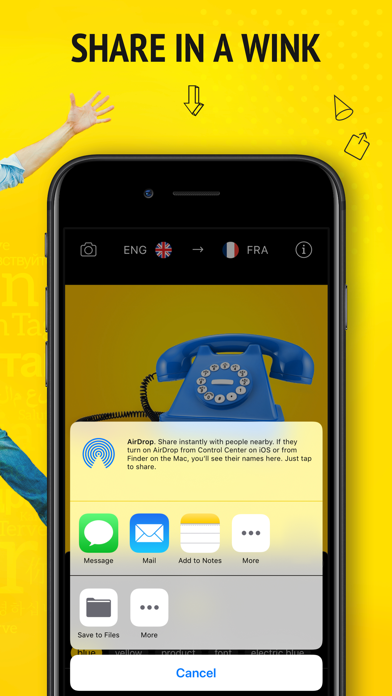
Snap & Translate makes translations faster and easier than ever before! All you have to do is take a picture! Snap an object, let the app recognize what it is, and learn the translation. You can also take a photo of printed text and the app will scan and translate it for you in seconds! You’ll find Snap & Translate helpful in: • learning new languages by simply taking pictures of the surrounding area • navigating unfamiliar cities, airports and stations • reading menus and recipes, books and articles, instructions and manuals • communicating with foreigners in their language How the object mode works: - take a picture - see the name of the object in your photo - get the translation into the language you’ve chosen - listen to the pronunciation, copy and share the translation anywhere How the text mode works: - take a picture of printed text - see the text recognized and translated into the chosen language - listen to the pronunciation, copy and share the translation anywhere Translations are supported between 46 languages: Afrikaans, Arabic, Bosnian, Bulgarian, Catalan, Croatian, Czech, Danish, Dutch, English, Estonian, Finnish, French, German, Greek, Haitian, Hebrew, Hindi, Hungarian, Indonesian, Italian, Japanese, Korean, Latvian, Lithuanian, Malay, Maltese, Norwegian, Persian, Polish, Portuguese, Romanian, Russian, Serbian, Simplified Chinese, Slovak, Slovenian, Spanish, Swahili, Swedish, Thai, Traditional Chinese, Turkish, Ukrainian, Vietnamese, Welsh. ***Note: The Free version may be subject to limitations (ex. number of daily translations), which are subject to change*** Take advantage of the Premium Features: - Unlimited translations - Ads-free translation experience Сhoose from different subscription options. Our standard subscription options are: * 1-month Subscription * 3-month Subscription with a 3-day trial * 1-year Subscription *Subscription with a free trial period will automatically renew to a paid subscription. You can cancel your subscription in the iTunes settings at least 24- hours before the end of the free trial period. Subscription payments will be charged to your iTunes account at confirmation of your purchase and upon commencement of each renewal term. *Please note: any unused portion of a free trial period (if offered) will be forfeited when you purchase a premium subscription during the free trial period. *You can cancel a free trial or subscription anytime by cancelling your subscription through your iTunes account settings. This must be done 24 hours before the end of a free trial or subscription period to avoid being charged. The cancellation will take effect the day after the last day of the current subscription period, and you will be downgraded to the free service. For complete access to all Snap & Translate features, you will need to allow access to the following: *Camera – so that you can translate text and object names after taking a pic; *Photos – for you to be able to translate text and object names in your existing pics. Forget about language barriers! Enjoy a whole new way of translating the world around you! Simply Snap & Translate! EULA: http://www.apalon.com/terms_of_use.html Privacy Policy: http://apalon.com/privacy_policy.html AdChoices: http://www.apalon.com/privacy_policy.html#4


