

Sweep Master - Phone Cleaner
Screenshots




ASO analysis
Good use of the title field.
Solid length. Make sure the first 252 chars hook the reader.
Keyword rankings
iTunes Search · top 200About
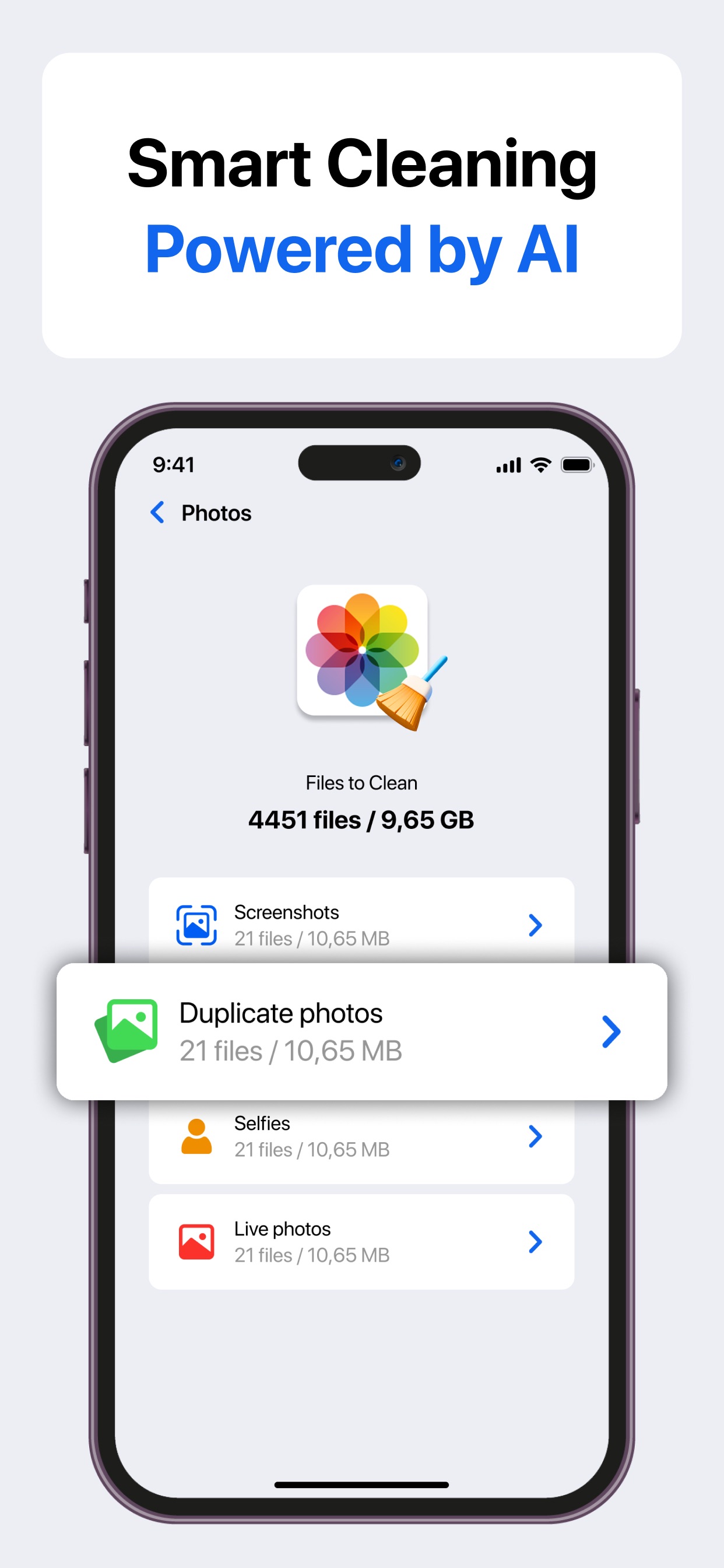
Sweep Master - Phone Cleaner helps you keep your device organized, free up valuable storage, and manage your media and personal data with ease. The app uses smart scanning to detect clutter, large files, duplicates, and unnecessary items that accumulate over time. With simple tools and intuitive controls, you can clean up your photos, videos, contacts, and calendar events in just a few moments. Sweep Master is designed for anyone who wants their device to stay tidy, efficient, and easy to navigate. Photo Cleanup Sweep Master analyzes your entire photo library and detects items that take up space without bringing much value. The app identifies duplicate photos, unnecessary screenshots, large selfie batches, and Live Photos that may not be needed anymore. You can quickly review and remove them or keep the ones you want to save. Video Cleanup Videos often consume the most storage, and Sweep Master makes it simple to manage them. The app finds similar clips, large video files that occupy gigabytes, and random screen recordings you might have forgotten about. You can decide what to keep and what to delete, freeing up storage without digging through folders manually. Media Compression Sweep Master includes compression tools for both photos and videos. This feature allows you to significantly reduce file size while keeping visual quality as high as possible. If you want to keep your memories but reduce the space they take up, compression provides the perfect balance. Calendar Event Cleanup Over time, calendars fill up with outdated events, duplicates, and entries that serve no purpose. Sweep Master scans your calendar and highlights items that can be safely removed, helping you maintain a clean and easy-to-navigate schedule. Contact Manager Managing contacts is effortless with tools that detect duplicate entries, unfinished or incomplete contacts, and outdated information. You can merge duplicates into a single clean card, remove contacts you no longer need, and ensure your contacts stays organized. Smart Scanning & Cleanup Sweep Master uses intelligent algorithms to scan your device and highlight opportunities to reclaim space. Instead of manually searching through thousands of files, you receive clear suggestions and guided cleanup options based on what typically clutters a phone. Swipe Mode for Manual Selection For users who prefer to stay in full control, Swipe Mode offers a fast and intuitive way to review media manually. Swipe left to remove or right to keep - a simple gesture-based interface that makes organizing your gallery feel natural and efficient. Sweep Master - Phone Cleaner gives you a complete toolkit for keeping your device neat and organized, with helpful guidance and easy-to-use features. Whether you’re freeing up space, organizing your gallery, or cleaning up your personal data, the app makes the process comfortable and straightforward. Subscription Information You can manage your subscription anytime and turn off auto-renewal in your iPhone’s Account Settings: 1. Open the Settings app. 2. Tap your Apple ID. 3. Go to Subscriptions. 4. Select the subscription you want to modify. Details: 1. Your iTunes Account will be charged once your purchase is confirmed. 2. The subscription renews automatically unless auto-renewal is disabled at least 24 hours before the end of the current term. 3. Your account will be charged for renewal within 24 hours prior to the end of the current period, reflecting the cost of the upcoming term. 4. Active subscriptions cannot be canceled until the current billing period has finished. 5. If a free trial is offered, any unused portion will be lost once you activate a paid subscription. Privacy Policy: https://fincorpadvisorslimited.app/privacy.html Terms & Conditions: https://fincorpadvisorslimited.app/terms.html


