The Clock by seense
Screenshots
Estimates
low confidenceASO analysis
Good use of the title field.
Solid length. Make sure the first 252 chars hook the reader.
Used by similar apps in your niche, but not in your title or description. Adding these (where genuinely relevant) can broaden your search reach.
Words you and your peers both use. Confirms positioning in this niche.
Keyword rankings
iTunes Search · top 200About
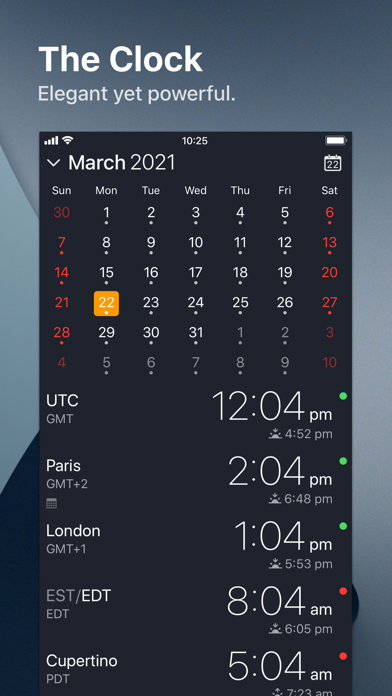
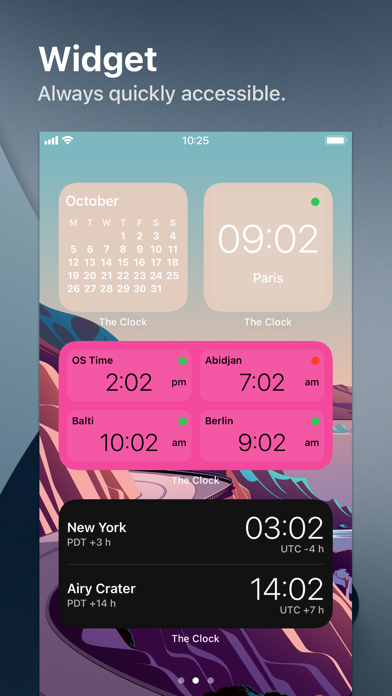
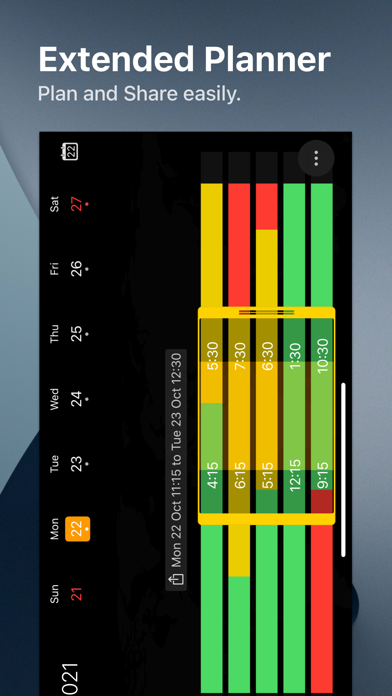
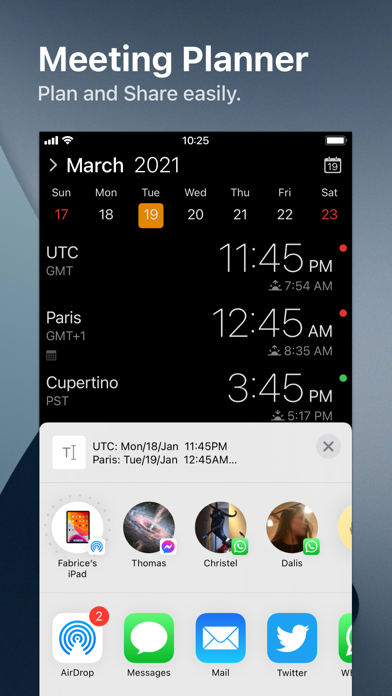
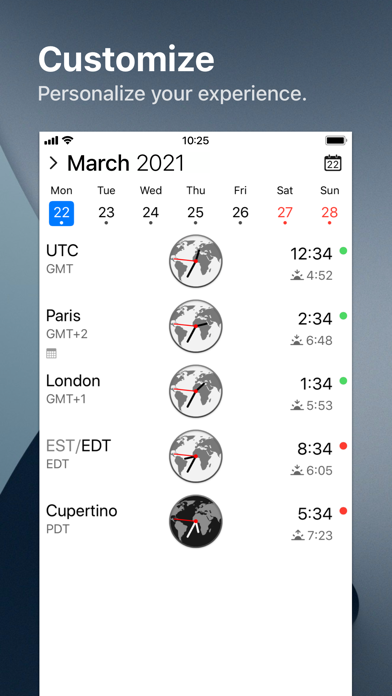
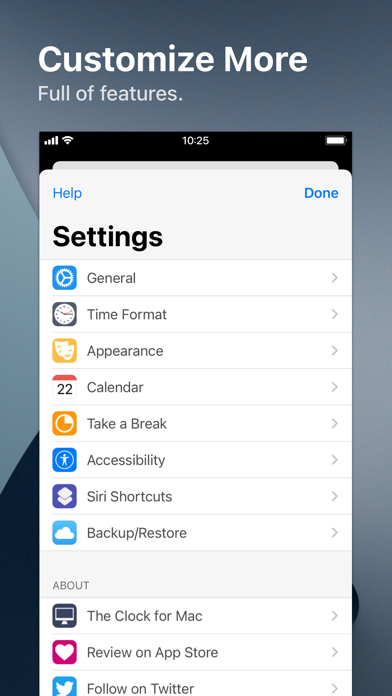
After 10 years on the Mac and tens of thousands of happy users, The Clock now on your iPhone/iPad. The Clock • Keep track, easily and efficiently of your contacts in different time zones. • Have a quick view on a Calendar, which can be integrated with the iOS Calendar • Easily setup meetings with the Meeting Planner. • Have a highlight on the Business Hours and Holidays of your subcontractors, customers, ... • Highly customizable. • Be reminded when to Take a Break and relax. • Widget ready for your convenience. • Siri Shortcuts available. • Responsive design to adapt to portrait/landscape view. • HandOff with The Clock on your Mac. The World Clocks • AM/PM or 24Hours. • Analog or Digital Clock view. • Choose among a wide range of complications • Business Hours. • Time offset. • Sunrise/Sunset. • Country. • Time Zone offset (PDT, CDT, UTC…). • Yesterday, Today, Tomorrow. • AM/PM, 24H. • Drag&Drop the world clocks to order them. • Beautiful clock face displaying day and night. • Personalize the world clock time format per cities. • Change the city name. • PDT, CDT, MDT, GMT… and more automatically adapting during daylight saving period. Meeting Planner • Meeting Planner swipe the screen to travel through time. • Business Hours led to check if your contact is in the working hours time frame. • Select a date in the calendar for an accurate Daylight Saving adjustment. • With the iOS Calendar integration into The Clock have a quick look on your schedule • With the Calendar Complication, automatically know if you are busy while planning a meeting. • Export easily your schedule information with the share menu or Drag & Drop (iPad). • Slider automatically round the time to 15/30 min. Calendar • Navigate the months with a tap, or keyboard shortcuts (iPad Pro). • Show/Hide the Calendar. • Toggle week/month view. • Show/Hide the weeks number. • Select your referenced calendar for the week number. (Regional settings, or ISO 8601). • Select a day in Meeting Planner for an accurate Daylight Saving adjustment. • Highlight days off per city. • Follow the iOS setting for Calendar first day of the week or set your own... • Choose to integrate or not with the iOS Calendar. • Have a quick view on your calendar events. • Calendar complication to immediately see what is coming next on your schedule. Accessibility • Voice Over. • Dynamic Type for font size to adapt to your need. • Color blind friendly. • Haptic feedback (for device supporting it). Other • Choose between 4 beautiful themes (White/Dark/Daisy Blue/Deep Dark). • Select clock faces. • Keyboard Shortcuts for most common actions (on iPad Pro with keyboard). • Backup/Restore your settings easily (Local, Dropbox, iCloud). • Enjoy the Take a Break feature, and relax. • And more … • And with a real user manual to go deeper in the discovery of all the features.